



CodeRepo
Members
-
Joined
-
Last visited
Everything posted by CodeRepo
-
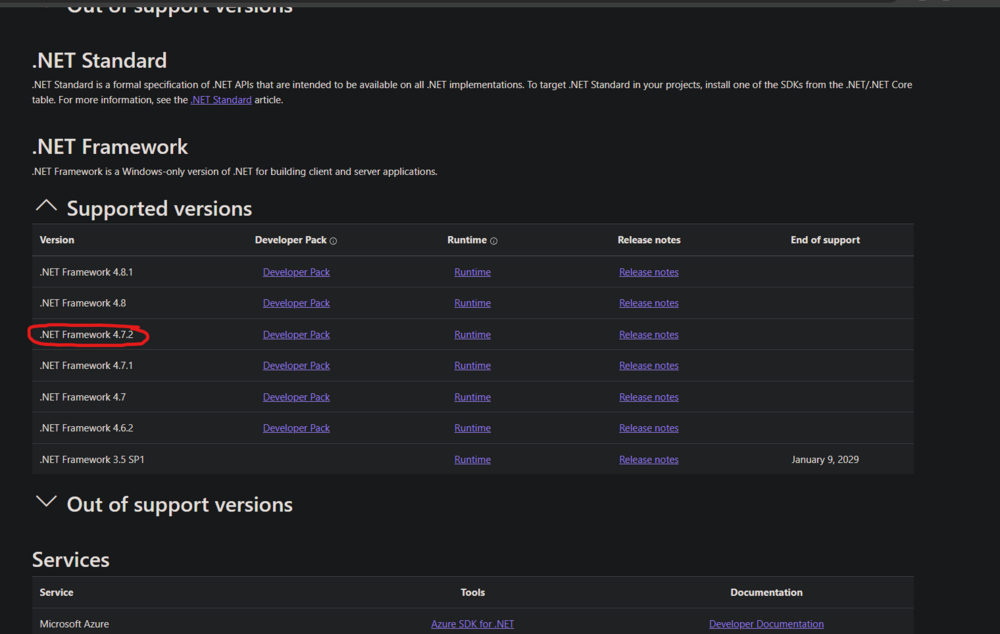
To be correct this SDK? after installing the sdk, i still dont have the version 4.7.2
-
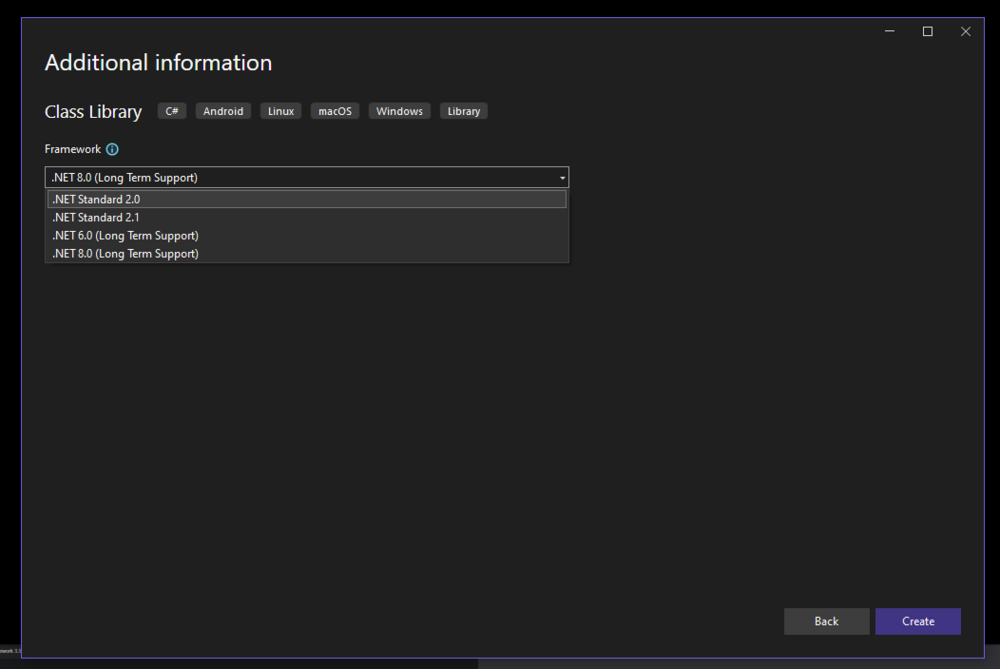
I did indeed target the solution and the build to .net 8, will change it to 4.7
-
Mark your message as the solution so people know how you fixed it
-
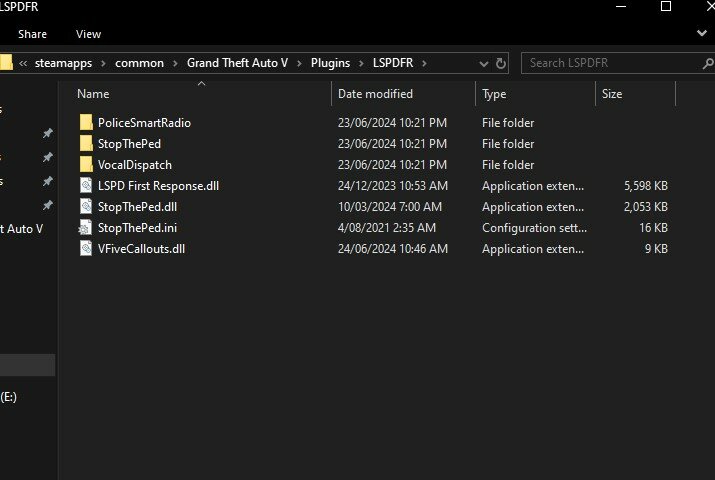
Renamed the project and rebuilt the plugin, still will not load also pushed the new plugin edits to github > https://github.com/coderepolspdfr/vfive-callouts RagePluginHook.log
-
https://www.lcpdfr.com/forums/topic/133322-systemaccessviolationexception-error/?do=findComment&comment=754666 or https://www.lcpdfr.com/forums/topic/123492-systemaccessviolationexception-issue/?do=findComment&comment=720836
-
well unfortunately im out of ideas, hopefully someone can help you better than i tried
-
looks like a memory issue, try restarting your PC to flush out any corrupted heap and try again
-
throw us over your log file again, lets see if theres any new info since you reinstalled lspdfr and you shouldve have no plugins now
-
so using public sources, i skidded from the main file to see if my plugin would work if i used someone elses code, to no avail it didnt work still.. new code on GH > https://github.com/coderepolspdfr/vfive-callouts Also attached my log file RagePluginHook.log
-
Only thing I can think of is you installed your custom vehicles, gun or whatever it was into the actual gta update / x64 folders instead of the mods folder
-
no problem, make sure to mark my message as the solution for others to see when they need help
-
Possibly a mods folder issue, try renaming mods folder to _mods or verifying game files
-
Try renaming your mods folder to _mods for me
-
Can you try taking out the Immersive Effects plugin and trying again? Thats the only plugin I see being loaded other than LSPDFR هل يمكنك محاولة إزالة المكون الإضافي التأثيرات الغامرة والمحاولة مرة أخرى؟ هذا هو المكون الإضافي الوحيد الذي أرى أنه يتم تحميله بخلاف LSPDFR
-
Try reinstalling ScriptHookVDotNet because according to logs you're missing ScriptHookVDotNet.ini in your base GTA Directory
-
The following plugins are causing errors: AutoPatrol HeliAssistance You should remove those plugins above because theyre causing conflicts with the game تتسبب الإضافات التالية في حدوث أخطاء: AutoPatrol HeliAssistance يجب إزالة هذه المكونات الإضافية أعلاه لأنها تسبب تعارضات مع اللعبة
-
Unfortunately we cannto read from your screenshot, its too small, please attach your ragepluginhook.log file from your base gta 5 directory للأسف، لا يمكننا القراءة من لقطة الشاشة الخاصة بك، فهي صغيرة جدًا، يُرجى إرفاق ملف ragepluginhook.log من دليل gta 5 الأساسي الخاص بك
-
Looks like youre missing PyroCommon.dll Unzip the file and put the DLL in the base folder of your GTA 5 Furthermore it looks like your BetterEMS and SuperCallouts have errors, I believe you've installed them incorrectly or are missing files for them PyroCommon.zip
-
If it started crashing after you added custom models then you need to rename your mods folder to _mods and see if that fixes the crashes
-
Your ragenativeui might be outdated https://github.com/alexguirre/RAGENativeUI/releases
-
Ive read up on some public sources and get back to youafter adding it up at the top where you said, rebuilding and replacing the plugin still isnt found in callout managerCan you spawn in a "firetruk" and a "ambulance" to see if they are the normal gta ones. If when you spawn the ones I said above, they spawn as fbi2's vehicle, could be an issue with your agency.xml or vehicle model files




