Sheriff943
Members
-
Joined
-
Last visited
Everything posted by Sheriff943
-
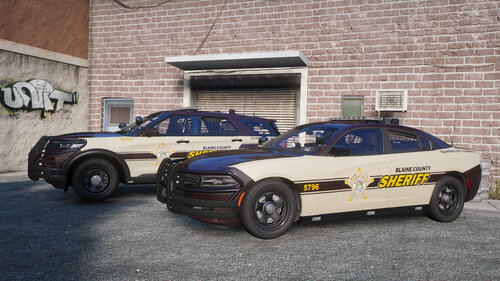 Your amazing! Thank you so much!
 -
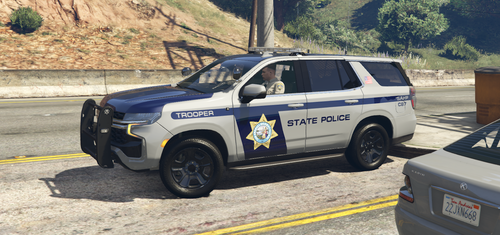 These can be put on replace vehicles? I thought they were only for add on vehicles since when I open them it shows the weird page with all the wierd numbers and apostrophes and stuff? If you can put these on replace please tell me how!
 -
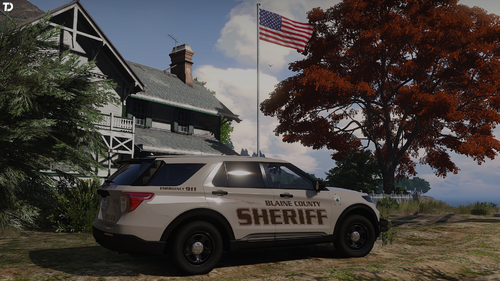 Love these man! Amazing work! Any way we could get a 2021 Tahoe? Thanks again!
 -
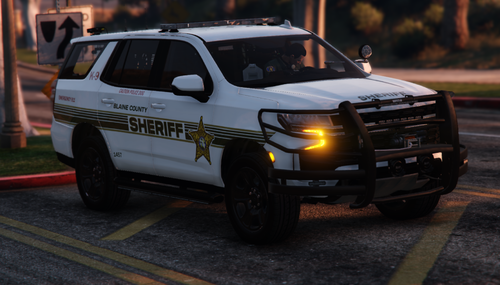 Great work! Absolutely love this pack! Does the 20 FPIU work on any other vehicle pack? I can’t find one. Love the pack linked but used it so many times. Thanks again!
- 4 comments
- 1 review
-
Sweet! Can’t wait
-
Love this man! Great job! Anyway we can get a 2021 Tahoe?
-
 Love this car so much! Any way we can get a 2021 Tahoe? Thanks again!
 -
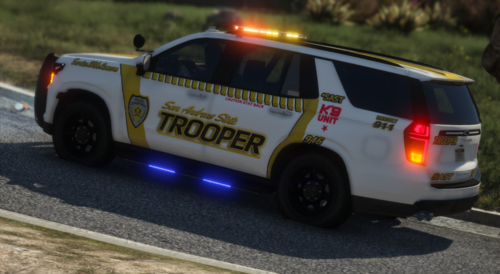 Can’t find a Tahoe to work, please send one! Love this pack!
 -
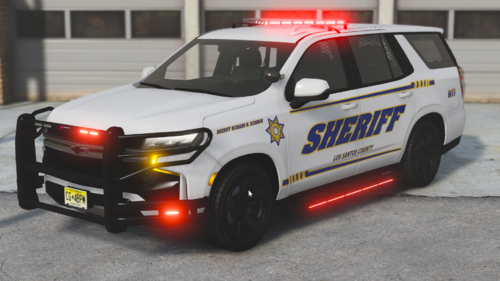 Amazing Tahoe bro! I lost count a while ago how many times I have used it! Can we get an all blue?
 -
Can you make these skins for Replace vehicles? I would love that! 😁
-
I love putting vehicle skins on my replace vehicles! What I don't know is, can I put a texture on a vehicle pack that already had a reflective texture? For example, the HPD replace els pack is amazing! great lights, etc. But can I put a vehicle skin on that car model if it has a reflective livery in the first place? I am talking about when I'm in open IV and I go down to replace the texture at "livery.sign41" or whatever and there is another one that says, "reflective livery". Please help! This would really loosen up some ends with my lspdfr experience.
-
Oh my god! He did it again! Literally switched out all of my explorers I had in for this one today! Love the multi color spotlight! As always amazing job! Will we be expecting more vehicles to come in this pack?
-
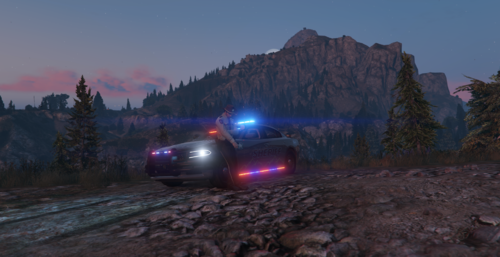 These pictures don’t do its justice! I lost count a long time ago how many packs and cars I’ve downloaded and this is hands down making it in the top three best chargers I’ve ever seen! Amazing work can’t wait to see more!
 -
I restarted my mods folder! Thank yall so much ! Game is working great!
-
-
Thank for that! How do I remove my car that messed up the game after naming my mods folder _mods?
-
-
Thanks you so much for that info! Like I said in my previous messages I believe the issue is the car replace I put in as police 3. How can I remove that? And is their a way to see what mods I had inn the game in case I do end up needing to re create it. Please help! I really want to play as soon as possible
-
-
So I changed it to _mods and the game worked just fine. But, like I expected, I couldn’t spawn in any of the vehicles I put in, els didn’t work, and so on. Sooo what now?
-
Or do I just name it _mods, go and delete the car, and then change it back to mods.
-
Will naming it to _mods mess up any of my stuff?
-
-
-
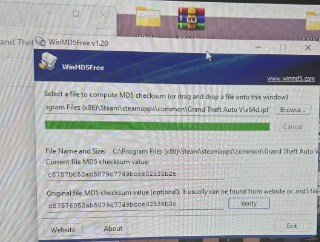
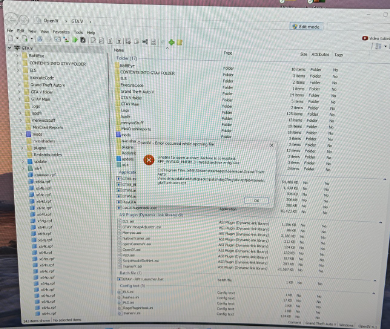
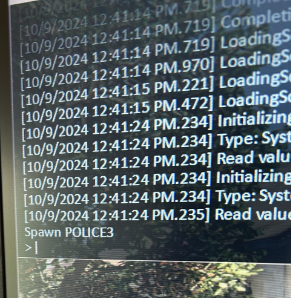
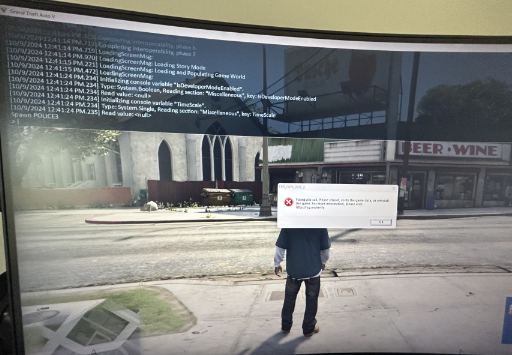
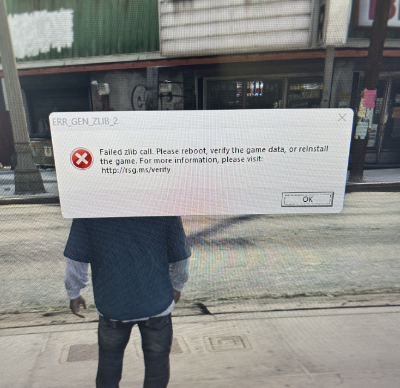
I have been playing LSPDFR for almost a year now and have run into the most annoying problem yet! Known as the "Failed Zlibb call". I had not been having any trouble and then one afternoon when I got on to play, it loaded in game, and I loaded LSPDFR in the F4 menu, and everything loaded fine and then I hit force duty in the F4 menu and it loaded a few things and then popped up with the "Failed Zlibb call". I expected it to be some sort of fix that I would put in like every other crash that happens, but no. This is a whole different animal. I then did some research and found a YouTube video on this happening and followed the instructions of the video to download a file verification checker, and I was told to check all my x.64 files in my main game directory. So, I started going through them, started at x64a and they were all fine and then i got to x64d and it said it did not match the original file. So as the video told me i deleted that file and then did a file integrity check through steam to make the game reinstall the x64d file and it did but it turned out to download the same file and didn't match the original one again. I then went into open IV and it opened up fine and then i went to go to my vehicles.rpf file and it poped up a message saying, "unable to open archive: archive is corrupted etc." so then it came to me maybe it was one of my vehicles! so i loaded back into game without loading any plugins or lspdfr just like i was playing story mode, and i spawned in my police vehicles using the F4 menu and everyone one of them loaded in fine, and then i got to police3, and yep you guessed it as soon as i hit enter on the command "spawn:police3" it popped up a failed zlibb call. And then I remembered right after i played before this all happened i put in a new car in for police3. So my question now for anyone who can assist with my problem is how do I delete that vehicle, because as I told you it wont let me go into open IV to delete it. Please help as i am eager to play be the best game in the world. ALL UNITS RESPOND. Below i have added pictures and links to what i described in my paragraph above. YouTube Video I used (I used step 3 in the video by the way)- https://youtu.be/P8z7QIWDn_0?si=9LNyvfAd7UZZumTt