Sheriff943
Members
-
Joined
-
Last visited
Everything posted by Sheriff943
-
-
-
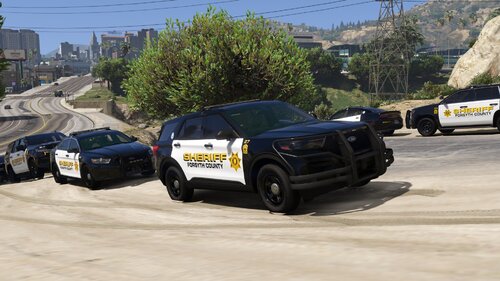 Thank you so much!
 -
Beautiful pack! Any chance we could get a link to the vehicle models used? Thanks so much!
-
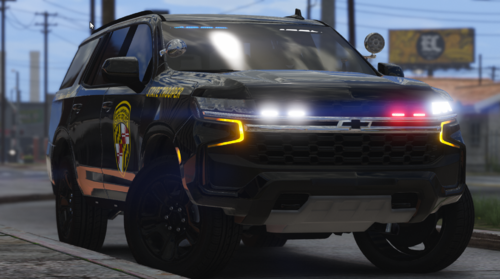 BEAUTIFUL TAHOE! Absolutely love this thing! If there is any chance we could get a version with a wrap around push bar that would be absolutely incredible. Thank you so much for your time and effort that went into this Tahoe!
 -
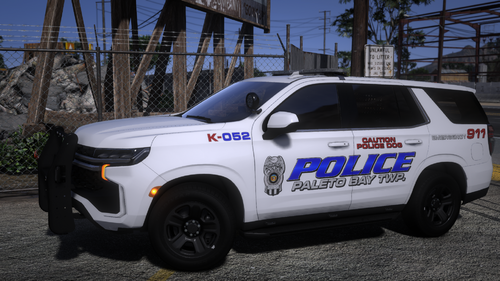 Love these Tahoes! If there is any chance we could get a replace version that would be greatly appreciated!
- 31 comments
- 9 reviews
-
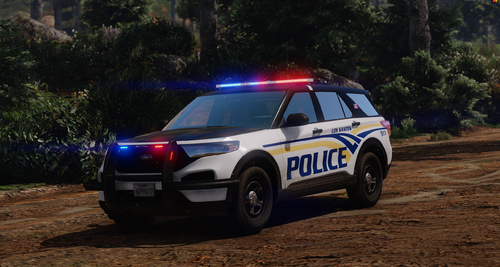 Love these! Can we get the links to the vehicle models?
 -
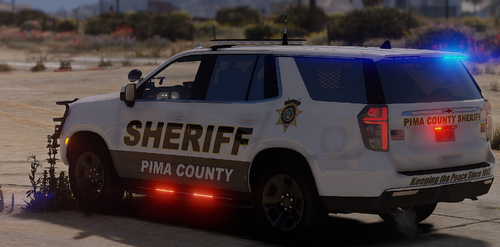 ??
?? -
Love these liveries! Any chance we can get a link to the vehicle models?
-
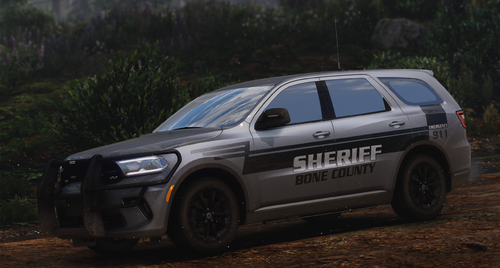 It invites me to his page and the when I hit accept it says there is an error. If you get bored 😜, this K-9 unit from Navajo county is pretty cool.
 -
Love these! My new favorite BCSO skins! Can we get links to the vehicles used in the pictures?
-
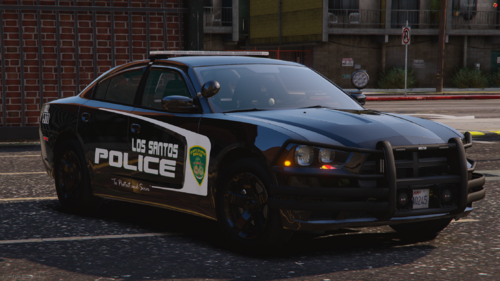 Ok thank you so much!
 -
Awesome skins! My new favorite LSPD skins. Anyway we could get a link to those vehicles used in the pics?
-
So i did figure it out. I went to where all my dlc vehicle packs were installed in openIV and there was a pack in there called NVE vehicles and i deleted that, and then i went into my dlclist.xml file and deleted all the things that said NVE on it. Ran the game and all replace vehicles spawn just fine now. Hope this helps anyone out there with the same problem.
-
Its ok. I've been meaning to completely start over and get a new clean version of GTA so I don't have any glitches whatsoever, so I think I'm going to do that today. Thank you so much for your help!
-
What do you mean whole window?
-
-
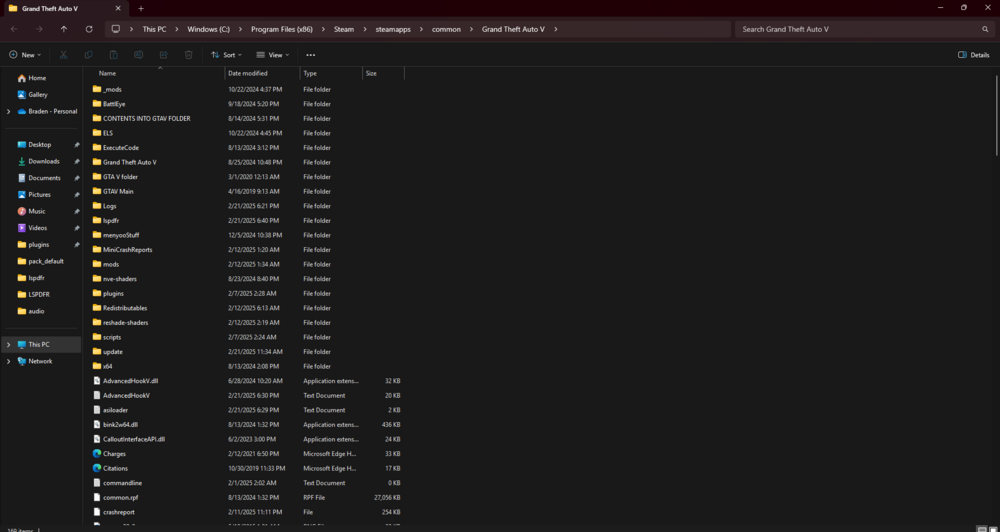
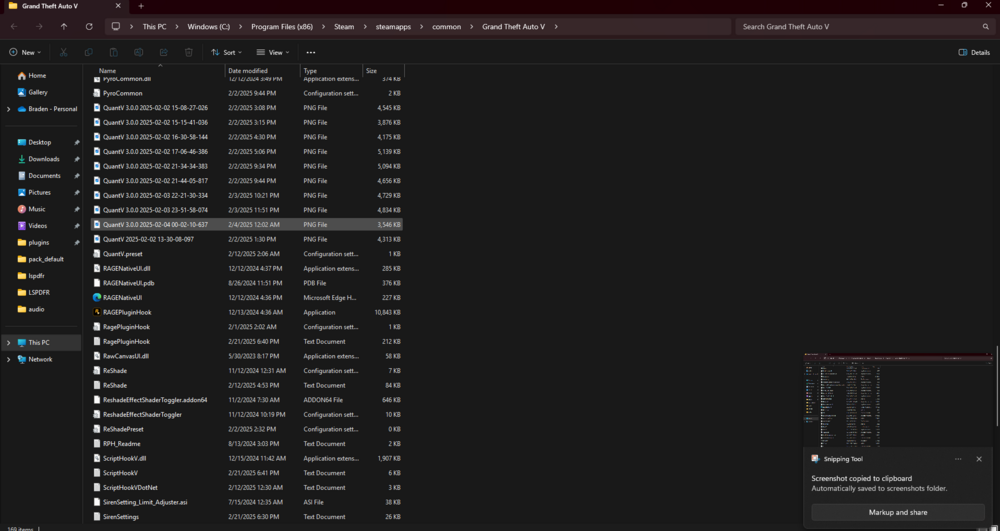
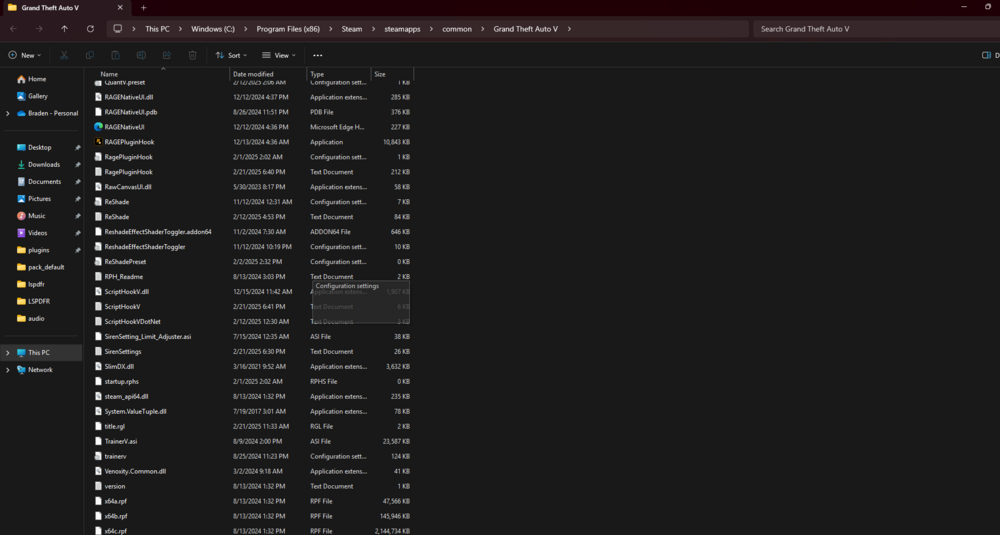
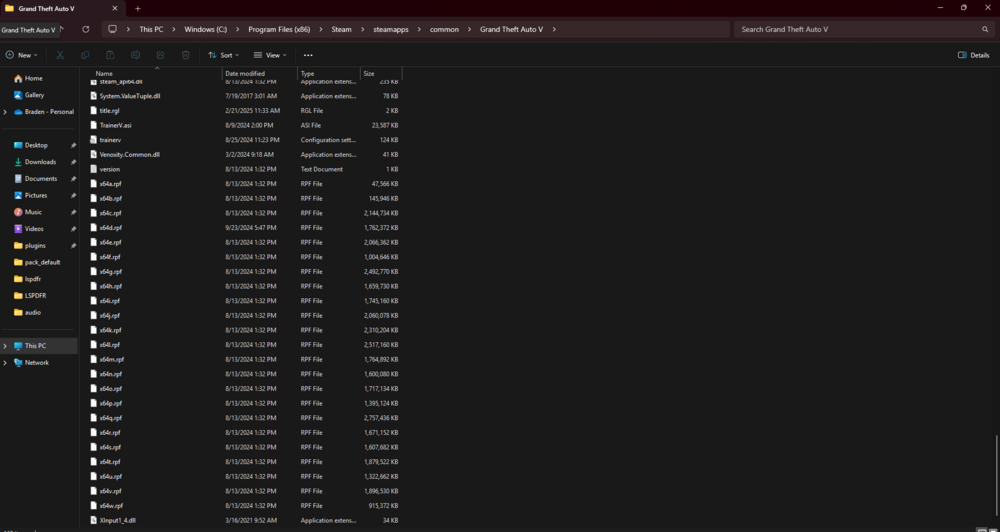
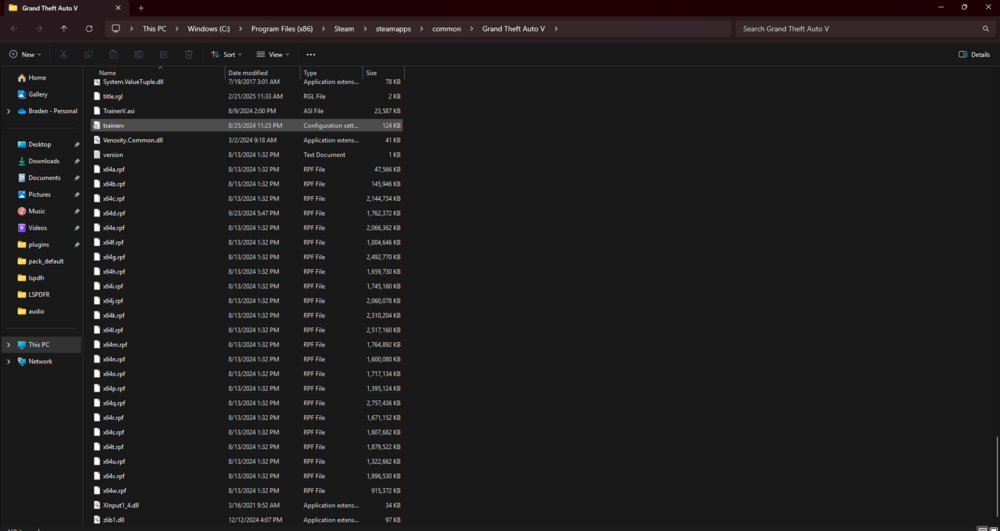
So I removed that “_mods” folder from my directory along with that one “NVE” file that’s in there and I also deleted those random “QuantV” files that were in there. Fired up the game and nothing changed. Again just to clarify, I have replace vehicles that I put into open IV in the slots police, police2, police3, & police4, and none of them at spawning. The original gta cop cars spawn. So what now?
-
The one that has the underscore is my old mods folder cause I put a corrupt car in there and named it that to make a new mods folder. I’ll delete that one and see if it works.
-
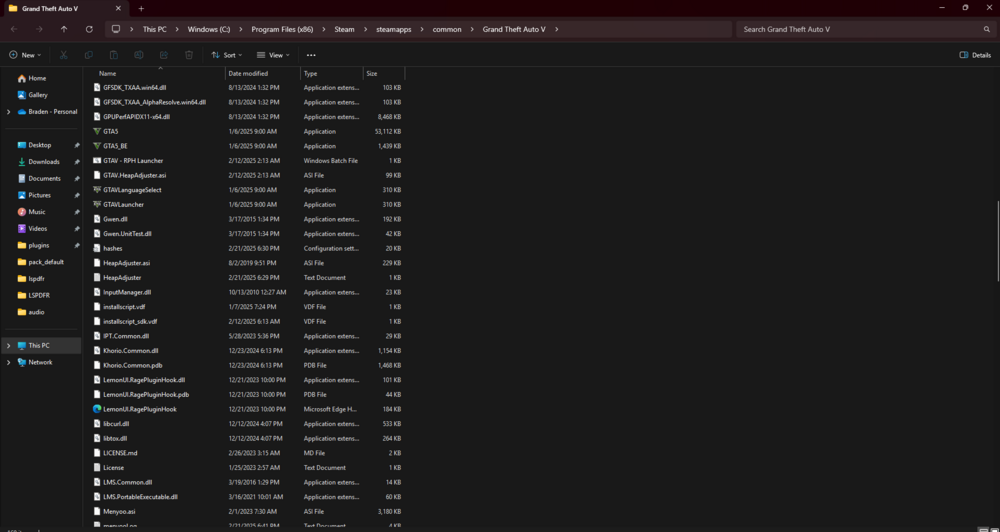
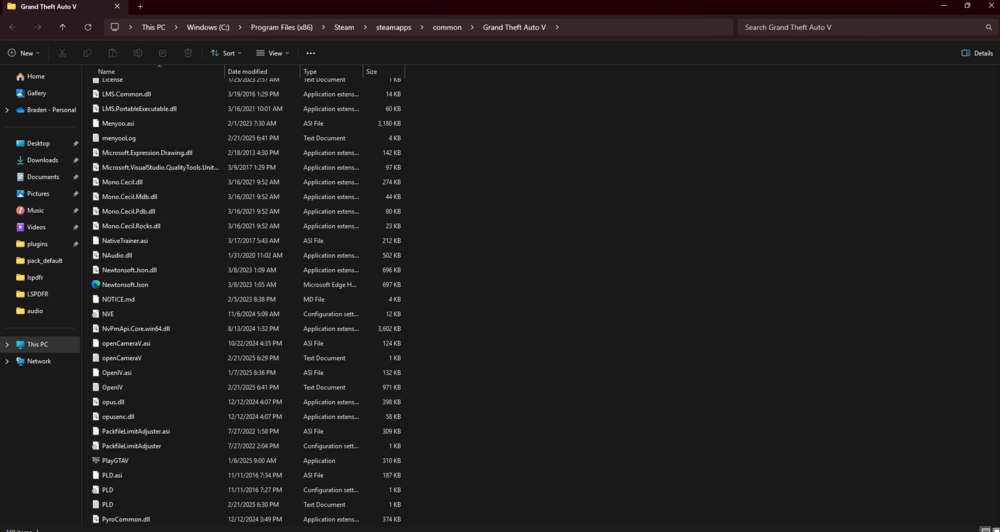
Here are the main directory screenshots
-
What topic does this need to go in?
-
I recently installed and uninstalled NVE to my game multiple times because the first time it was an old version, the second time it kept glitching, and the third kept crashing my game. So eventually I just took NVE out of my game but I believe in the process of installing and reinstalling it several times it messed with something in open IV and now none of my replace vehicles will spawn. Whenever I call for backup or see a unit driving around it’s the original default gta cop cars. Now I did realize it only did this for police, police2, police3, and sheriff, as sheriff2 spawned just fine as the replace I put in. I have no idea what this is so if anyone has any suggestions or help please feel free to share. Thank you so much!
-
 Yes TA’s would be awesome!
 -
Can we get a demo video? Or a link to more pictures. Just trying to see the back of the units. Absolutely amazing pack and can’t wait to download!
-
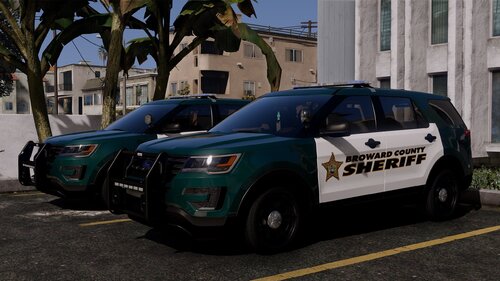 Oh ok thank you!