


Okeanis
Members
-
Joined
-
Last visited
Everything posted by Okeanis
-
Thank you for all your help. I made a very funny mistake and selected my backup game folder for OpenIV. Nothing I did actually affected the game. I was able to solve the problem by introducing the main game folder. Thank you again for everything. See you soon.
-
I don't know what RNUI is.
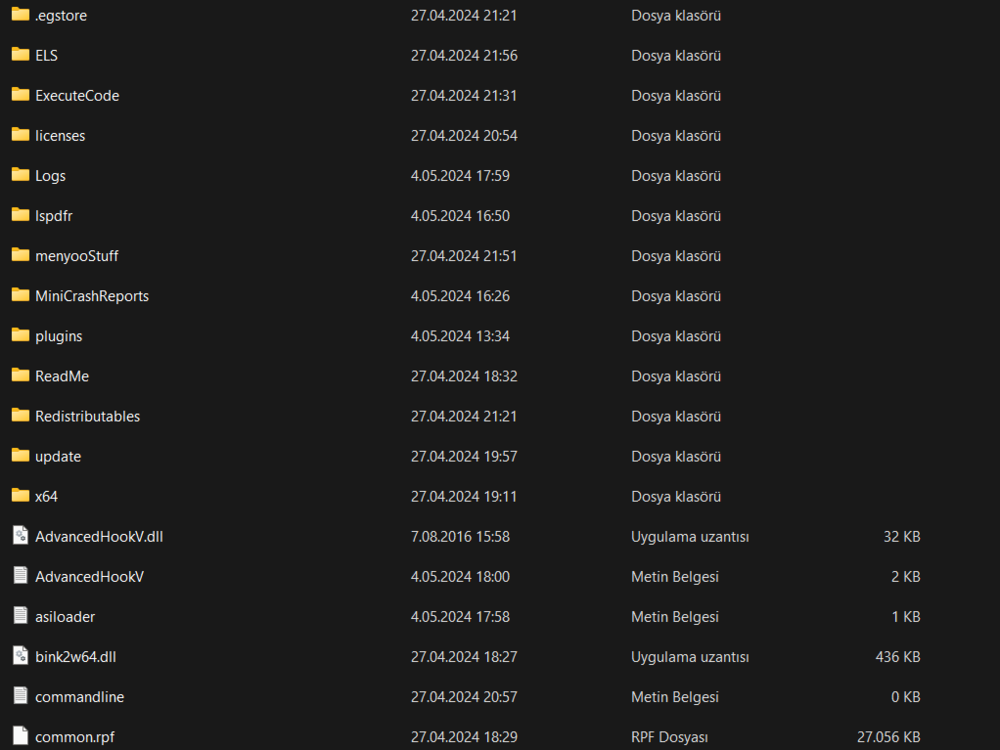
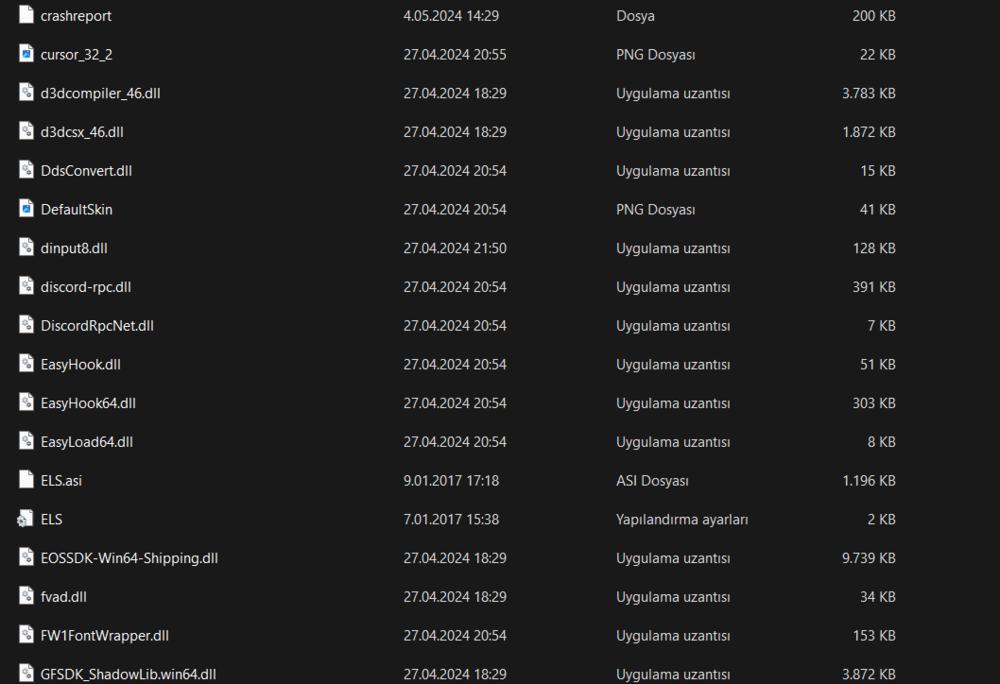
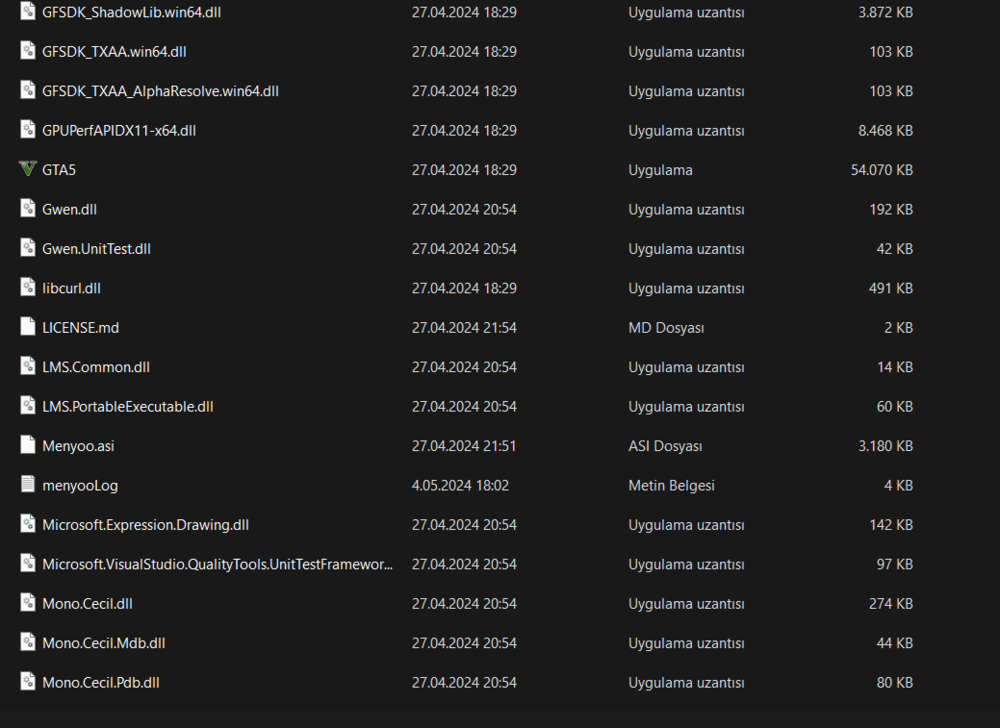
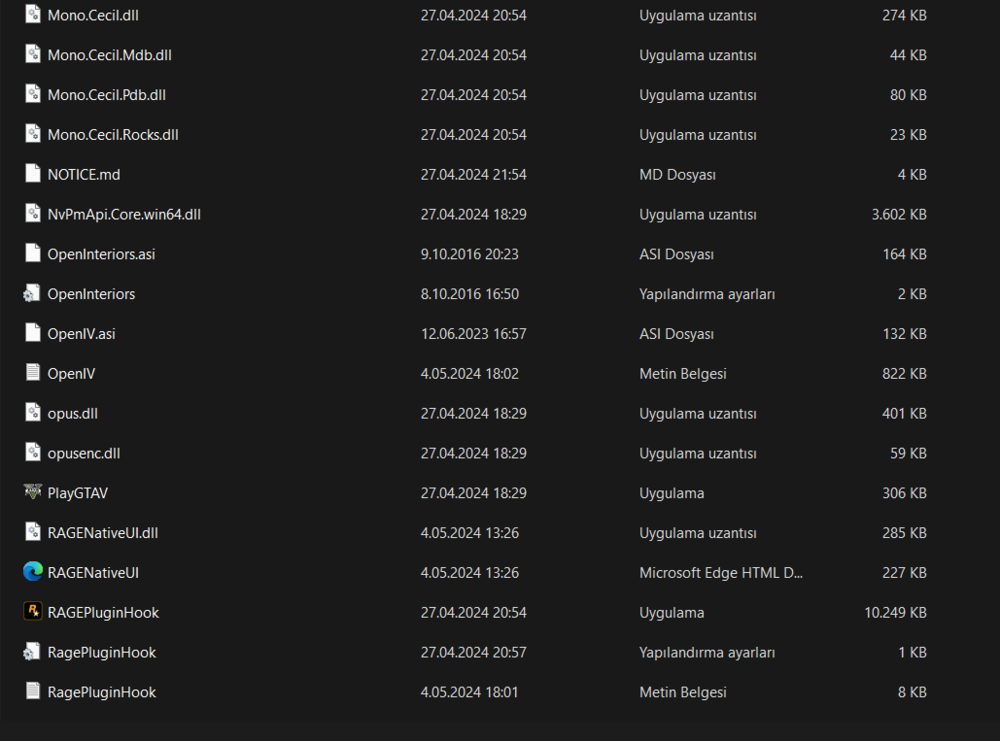
-
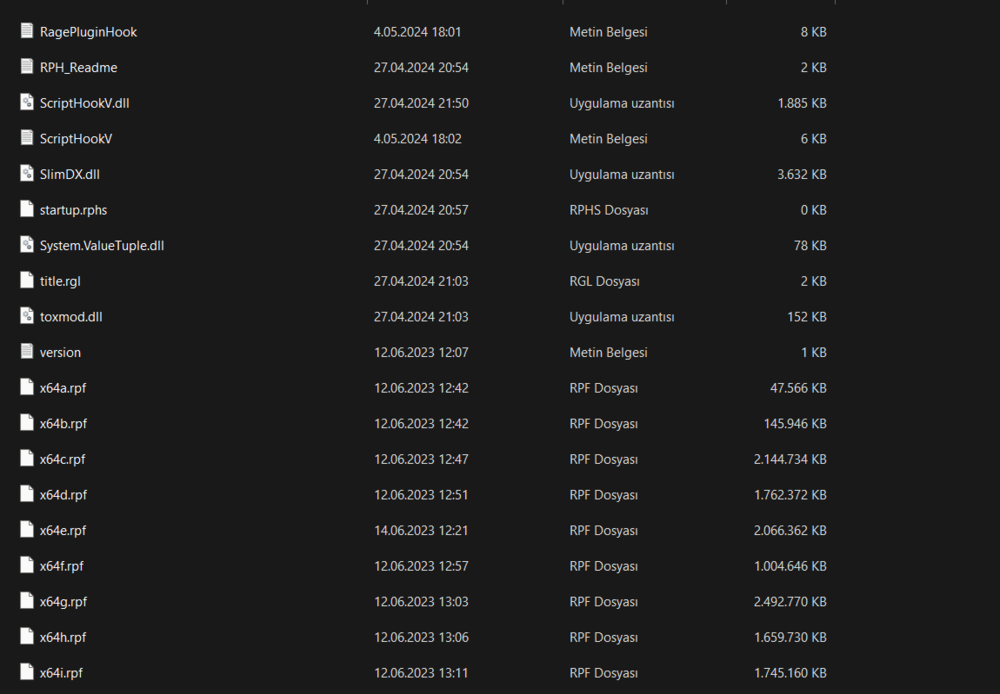
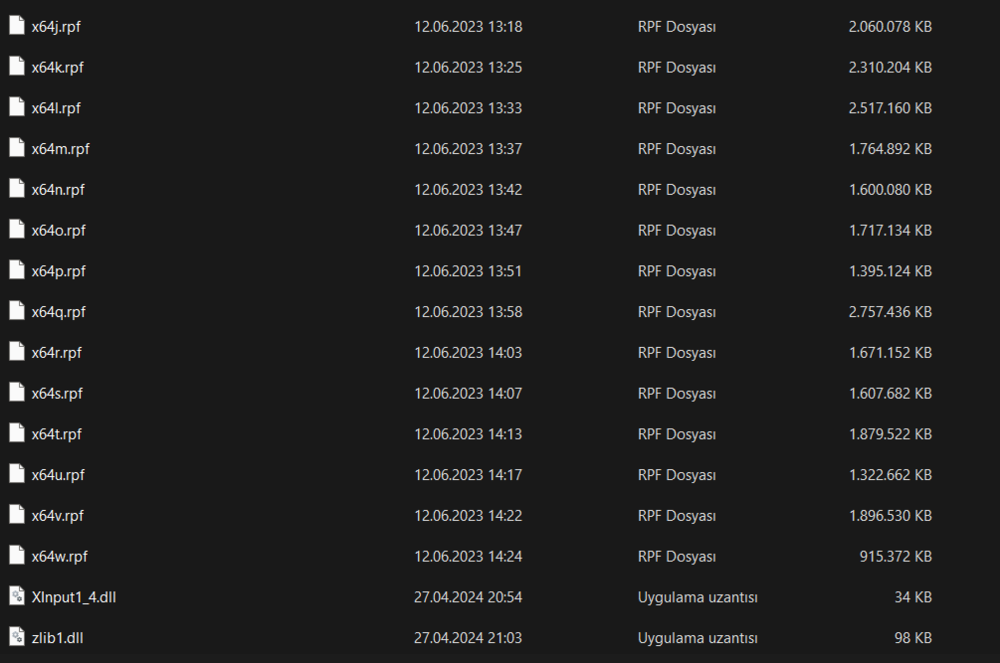
Sorry for my previous message, I forgot to copy the other text because I used translation. I did what you said but the situation is still the same. I think the file you are talking about is the file I attached below. RagePluginHook.log
-
Sorry, I wrote it wrong, I installed the Law & Order and Serve & Rescue packages while installing the EUP menu. And I have reinstalled them many times with the EUP menu, so in the first message I wrote, what I meant by the EUP menu is not just the EUP menu.
-
Hello, I installed LSPDFR yesterday and then I installed the EUP menu. LSPDFR works, but even though I reinstalled the EUP menu over and over again Eup still says "You don't have Law & Order installed". How can I solve this problem? It seriously spoils my enjoyment of the game.


