
Darnath
Members
-
Joined
-
Last visited
Everything posted by Darnath
-
-
-
-
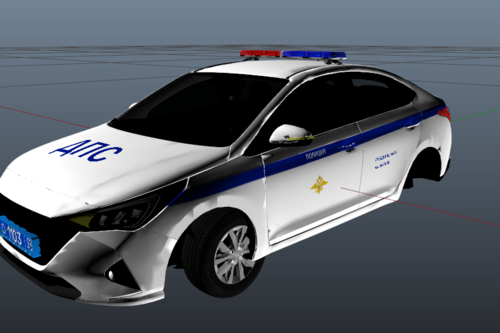 I really like russian cops, they are very nice and polite and yet at the same time intimidating, I only have good memories of Kaliningrad and Moscow.
 -
-
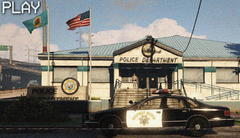
From the album: 90's Playset
-
-
-
-
-
-
-
-
-
-
Thank you for the reply, finaly I decided to remove scripthookdotnet, I didn't wanted to do so at first, but sadly it is likely the issue, my game is more stable now, at least since then I didn't find any issues that crash the game. I hope scripthookdotnet will be fix one day. And I didn't knew about red callouts causing issues, I will take a look at it. Thanks !
-
-
-
-
-
-
-
-
-
Most of the times, I fix myself the issue, but there, I have no idea how to fix it since it indicates the engine, maybe it doesn't come from my playset (first time happening to me): Seconds before the crash, a cop spawned in the middle of the street without any car,... And at this moment I knew it would ruin my fun xd. Log attached. (If that helps, I use mainly the main lspdfr backup but have installed the ultimate backup too, and it was during a rain patrol.) RagePluginHook.log