
Immbrodie
Members
-
Joined
-
Last visited
Everything posted by Immbrodie
-
-
-
-
-
-
-
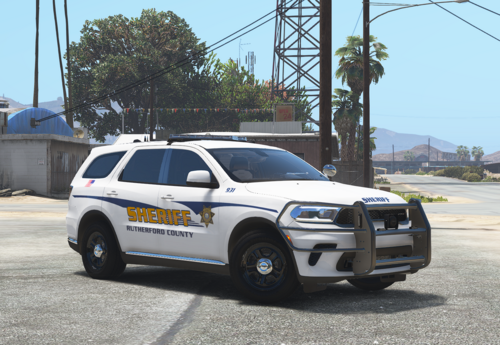 I love this! Keep it up
 -
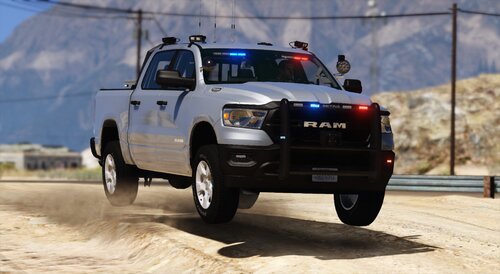 Had a blast playing with it, awesome work! Great details aswell
 -
Like the title says, I'm freezing upon loading lspdfr; I've tried loading off the start which weirdly crashes my game, renamed mods to _mods, verified integrity, really stuck on how to move forward
-
RagePluginHook.log
-
If anyone has any ideas it would be vastly appreciated
-
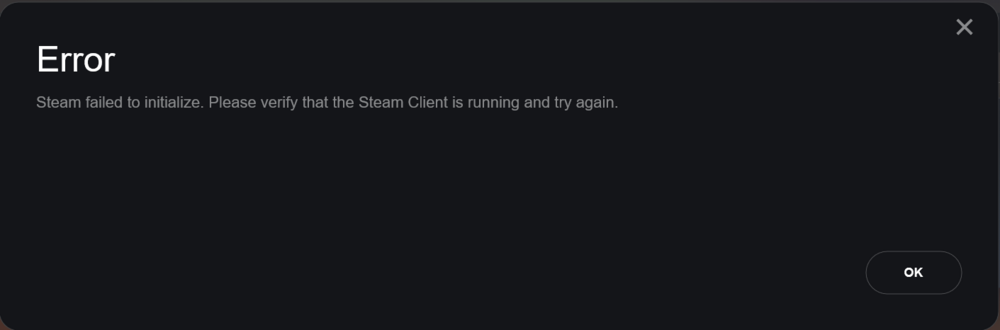
Hey, if anyone could assist me my RPH is reading "Steam failed to initialize"; furthermore, I had tried launching standard GTA, then loading RPH before clicking story, and it does load, but when I type 'reloadallplugins' it seems to indefinitely freeze.
-
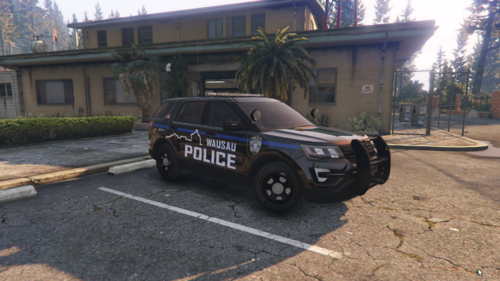 Haha I'm not too far from Wausau, so this is awesome; definitely going to give it a go
 -
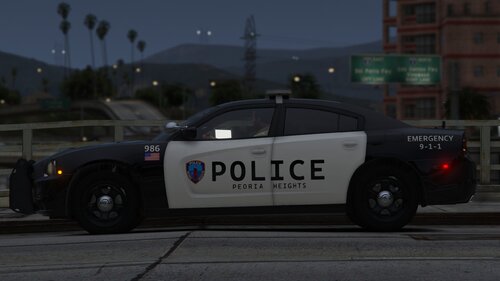 Ah sorry, I didn't phrase too well. Referring to this 🙂 Edit: figured it out
 -
Really love this pack. Figured I'd ask, just wondering by chance, is there any way I can cancel the rear lights flashing on stage three? Pet peeve of mine I suppose
-
seems I misworded in the title somehow, the rageplugin hook is working perfectly fine, just the callout interface that is not
-
Hello so basically, as said my callout interface is not appearing upon click of the button (numbpad six); when a callout comes up I do see the screen as normal but I cannot keep it up nor click anything on it. I have tried reinstalling a multitude of times but to no effect. If anyone has any ideas please lmk RagePluginHook.log
-
-
-
-