pokryvala
Members
-
Joined
-
Last visited
Everything posted by pokryvala
-
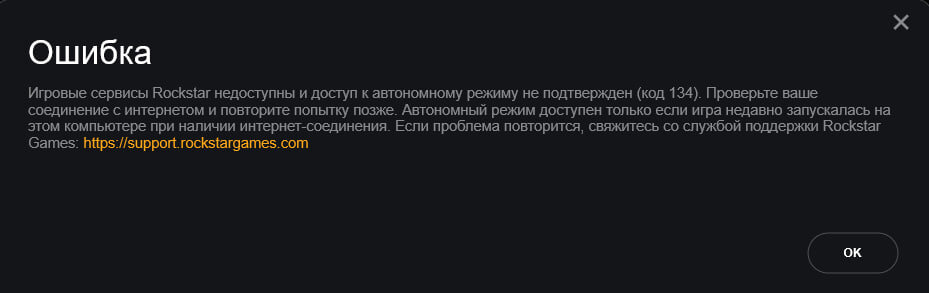
Hello, I have a problem with the Rockstar game launcher, so when I start RPH It starts further, starts Rocstar game laucher after which it gives error 134 (on the screen sorry for the Russian)
-
Hello, I have a problem! Problem: When I start RPH, it's stuck on the “Loading Game”. I tried to off my antivirus I tried to start first normal GTA and after RPH Pls help me PLS HELP ME
-
What's next to do @GTAbear
-
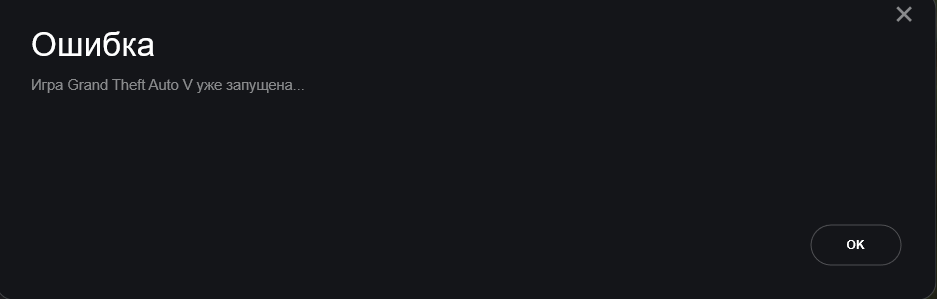
Translation:Error Game GTA 5 is already launched @GTAbear
-
-
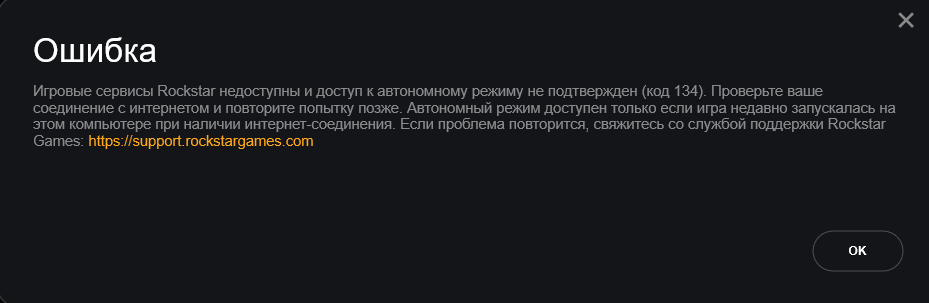
@GTAbear ? Translation: Error Rockstar game services are unavailable and offline access has not been confirmed (code 134). Check your Internet connection and try again later. Offline mode is only available if the game was recently launched on this computer with an Internet connection. This computer when an Internet connection is available. If the problem recurs, contact Rockstar Support Games: https://support.rockstargames.com/ OK This error appears when running first gta 5 in epic games then immediately run RPH
-
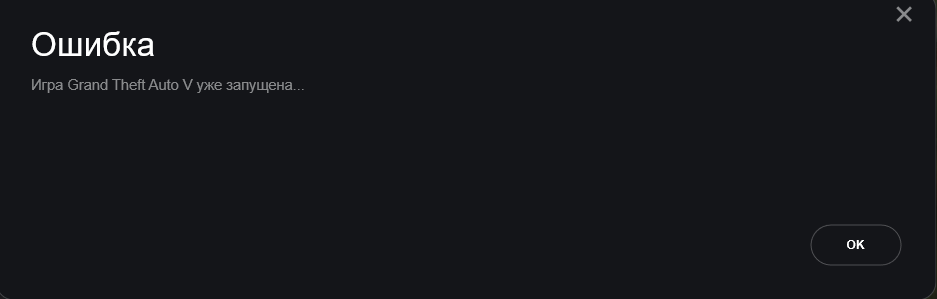
Translation:Error Game GTA 5 is already launched @GTAbear
-
Unfortunately, it didn't work @UnknownBastion. My provider is Epic games. @GTAbear
-
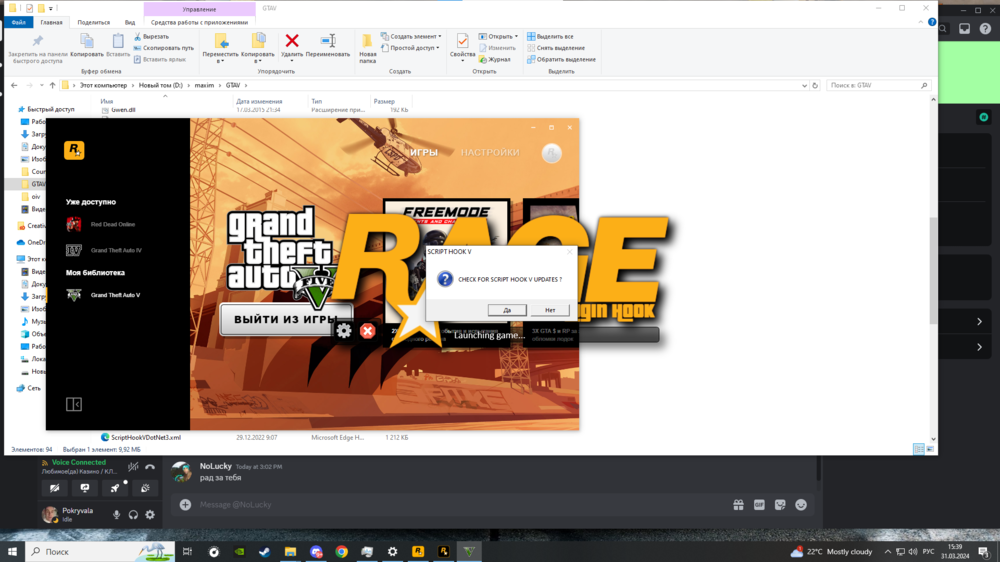
Unfortunately, I clicked that yes, and it didn't work, I even removed viruses from my pc, but it still doesn't work, I don't know if it's because of the script hook, just when RPH stopped working there was an inscription like on the screenshot.
-
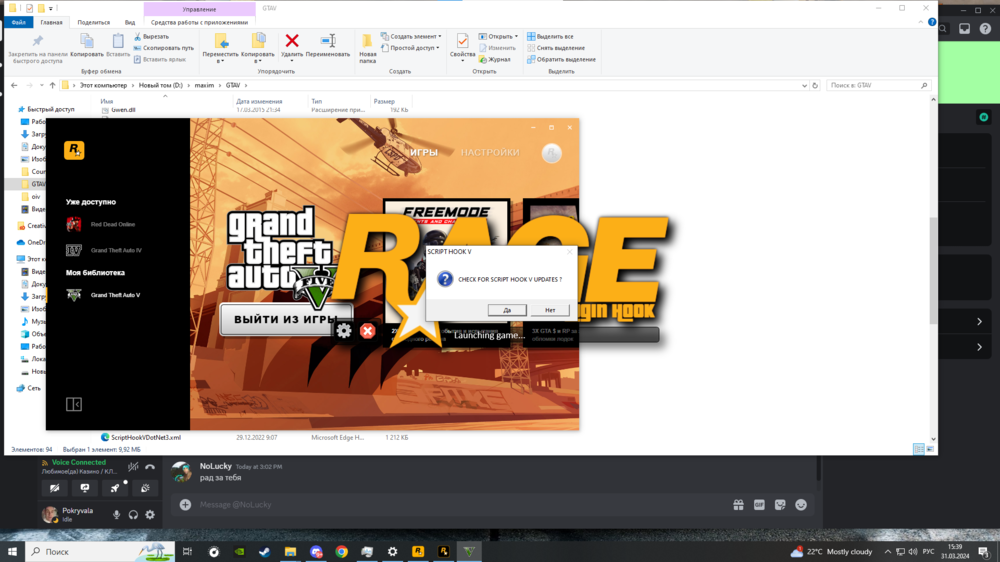
This is the new problem, but the script hook is new.
-
What next? @UnknownBastion
-
-
Which main directory? If this is the Main Directory, it is shown in the screenshot below. Screenshot on page 2
-
@UnknownBastion What next to do?
-
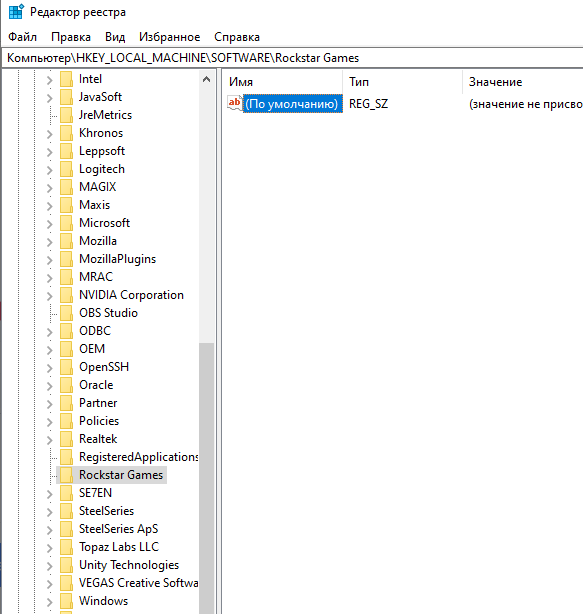
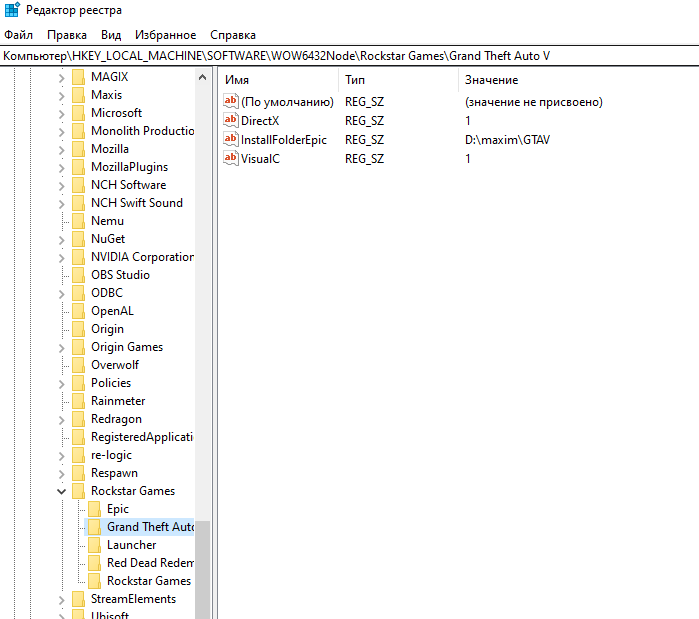
I apologize for the Russian language) I don't have this gta 5 folder in way for Epic Games Version, but I find InstallFolderEpic in way for Steam and Rockstar Games version. The screenshot shows where it is. I've got Epic Games Version of Grand Theft Auto V
-
That didn't work either, unfortunately.
-
I tried it, it didn't work. I don't know what to do anymore( Can this error occur because I run gta 5 through rockstar game launcher, just if I run the game through exe, the game outputs

-
Unfortunately, it didn't work
-
My actions: I launch rockstar game launcher then epic games launcher, open the game folder, click “Play through epic game” in rockstar game launcher then quickly launch RPH. After I launched RPH launches and launches GTA 5, but RPH stops at the Launching game stage, and the game launches without choosing to play through RPH. I hope I have explained everything clearly. Here's a screenshot of the problem. On the screenshot, you can see that RPH does not go further than the Launching game stage.

-
https://imgur.com/a/Gw0o0cp I apologize that the video is in Russian. I hope you'll understand. The video shows my problem. Well, if I start RPH just without starting GTA first, then RPH will not be able to start it.
-
Tried it, unfortunately it didn't work. Can this error be because I am running GTA 5 through Rockstar game launcher?
-
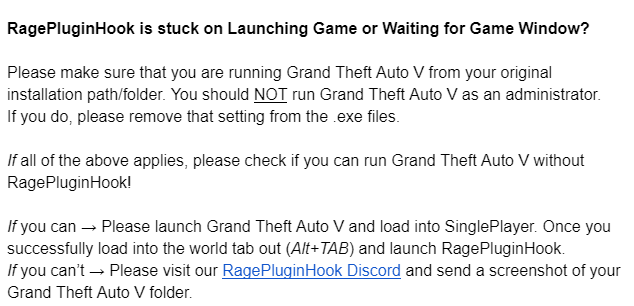
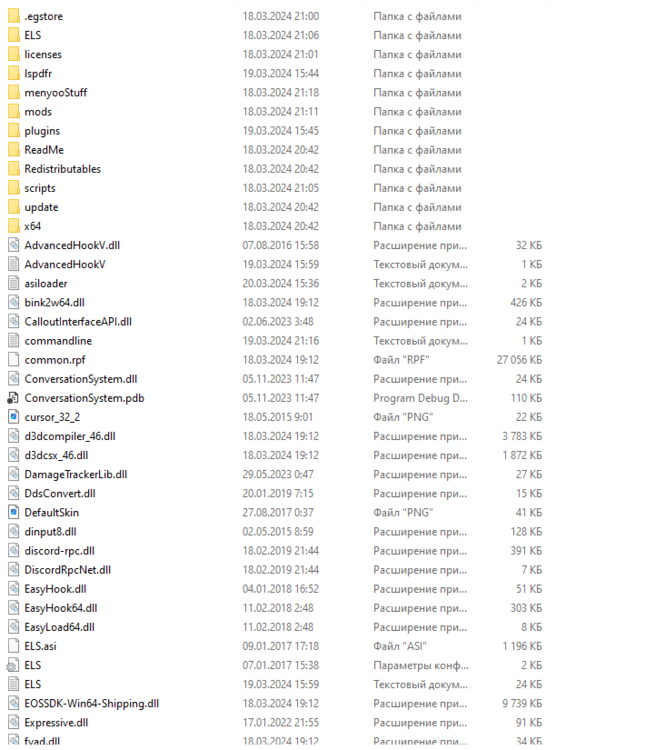
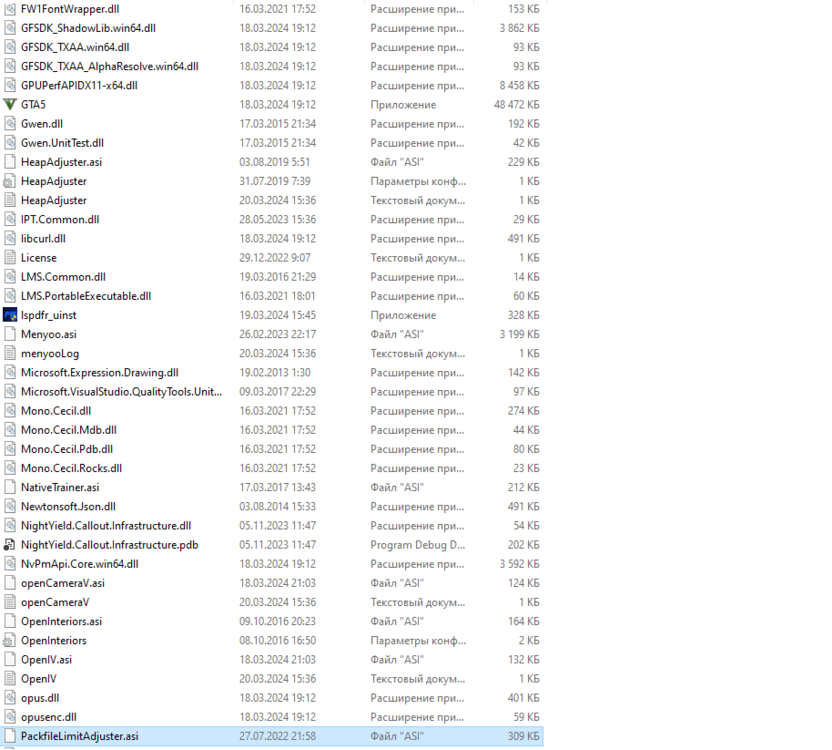
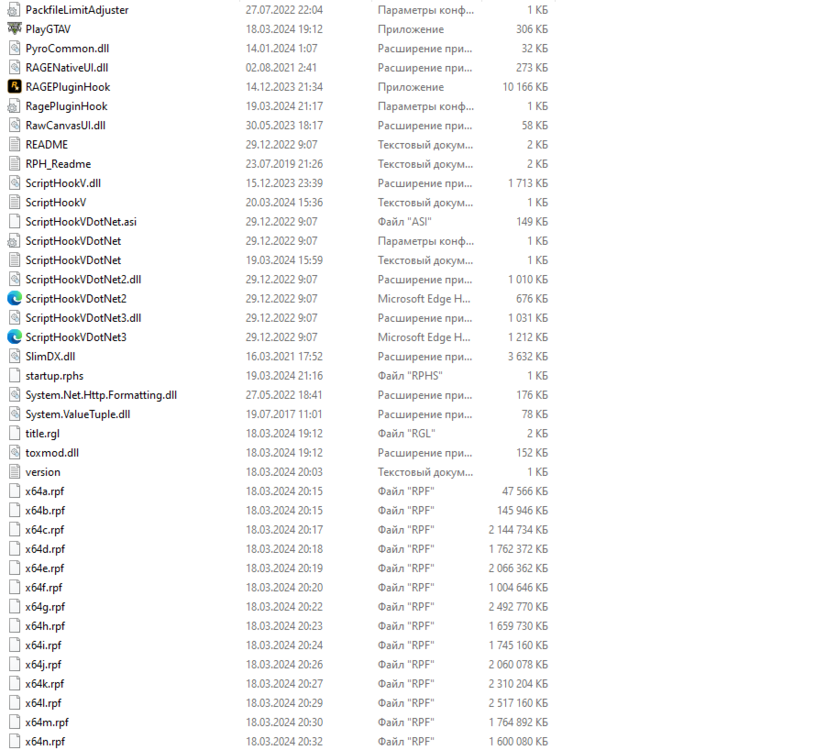
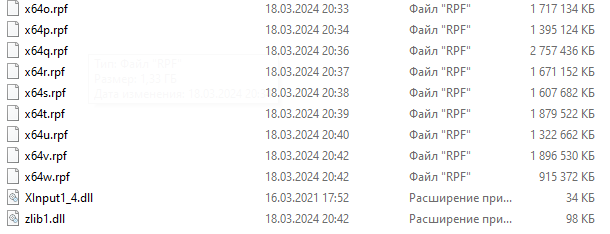
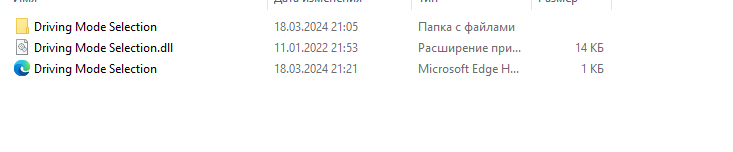
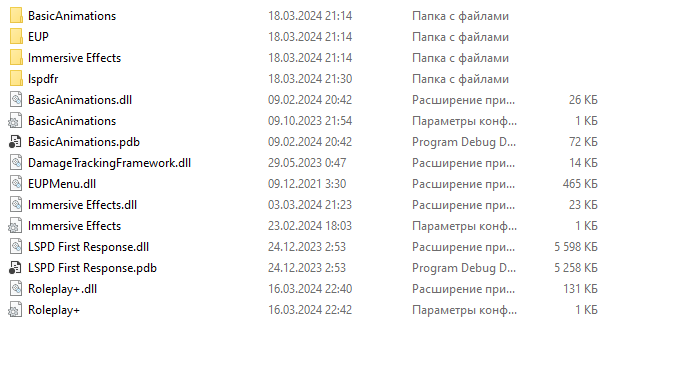
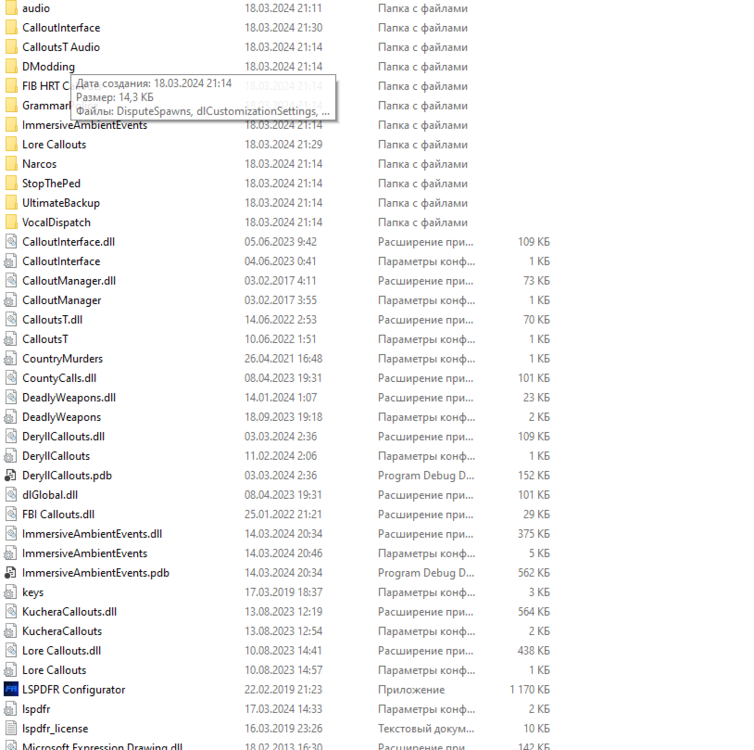
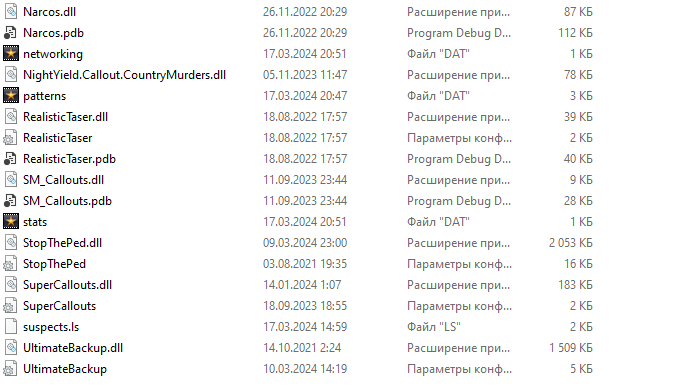
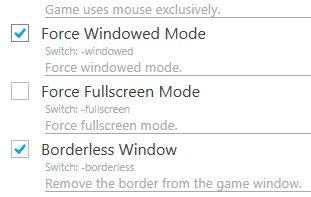
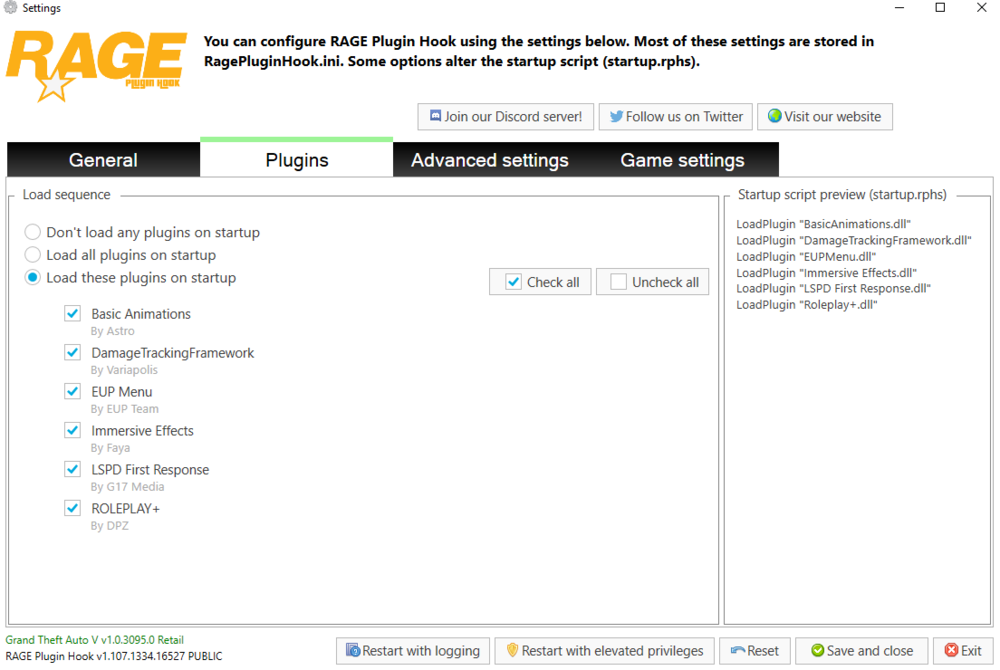
Unfortunately it didn't work, I uninstalled my antivirus(Avast) and it still doesn't work. I decided to try this method which is on the screenshot, but since I run gta 5 through Rockstar game launcher, this method didn't work either. I also attach screenshots of my files from gta 5 maybe it will help somehow solve my problem.
-
I have a problem with the launch, when I start gta 5 after which I run rage plugin hook.exe it starts but beyond launching nothing happens The game is running, but it's like rage doesn't see it