


PhillBellic
Members
-
Joined
-
Last visited
Everything posted by PhillBellic
-
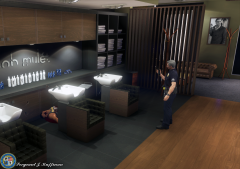 "I only wanted a Trim. I did not want my Hair washed!"
 -
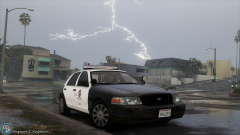 Thunder and Lightning very very frightening...
 -
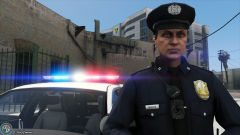 Looks like a younger G-Man!
 -
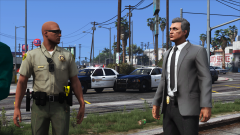 The Sheriff Decals don't look properly scaled on the Charger when compared to the CVPI.
 -
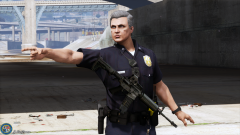 Wait. How did you get the Rifle to hover?
 -
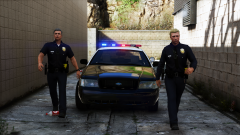 YoU UsEd tHe WrOnG LaNe1
 -
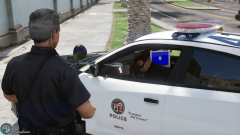 He ded? Or just Sleeping? 😛
 -
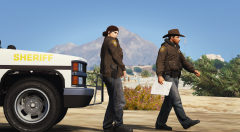 What's the County Name in this Image? Doesn't look like Blaine County to me.
 -
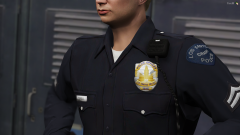 Officer Frank Tenpenny Approves of this Project!
 -
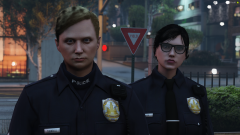 *Uploads it to LifeInvader.*
 -
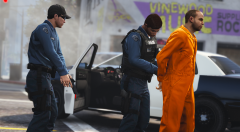 Recreating S.W.A.T. (2003) here? If so, excellent posing/setupused here.
 -
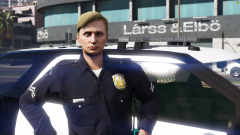 Any relation to Australia's previous Prime Minister? 😛
 -
As someone who has made Liveries for many Years, there's no difference in what the Background Colour is. As to why some Backgrounds are Black, and others are White, I have no clue really.
-
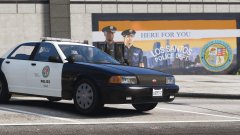 "46EEK572". If I had a Dollar for every time I saw that Combination, I'd be extremely wealthy.
 -
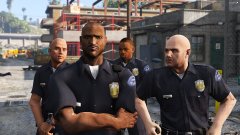 "We Intimidate Those Who Intimidate Others." Also, didn't Pulaski have more hair?
 -
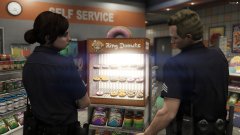 Like a Moth to a Flame...
 -
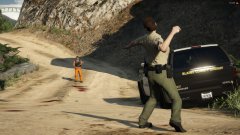 Knowing GTA V, that Snowball will kill 'em.
 -
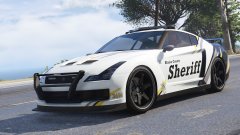 Awesome Valor Lightbar! 🙂
 -
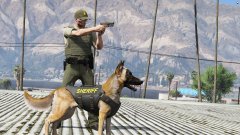 Who's a good Doggo?!?
 -
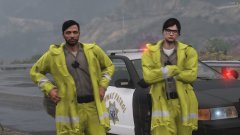 The Side Arm is sticking out. Attention to Detail: 100.
 -
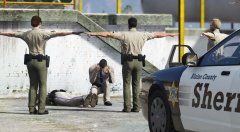 T-pOsE mAsTeR rAcE1 😄
 -
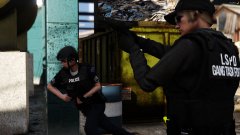 Bet Tenpenny's near by. 😉
 -
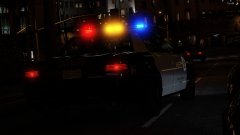 Are those Decals reflective? I didn't know you could do that!
 -
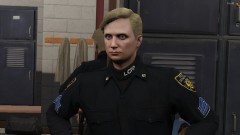 Excellent progress, so far. (I've seen some pretty weird 'Freemode' Characters in my time. :p)
 -
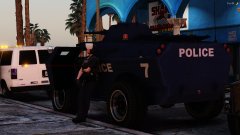 "Just chilling next to the SWAT Tank."


