TDx3
Members
-
Joined
-
Last visited
Everything posted by TDx3
-
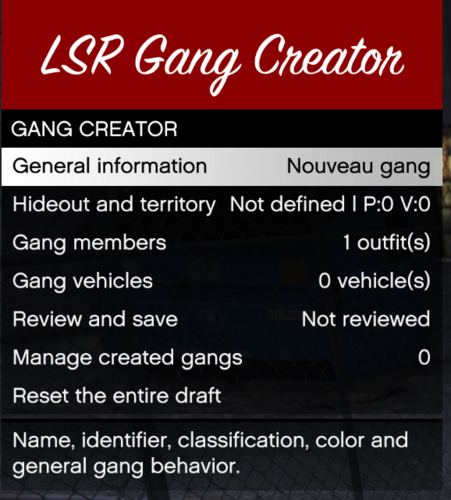 Amazing addon to LSR i have always wanted to make my own gang
 -
this addon is great! do you think you could implement where we can make custom gang stash houses like offices/stash garages/offices that can be raided or raidable
-
wow thanks this worked it loaded up and i have my mods! i appreciate the help
-
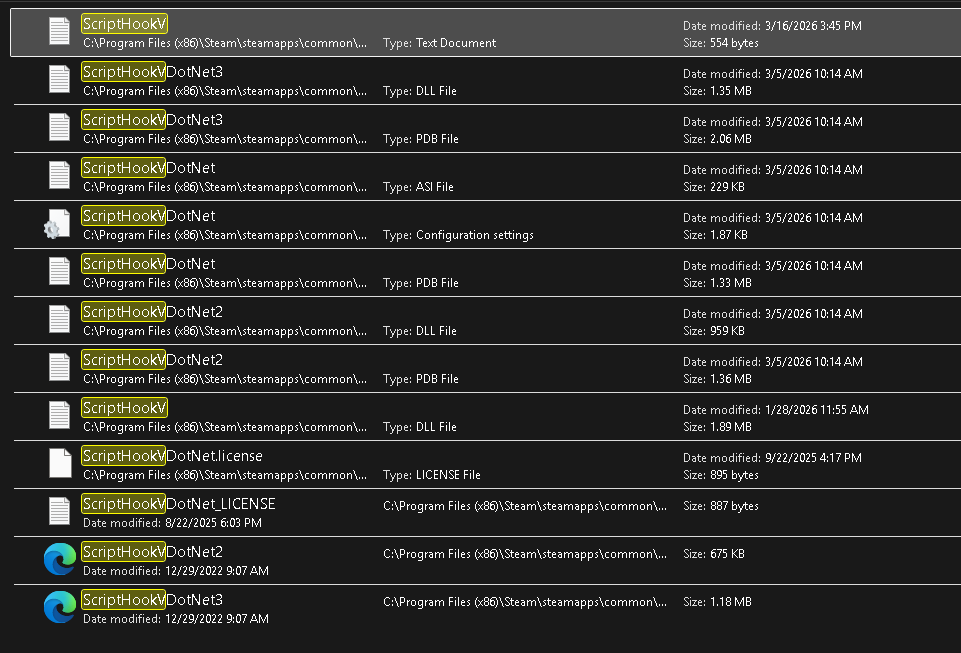
so when i start up normal Gta from steam without dinput but script hook v only it loads up and i dont have any mods or anything but when i use the dinput included with scripthook V my game doesnt start it says a Game is currently running i have tried ending the process in task manager but it does the same thing. I found a different dinput and that one lets my game load but i have no mods or anything so im confused on what the problem is. i would appreciate some help ive tried a lot. Here is my current files im using not allowing my game to run Here is the file i found that allows my game to run but no mods


-
i have those so i guess its a mod i assume it would be outdated?
-
So this did stop the issue but what do I do about wanting to use my mods? do I have too many or is one of them causing a problem? it didn't do this till recently.
-
I can play for a little and i continue to get this failed zlib call message my log is below incase it helps: RagePluginHook.log
-
ahh okay! thankyou!
-
could i get any help on this one? now that im playing it all goes smooth for a bit but usually in the middle of a scene or callout it crashes i see a line about "Processing cache while it's still in use - one or more subcalls may have caused the thread to yield" but im not exactly sure if this is the problem or what it means RagePluginHook.log
-
Got it! it was my gameconfig thankyou guys
-
okay will do i did recently install car mods maybe its those
-
So i updated my SHVdotnet and did the mods folder thing. so my mods folder i dont think is the problem normal gta runs properly with them its only when i use lspdfr something goes wrong but this time my whole game didn't crash just lspdfr so here is the new log if you can help me out RagePluginHook.log
-
RagePluginHook.log
-
sorry about that I also wasn't home for a bit but here it is
-
Just had a crash twice can anyone help me out on why? RagePluginHook_06072025_155830.log
-
-
Dinput 8 still makes my game not load up im not seeing why and im pretty sure i need it to load my mods
-
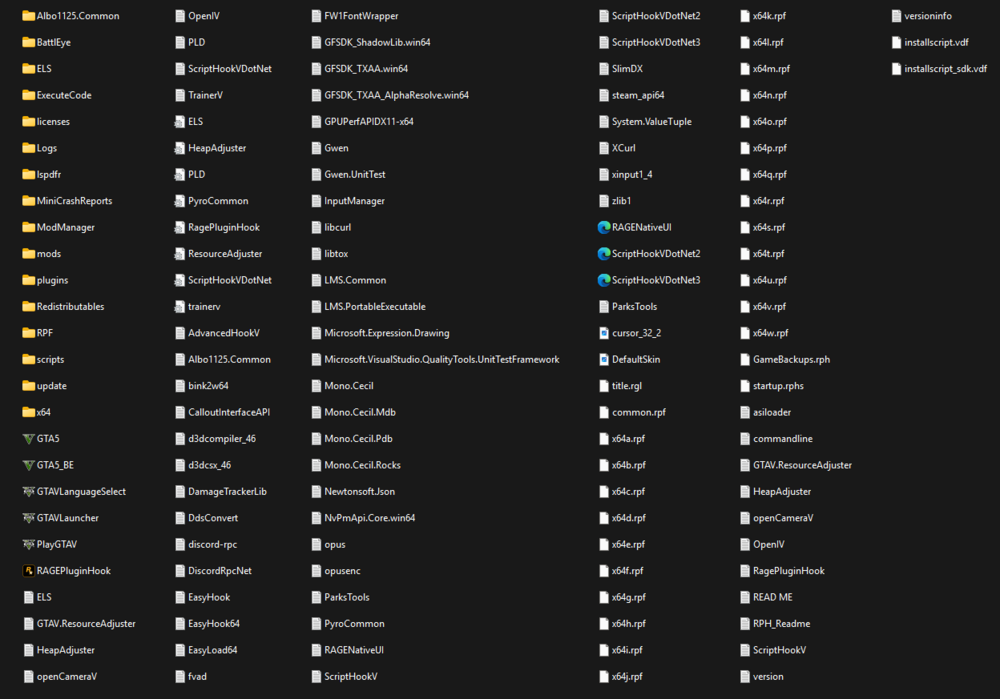
So, I recently had trouble with my game starting up. the rockstar launcher would give me a message saying a game is currently running, so i had to remove dinput8.DLL in order for it to be playable I wasn't sure if it was needed but I currently play without it and none of my mods or scripts load. My plugins and LSPDFR load when I use RPH to play gta 5 but nothing else i would appreciate some help on his Here is my directory in case it helps
-
Any help on this would be greatly appreciated
-
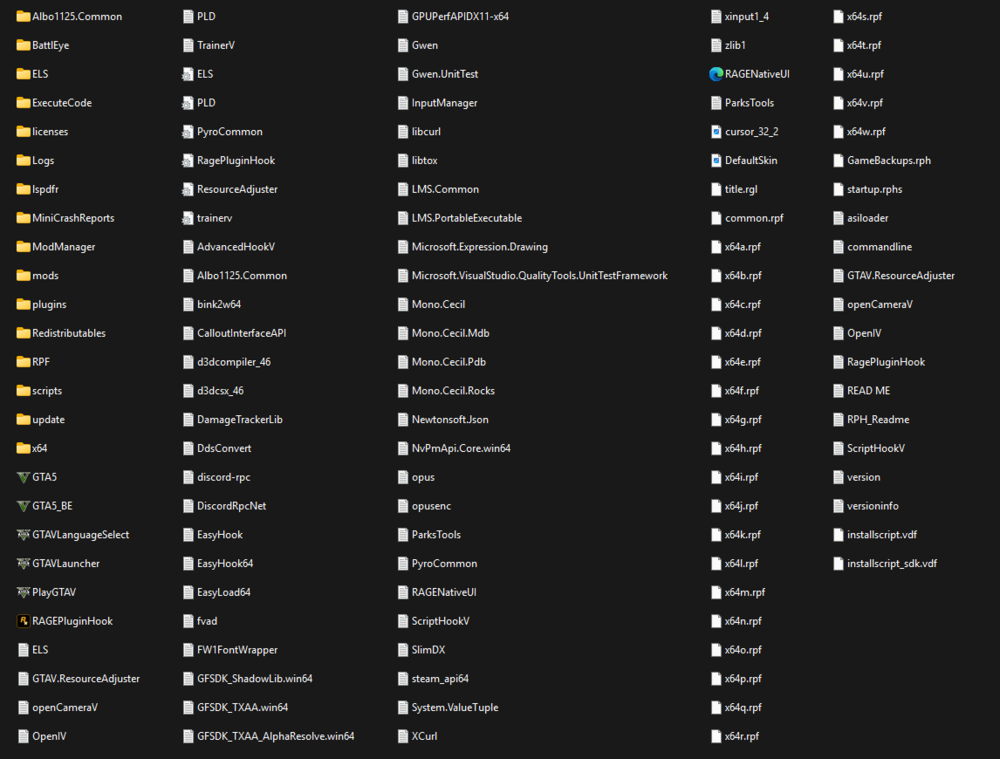
yes i have its not my PC its something in my files, is the Dinput DLL file what loads mods? my game is currently working as i have removed the Dinput DLL file but none of my mods, scripts or plugins load other than LSPDFR This is my directory if it helps
-
So, I am having a problem with my game when it is loading it says a game is already running I have figured out that when I delete Dinput DLL file it lets me play but none of my mods or plugins load and I assume Dinput is needed for that? How can I get past this problem but keep dinput? or how can I get these mods too load in?
-
-
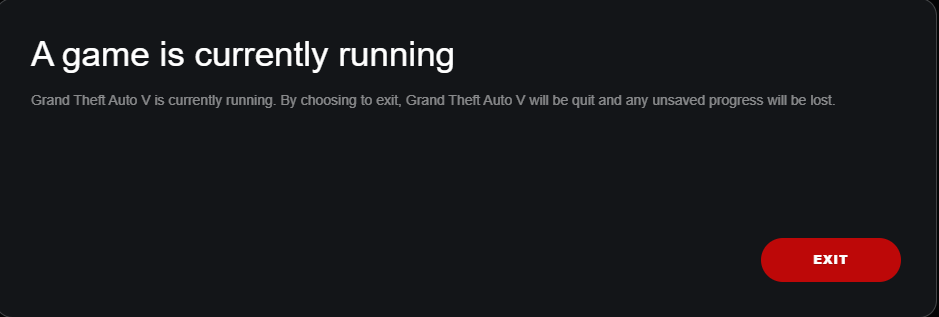
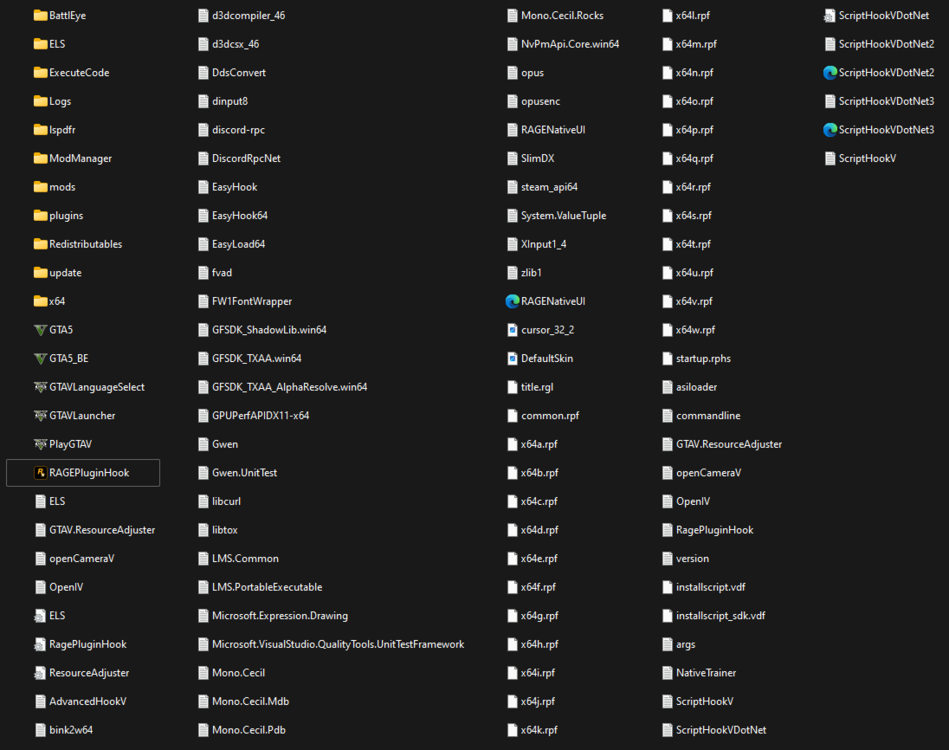
When I try to launch my GTA 5 the rockstar games launcher pops up an error message stating "A GAME IS CURRENTLY RUNNING" when I have no games running. I attached a screenshot of my directory in case it was a problem.
-
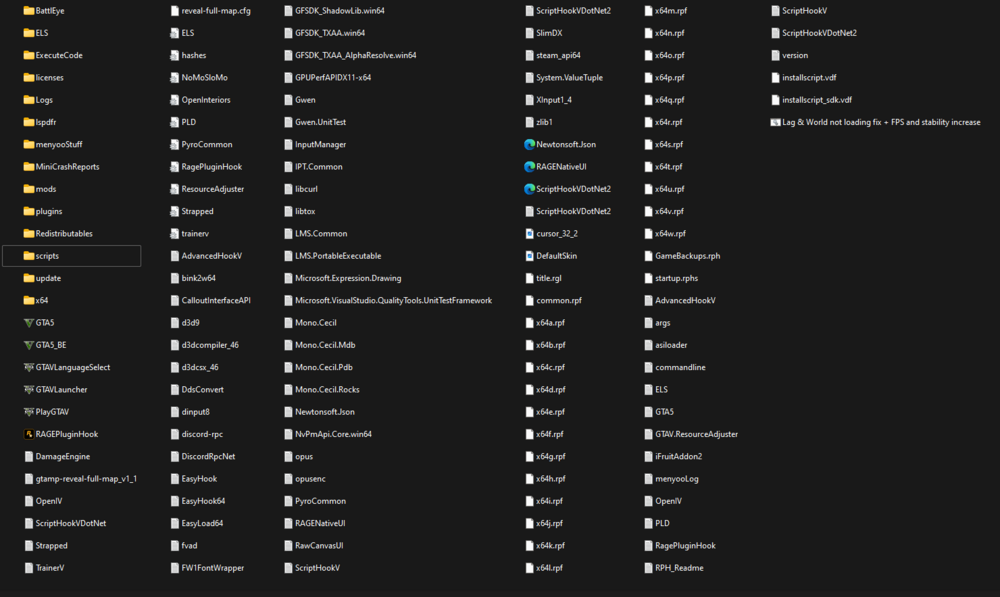
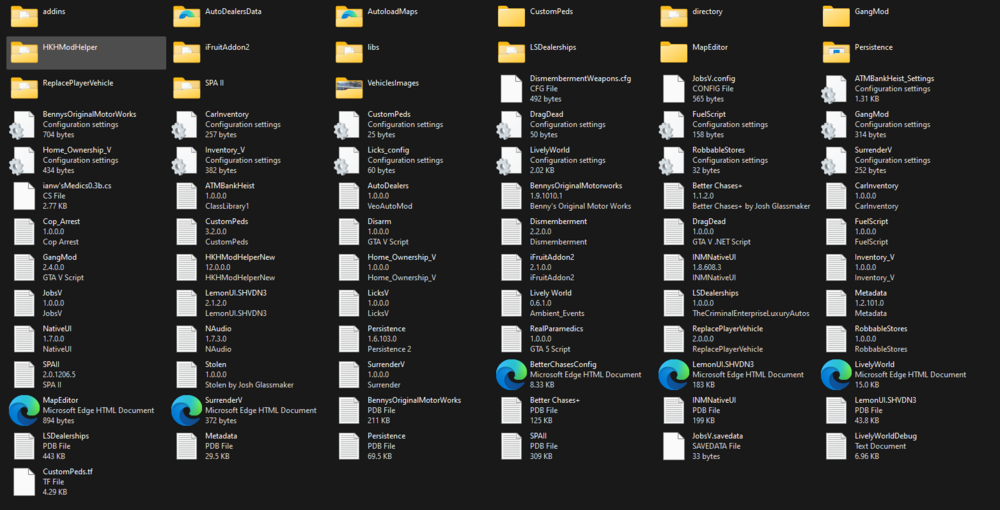
NPCs are not Rag Dolling when I shoot them, they only do so when killed. i feel like its something to do with my damageengine.asi but im not sure how to fix it. FIRST-Main Directory SECOND-Scripts folder
-
Just figured out the problem I had to update my Script hook V and SHV Dot net!