ThinlineGaming.
Members
-
Joined
-
Last visited
Everything posted by ThinlineGaming.
-
-
 very nice
 -
 Amazing work!!
 -
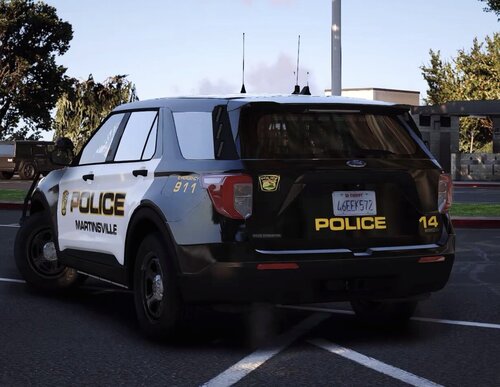 wanted to release another livery so, here you gol Martinsville is a small city in the state of Virginia. Martinsville, Virginia is known for the Martinsville Speedway and its used for NASCAR. (yes, sorry for the poor quality photos) Martinsville PD mainly uses slick-top on their vehicles. About a month ago, Martinsville PD added a Durango to there fleet. i HIGHLY recommended use the B&B ELS FPIU as Martinsville PD uses all blue lighting
 -
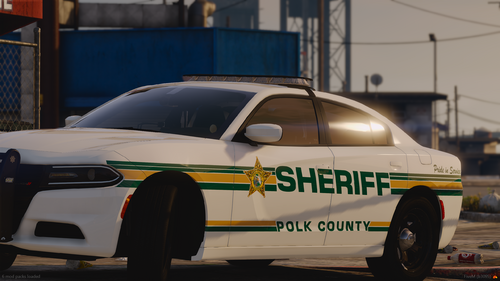 AMAZING!!!!
 -
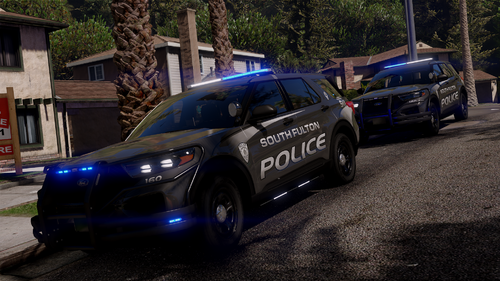 🔥🔥🔥🔥
🔥🔥🔥🔥 -
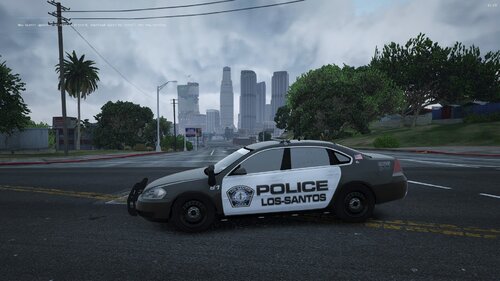 sooo i made a livery pack and wanted to release them. This pack includes every vehicle from the [ELS] Whelen Edge 9x Mega Pack 1.0.1 except the blazer and f150 https://www.lcpdfr.com/downloads/gta5mods/vehiclemodels/48216-els-whelen-edge-9x-mega-pack/ Please let me know if there is an issue with this pack.. More vehicles are coming soon.. ENJOY!!!
 -
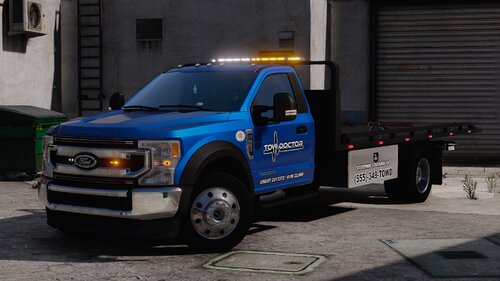 Amazing!!!!
 -
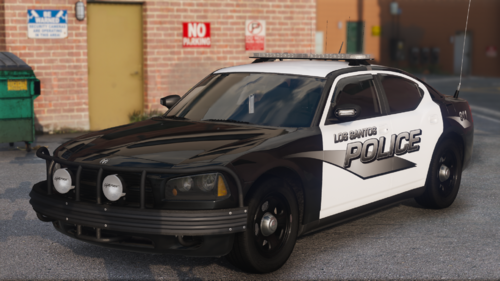 i love this sexy car
 -
-
 one of the best fucking packs for lspdfr.. Great skin, great els, great models, GREAT EVERYTHING!! AMAZING WORK
 -
did you read the description?
-
can you add the templates??
-
 alrighty
 -
does this work with nve roads?
-
-
 the template for the 16 fpiu is not working.. any reason why??
 -
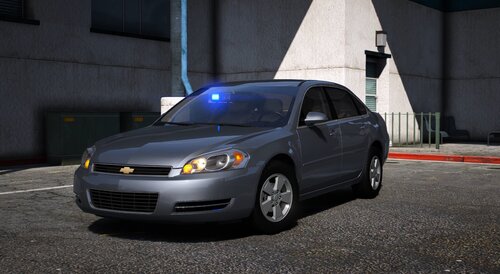 that Tacoma looks exactly like mine in real life.. AMAZING PACK!!!!!!!!!!!!
- 33 comments
- 11 reviews
-
-

- 1
-
-
-
It happens after about 5-15 minutes of the game running RagePluginHook.log
-
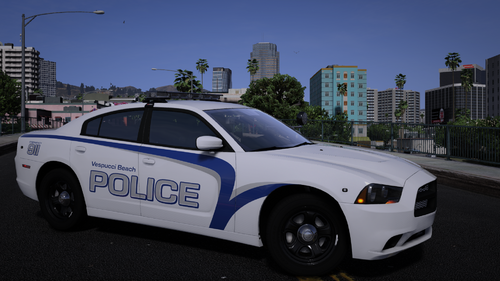 okay thanks
 -
what graphics are you using??
-
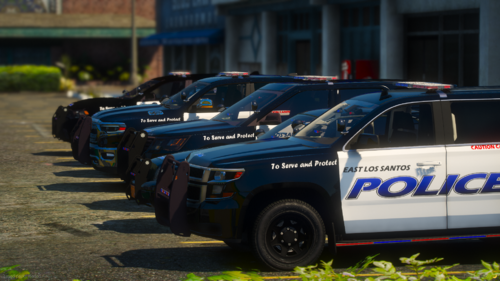 is there any department these are based off of??
 -
-



.thumb.png.357e181d277b211b0cb22f8acbe294de.png)