NodakHotshot
Members
-
Joined
-
Last visited
Everything posted by NodakHotshot
-
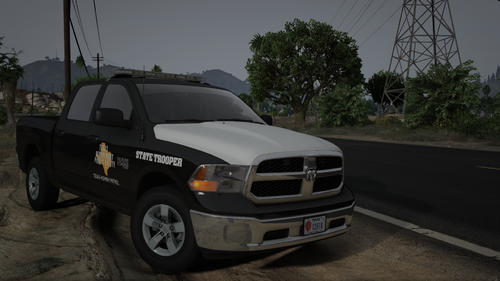 solid 7.5/10. if it had a ranch hand style bumper/grille guard and a little more lights this would be a 10/10!
 -
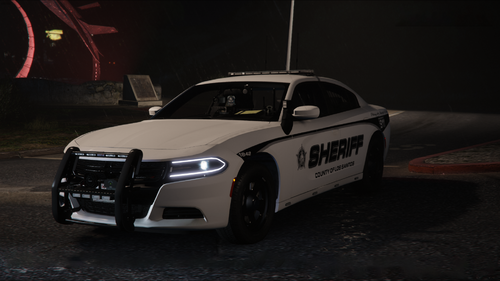 is there a way to change the els setting where when exiting the vehicle the light pattern doesn't change? amazing pack but if there is a way to change this please let me know!
- 90 comments
- 12 reviews
-
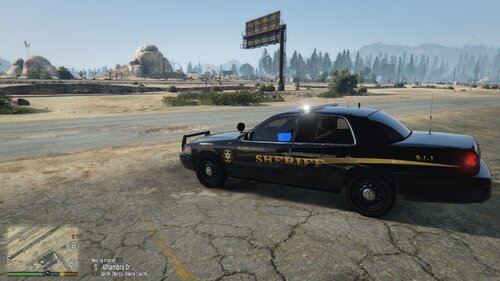 the push bar is floating. if you fixed that it would be 10/10
 -
 This pack is awesome! Definitely my all-time favorite pack so far.