illmaticx
Members
-
Joined
-
Last visited
Everything posted by illmaticx
-
 When I called for localpatrol backup in UB, they are still wearing the default uniform...how do i fix this? and the female officers aren't wearing this uniform as well.
- 145 comments
- 10 reviews
-
I've installed this mod: I put the files in their correct folders, when I spawn a UB backup partner (Male) he has the uniform, but when I call for localpatrol backup? they do NOT have on the uniform, just the default one, how do i fix this to where they are ALL wearing THIS uniform? instead of the default.
-
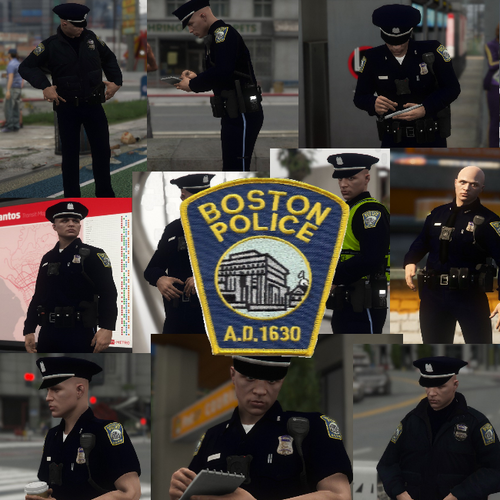 How do I make it so that the AI police (UB Backup officers) wear the uniform too?
- 2 comments
- 3 reviews
-
Thank you, I had reinstalled LSPDFR and stop the ped, ultimate backup, idk how it got fixed, but it did...also, when I press on ALT grammar police does not work, you know why?
-
My character keeps grabbing his microphone every time i press R3 to bring up the police backup menu, why?
-
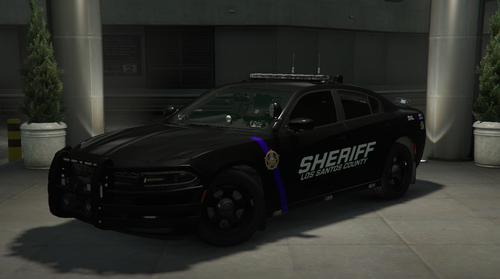 nvm, I had installed the files incorrectly, it's all good now.
 -
ELS is not working!
-
 When talking to dispatch, I'd say: Dispatch, 20, Mecca, show me 10-8 (Available status) then dispatch should reply: Roger that, 06-MECCA-34, proceed to patrol area. <<<<< I DO NOT hear this prompt, at all! I used to. after I say Dispatch, 20, Mecca, show me 10-8, it just pops up my officer status: available without the voice....
- 1,366 comments
- 87 reviews
-
-

- 1
-
-
-
 When I press on C, two police radios pop up...the newest one and the old one.
- 1,196 comments
- 127 reviews
-
thank you.
-
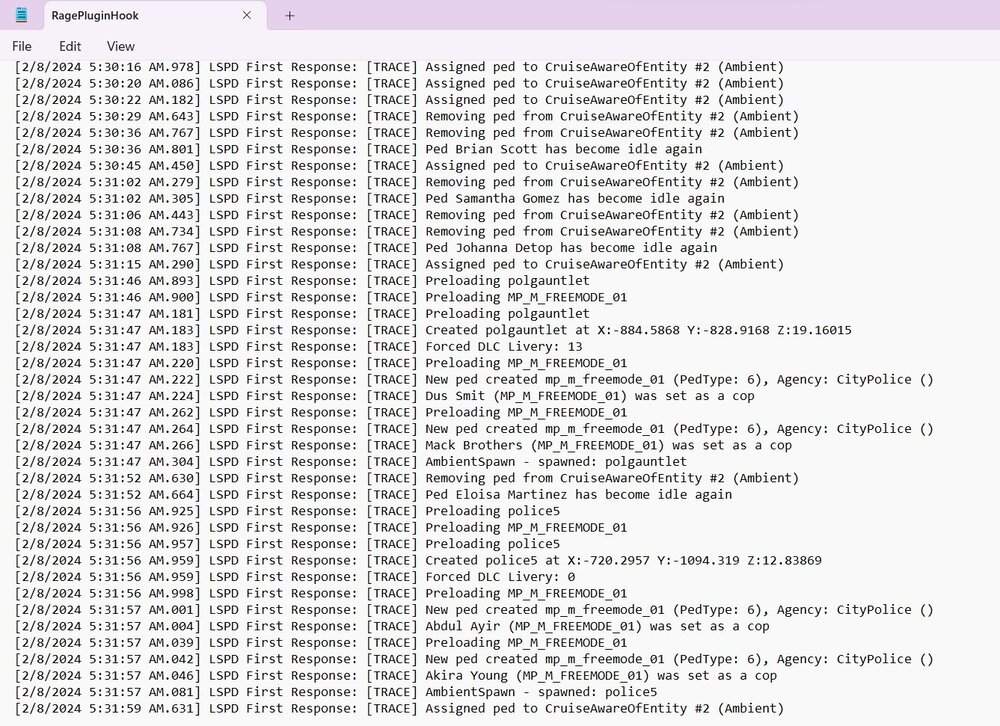
RagePluginHook.log
-
-
-
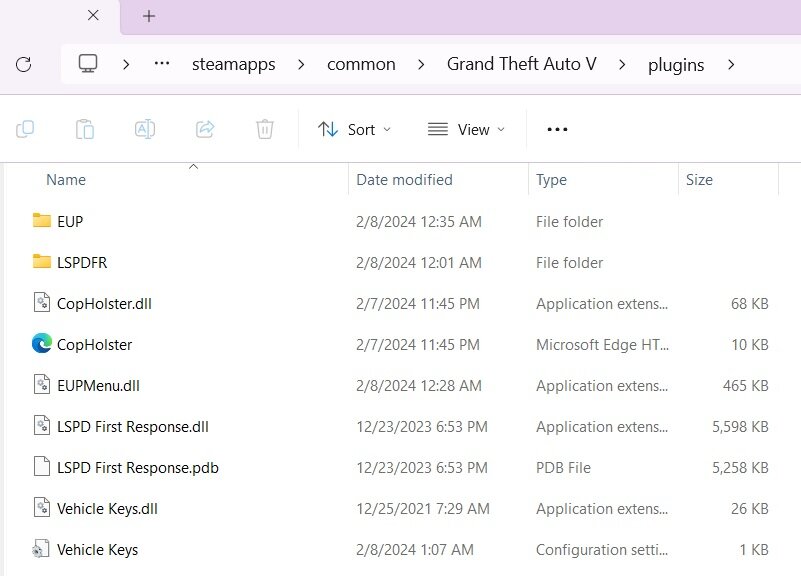
why is this happening? I cannot use any of my plugins that I just correctly added into my game. when I click go on duty, and none of the plugins pop up saying that their loaded in...this is really frustrating!
-
 I CANNOT get this plugin to work, I tried every damn thing, It's pissing me off, man. AGREED! SMH
- 561 comments
- 97 reviews
-
I finally figured it out, I had bonded they key to Alt. (The left alt)
-
Why doesn't it show up? I literally tried everything...