
SrVenuh
Members
-
Joined
-
Last visited
Reputation Activity
-
 SrVenuh reacted to BuzzShotGaming for a file, Use PoliceOld2 as Normal Police SlotThis will allow you to use any cvpi and possibly other cars in the policeold2 slot in case you are running out of room!
You can report any errors but I probably wont do anything about it due to the fact I have no idea how to work more in-depth with handling lines.
If you need to know what car was used in the screenshot here it is:
-
 SrVenuh got a reaction from andreacw for a file, Ram 2017 Policía estatal Sonora Add-on ELSServidor 911 mods: https://discord.gg/ahg9j8aGSu
-
SrVenuh reacted to ApparentlyRohan for a file, DynamicWeatherDynamicWeather
By ApparentlyRohan
Disclosure: I am not really updating this mod anymore or fixing bugs. You are welcome to install it. Expect bugs!
This mod gives GTA its own realistic weather system! Weathers transition as the day continues in game giving more variety in the sky. Read below to see what this mod has to offer:
This mod is open source and includes APIs for developers.
Features:
Weather Sync to a real life location(Requires API key(API is free..DO NOT SHARE YOUR API KEY) and some setup in order to use) BROKEN Custom realistic forecast Temperature and weather condition included Predicted (in game) time when the weather will occur On screen UI Forecast Current Weather For real life weather sync and forecast BROKEN Ability to customize the position and scale of UI Customizable temperature for different weather conditions yes there is a way to switch to Celsius but default is Fahrenheit cuz 'Murica!
APIs:
bool IsRealLifeWeatherSyncRunning(); void PauseWeatherSystem() void ResumeWeatherSystem() List<Weather> GetCurrentForecast(out int currentWeatherIndex) # returns an empty list if real life weather sync is running
Events:
OnWeatherChanged
Installation:
Drag and drop Plugins folder into main game directory. Install OIV by dragging and dropping into OpenIV. The OIV file is mandatory.
The time interval in the ini file is representative of in game time. A conversion from in game time to real life time was kindly made by Krazy Manuel and is provided down below.
IMPORTANT THINGS TO NOTE:
The Severe Weather Event from ImmersiveAmbientEvents by @Echooo is not compatible yet with DynamicWeather. Please disable that event if you want to use DynamicWeather. You cannot have freeze time OR force weather enabled in any trainer. Otherwise, DynamicWeather will not transition between weather. Some graphic mods consider weather differently. Thus, the graphic shown for different weather settings in GTA may not represent the weather accurately. You are welcome to edit the image names yourself to fit your graphic mods. I do not log the location from the ini in the RagePluginHook.log. However, if you have trouble with the api working, I will need to know what the location is so please choose something more generic so any identifying information is not revealed while I am trying to debug. The time interval in the INI is measured by IN GAME HOURS.
Customization:
All textures can be customized. Just make sure the weather textures is optimized for 96x96 and the notification texture is optimized for 64x64.
Console Commands:
PauseForecast ResumeForecast RegenerateForecast RefreshWeather SwitchToIRLWeather SwitchToForecast ReloadDynamicWeatherINISettings
Credits:
@Haze Studio for the notification texture @Scorpionfam for the thumbnail @HeyPalu for the on screen textures Krazy Manuel for the conversion chart @BlueLine Vibes for making a showcase video of a beta (it is outdated but gives good idea of what the mod does) and providing the discord as a platform to help beta test(Thank you all the beta testers in the discord!). @khorio for the coding help with time and API integration @Echooo for weather transition code
-
SrVenuh got a reaction from gusito6 for a file, Charger 2019 Fuerza civil Nuevo Leon Add-on ELSServidor 911 mods: https://discord.gg/ahg9j8aGSu
-
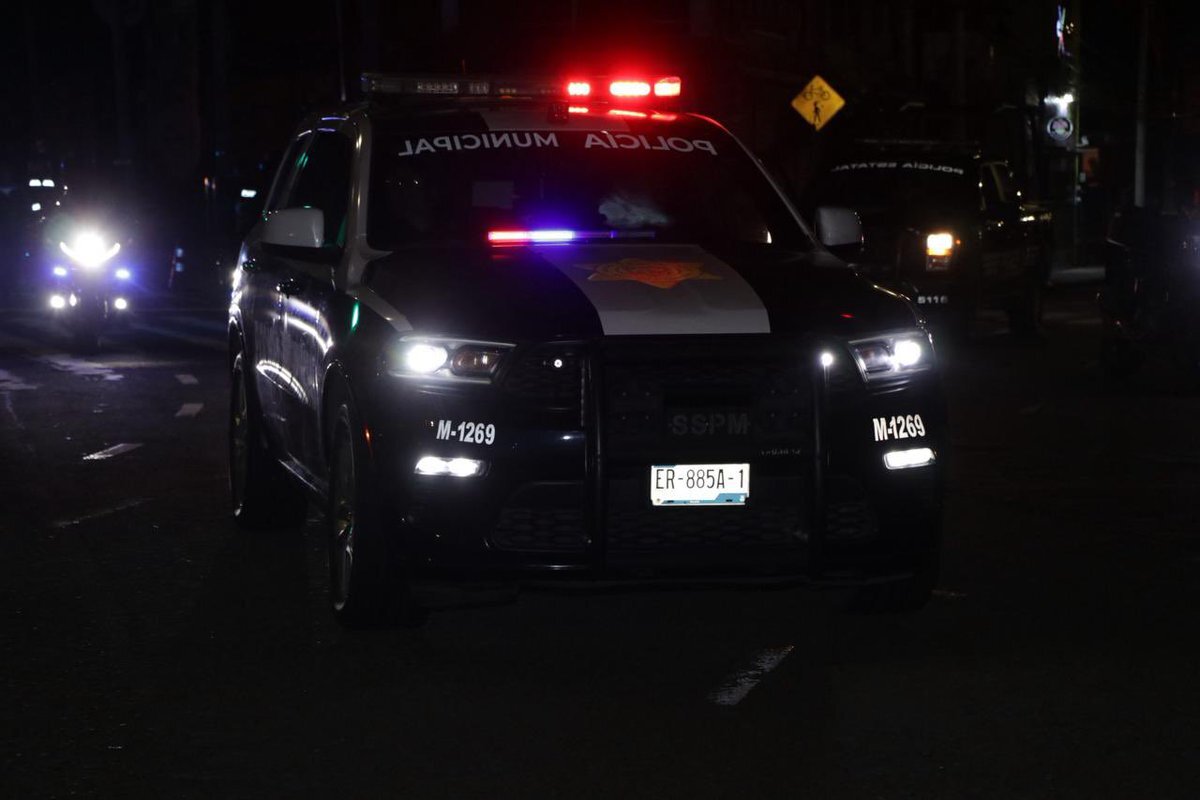
SrVenuh got a reaction from jkazpl23 for a file, Durango 2021 Policía municipal Querétaro Qro Add-on ELS.Servidor 911 mods: https://discord.gg/ahg9j8aGSu
-
 SrVenuh got a reaction from MattCT for a file, Durango 2021 Policía municipal Querétaro Qro Add-on ELS.Servidor 911 mods: https://discord.gg/ahg9j8aGSu
-
SrVenuh got a reaction from noeup for a file, Charger 2019 Policía estatal Yucatán Add-on ELSServidor 911 mods: https://discord.gg/ahg9j8aGSu
-
SrVenuh got a reaction from noeup for a file, Charger 2019 Fuerza civil Nuevo Leon Add-on ELSServidor 911 mods: https://discord.gg/ahg9j8aGSu
-
SrVenuh got a reaction from Darnath for a file, Charger 2019 Fuerza civil Nuevo Leon Add-on ELSServidor 911 mods: https://discord.gg/ahg9j8aGSu
-
SrVenuh got a reaction from Norm68 for a file, Charger 2019 Fuerza civil Nuevo Leon Add-on ELSServidor 911 mods: https://discord.gg/ahg9j8aGSu
-
SrVenuh got a reaction from Norm68 for a file, Tahoe 2015 Policía San Pedro Garza García NL Add-on ELSServidor 911 mods: https://discord.gg/ahg9j8aGSu
-
SrVenuh reacted to Venoxity for a file, WeaponControl [Outdated]GENERAL
Features:
- Weapon Safety Mode. Engage/disengage safety mode with a designated control.
- 3 Firing Modes. Full Auto, Single Shot, Burst Fire
- Taser Functionality. Maximum cartridges capacity for optimal functionality.
INSTALLATION
To install this plugin, the .dll file must be placed in a "plugins" folder.
This folder can be reached by going to the Grand Theft Auto V directory and placing the .dll file in the "plugins" folder.
If this plugins folder does not exist, then you can simply create it.
SUPPORT
If you need support, please join our discord server and create a ticket eventually someone will get to you!
Discord Server: Venoxity [www.discord.com]
FEEDBACK
I would be happy to receive feedback. If there are any Bugs, please let me know!
-
Some traffic stops or callouts can get complicated... You search a suspect, they have 3 different kinds of powder, you search another, they have 4 bags of pills... It can be easy to lose track! Time to take some notes with the NOTEPAD!
Features:
Take notes with an on-screen notepad 3 different styles including Clipboard, Notepad and Tablet Customize the font, color and positioning of the notes and page title Animations for the Clipboard, Notepad and Tablet depending on which style you have selected
Default Keybinds:
Open Menu: F12 Open Notepad: N You can change these keys inside the menu or the ini file, there's also options for modifiers!
Notepad Controls:
Enter key to type a note Arrow key left and right to change pages Arrow key up and down to select a note Delete key to delete a note
Installation:
Notepad.dll, Notepad.ini and the Notepad folder all go into plugins/LSPDFR Go on duty to load the plugin
Requirements:
Rage Plugin Hook RageNativeUI
Known Issues:
Certain hotkeys from other plugins may trigger when typing notes. From my experience, menus like Stop The Ped will not open, but things like Grammar Police radio or Roleplay+ animations will trigger if you hit any hotkey while taking notes. I'm trying to figure out a way to avoid this for a future update.
Showcase/Installation video made by Geoffrey_Gamer:
-
SrVenuh reacted to FyreDesigns for a file, Cop Cuties Loading MusicHey everyone!
I've recently got back into LSPDFR and had this song in my head all week!
So I thought I'd turn it into a loading screen music mod, I extended the song using AI in case you are stuck there a while.
Hope you all enjoy!
Here's a preview of where the audio is from:
Installation:
Using OpenIV go to-
GTA V/mods/x64/audio/sfx/PROLOGUE.rpf
Drop "td_loading_music.awc" into PROLOGUE.rpf
OpenIV Download
https://www.gta5-mods.com/tools/openiv
Thanks for downloading, now get on duty cutie!
-
SrVenuh got a reaction from isaacCKO for a file, Frecuencias de radio C5 CDMX para more radio chatterDecidi hacer esta modificacion al plugin more radio chatter para agregar realismo a los usuarios que jugamos en epañol, unicamente incluye audios del c5 de la ciudad de mexico ya que es la unica corporacion que sube audios de sus radios a youtube xd, igualmente si encuentro mas frecuencias de otros estados o municipios las agregare.
Se requiere este plugin:
-
SrVenuh got a reaction from Frank PSI for a file, Frecuencias de radio C5 CDMX para more radio chatterDecidi hacer esta modificacion al plugin more radio chatter para agregar realismo a los usuarios que jugamos en epañol, unicamente incluye audios del c5 de la ciudad de mexico ya que es la unica corporacion que sube audios de sus radios a youtube xd, igualmente si encuentro mas frecuencias de otros estados o municipios las agregare.
Se requiere este plugin:
-
SrVenuh reacted to Jaime Serrano for a file, Traducción al Español de StopThePed, CompuLite y UltimateBackUpEsta es una Traducción al español de StopThePed, CompuLite y UltimateBackUp
Se realiza la traducción de los "Menus" de los 3 plugins, al igual que se modifican las respuestas de los "Peds" a la interacción, agregando más respuestas, de igual forma se modifican los "Ítems" que puedes encontrar al revisar un civil o un vehículo, así como también los cargos y citaciones del CompuLite esto agregando un toque más "mexicano"
Se planea realizar actualizaciones mensuales hasta conseguir que se sienta completo 🙂
**Instalación**
Simplemente arrastre la carpeta "plugins" a su directorio de GTAV y remplace los archivos
**Importante**
Para poder hacer la prueba para drogas es necesario que modifique su archivo .ini de StopThePed, el cual se encuentra en la siguiente ruta
"plugins\LSPDFR"
y modificar lo siguiente tal y como se muestra en la siguiente imagen
-------------------------------------------------------------------------------------------------
En un futuro se irán agregando más Ítems y Cargos
Discord: https://discord.gg/DFjcaanpr4
-
SrVenuh reacted to RicyVasco for a file, Combat EnhancedWelcome to Combat Enhanced, a small plugin that adds a couple of useful features to your patrolday.
Combat Enhanced makes some changes to melee combat so that you don't always have to knock the suspect out to win the fight but also adds a few useful tools to long range combat.
I would love if you might consider supporting me via PayPal. You can find the respective link under the Download button.
I’d also love to hear your thoughts - feel free to leave a review or comment, it helps me improve and make my plugins even better!
If you like my work, feel free to check out my other plugins
For support, questions or discussions, feel free to visit my Discord server:
https://discord.gg/AjGyy4cN6G
Reworked Melee combat -> Instead of having to rely on your taser you can now also go hand to hand without "killing" the suspect. If a suspect took enough punches he will now struggle and collapse before catching his breath again. Arrest Suspects on the ground -> If a suspect is laying on the ground (wether from being punched, tased, beanbagged or rammed from your vehicle) you will now have the option to get ontop the suspect and try to fight for an arrest. However the suspect will try to resist that. Disarming shots -> If you shoot a suspects weapon out of their hand (or make their hand unuseable) they will know drop their weapon and act accordingly. This also applies to them receiving thousands of volts from your taser. Beanbag shotgun -> A longer ranged alternative to your taser. The beanbag will knock a suspect down for a long time. However it is ineffective if said person is wearing bodyarmor.
Copy the contents of the Grand Theft Auto V folder into your main Grand Theft Auto directory (ex: .../steamapps/common/Grand Theft Auto V/) -> (If installed correctly it should look like this: Grand Theft Auto V/plugins/LSPDFR/CombatEnhanced.dll) Make sure to read the README file, especially if you are using STP!
The beanbag shotgun is given automatically once you go on duty. If you are using StopThePed, make sure to disable the RealisticWeaponSystem, otherwise StopThePed will remove it. You will find your beanbag in your inventory (Pumpshotgun MK2). To arrest a suspect on the ground, just go close to him. A prompt will appear to press the InteractionKey (default Y).
Inside the .ini file you will find the entry "ArrestKey". This has to be a number! You can find out the meaning of each number and their corresponding keys via this link.
-
SrVenuh reacted to Jaime Serrano for a file, Traduccion de los cargos, citaciones y los items al revisar los Ped y carroEsta es una traducción de los cargos, citaciones y los artículos al revisar los Ped y carros de "External Polcie Computer", "CompuLite" y "StopThePed"
Para instalar la traducción de EPC, simplemente arrastre la carpeta "EPC" a su directorio de GTAV y remplace los archivos
Para instalar la traducción de CompuLite, abra la carpeta "CompuLite" y arrastre la carpeta de nombre "Plugins" a su directorio de GTAV y remplace los archivos
Para instalar la traducción de los "PatDownItems" y VehicleItems, abra la carpeta de StopThePed y arrastrela carpeta de nombre "Plugins" a su directorio de GTAV y remplace los archivos
La traducción fue hecha del trabajo de @By Officer034
Requisitos