


bebra312
Members
-
Joined
-
Last visited
Everything posted by bebra312
-
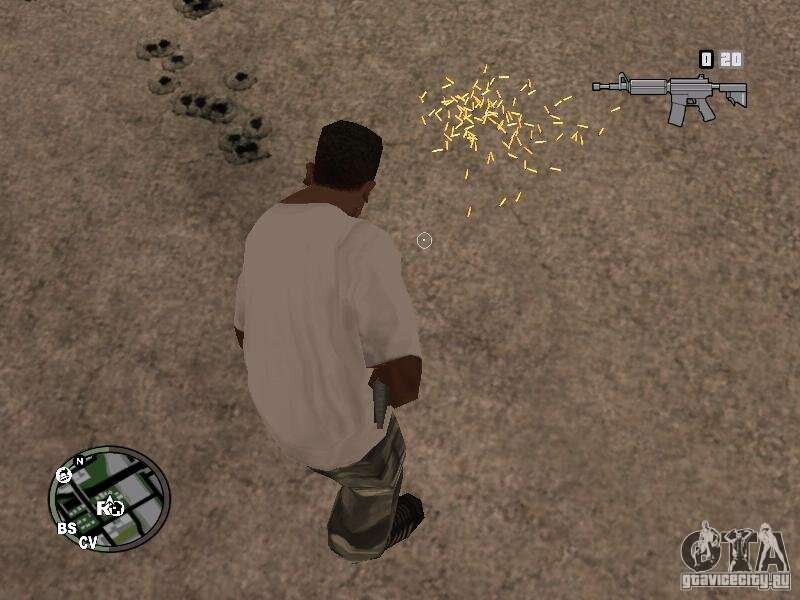
How to make sure that the casings do not disappear after shots? similar to the plugin from GTA SAMP (in the screenshot) Is this even possible?
-
Try to remove LSPDFR+ and United Callouts in: GTAV\plugins\lspdfr If the game crashes anyway, then I can't help anymore
-
Try to remove the RadarZoom plugin
-
I kind of solved the problem, just deleted the Ransom Ambience plugin
-
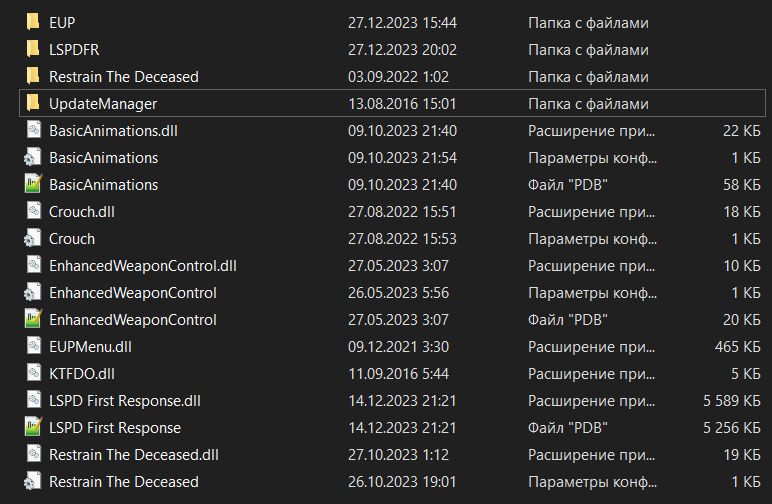
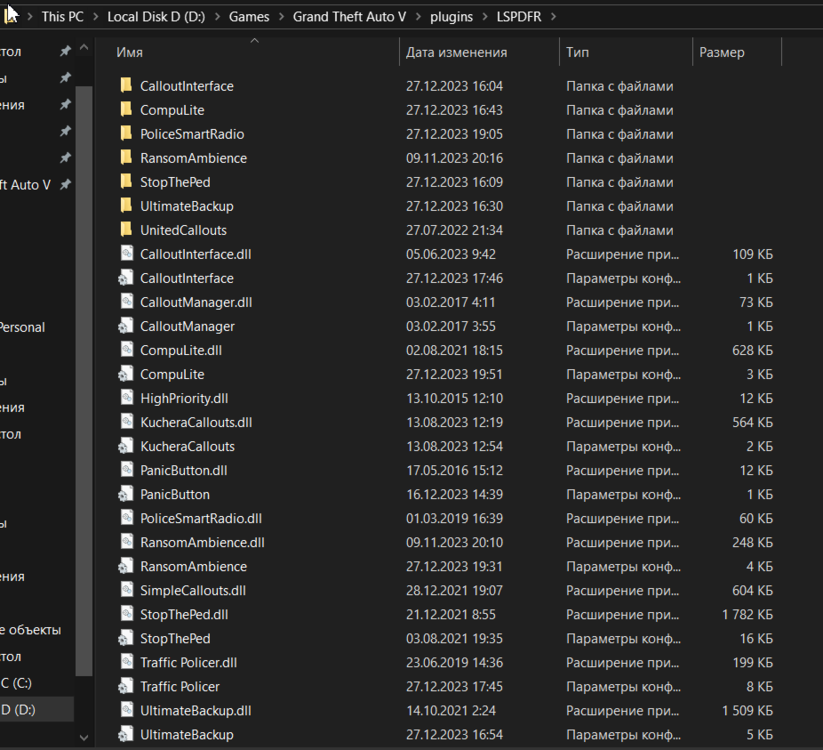
it crashes after the start of the chase (after a minute +-), as well as if it accepted the call (also after a minute) RagePluginHook.log I also just noticed that I have a crash and no smoke after I download the rest of the plugins (they are in the screenshot)
-
Sorry, Google translator translated the page, and I accidentally sent it in Russian, also thanks to everyone for the advice, I'm already downloading the latest version of GTA
-
последней версией GTA 5 является 3095? и на этом сайте есть плагин lspdfr для этой версии?
-
RagePluginHook.log
-
Please tell me how to open the Ped Action Menu And I also want to ask why Contextmenu doesn't work when I press G, nothing happens, but it gives a warning if I go somewhere and press G


