


orso
Members
-
Joined
-
Last visited
Everything posted by orso
-
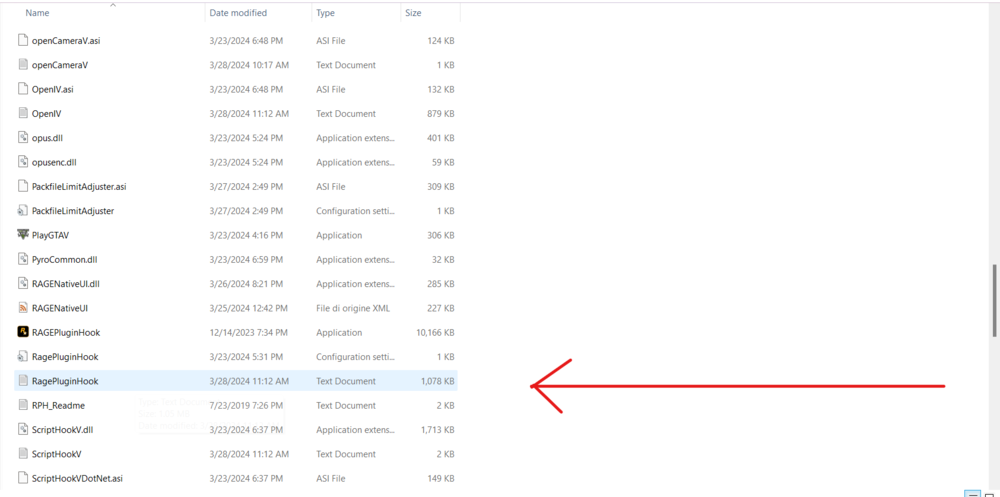
Attach here the ragepluginhook.log, it's a text file located in the main gta directory, NOT the logs folder
-
Please attach here the ragepluginhook.log, it's a text file located in you main gta directory, not in the logs folder
-
Hello, when exactly does rph crash?
-
Hello and happy easter! 1.1: Install (if you didn't) these 2 mods: EUP Law&Order and EUP Fire&Rescue. 1.2: If you already installed these 2 mods, then re-install EUP Menu. 2.1: Install RageNativeUI from here and drop the .xml and .dll files in the main gta directory 3.1: Update UrbanCallouts here
-
the most recent log it's here:
-
Have you installed any vehicle mod recently?
-
Glad to hear that! Happy Easter 😄
-
Hello, please attach here the RagePluginHook.log, it's a text file located in your main gta directory (Not in the logs folder)
-
No need to be sorry 1: Did you install EUP Law&Order, EUP Serve&Rescue and EUP Menu? If not install them, you can search a tut for installing these 1.1: If yes / After installing these follow these steps: return to a police station, as if you need to go on-duty, click police locker, change the agency and choose LSFD or LSCoFD or BCFD and select the firefighter uniform, for the firetruck go to police garage, and the same agencies. You can also use EUP Menu (Click F11 to open the menu) to dress as a firefighter
-
no problem 🙂
-
UltimateBackup there is 1.8.6.1 there's the 1.8.7.0 version
-
Attach the new log
-
Seems it's a problem of IGcallouts, try re-installing it
-
Attach the RagePluginHook.log here, it's located in your gta main directory
-
Restart your pc and see if it'll appear the log file, it's strange that you don't have it If it doesn't appear then try uninstalling and re-installing lspdfr automatically
-
In the main gta folder you have a plugins folder, open it and screenshots it
-
Screenshot the plugins folder
-
Close gta and see if you have now the log file
-
Now the plugins should work Try and let me know
-
Into the main directory, only the 2 file .dll and .xml
-
Install RageNativeUI from here
-
Try installing RageNativeUI from here if you didn't
-
Ok, now open RagePluginHook and see how it goes
-
Maybe i have the solution, run ONLY rph and wait for Rockstar Game Launcher to open, then after it opened (it'll open automatically) on Rockstar Game Launcher, click "Play on Steam"
-
Click Do it for me


