


FazoonHD
Members
-
Joined
-
Last visited
Everything posted by FazoonHD
-
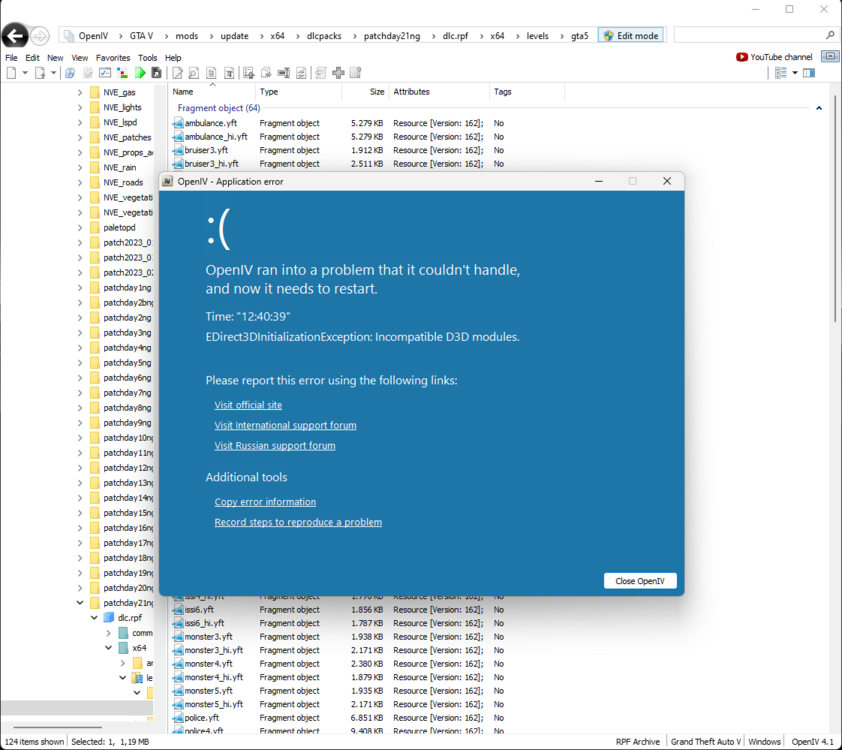
OpenIV crashes when I try and open .ydd, .ytd and .yft files and it says incompatible d3d modules. I have tried and remove them but then my OpenIV won't start
-
That worked for me, thank you so much
-
When I load up the game, I get a ingame error message saying LSPD First Response.dll has crashed and when I am ingame I play as franklin. So I tried loading the plugin through the console and I get the same LSPD First Response.dll error message. When I looked in the console it says those weird lines and I have no clue what I am supposed to do RagePluginHook.log
-
When I play LSPDFR and I am in a pursuit my game just crashes, which happens mostly in the city but also in Blaine County and Paleto Bay. I have no idea why that happens and I also don't add new stuff to my game or delete stuff from it. I just wanna know why this happens. my last crash report will be down below.

