


FazoonHD
Members
-
Joined
-
Last visited
Everything posted by FazoonHD
-
I got something messed up in my dlclist
-
It's all done, I found out why it didn't work
-
I can start GTA V with lspdfr installed but as soon as I try to load the LSPD First Response plugin my game crashes without any other plugins loaded. I have attached the last log RagePluginHook.log
-
So, I tried installing LSPDFR for the first time in about one or two months. When I drag and drop the manual install files into my main game directory and start it using RPH, it loads for a few seconds. Then, my game starts, and when the stars appear in the top right, at about the third one, my game crashes with this crash report. RagePluginHook.log
-
Now everything works, I think I would be sitting here crying if you weren't here to help.
-
It still doesn't work everytime I try it my game crashes. I don't know if it's the same crashlog but here is it RagePluginHook.log
-
Still thanks and I hope I have only one more problem so I got everything except the hats to work but still when I go on duty my game crashes and I have no clue why. RagePluginHook.log
-
It's the same with EUPmenu and Skin Control
-
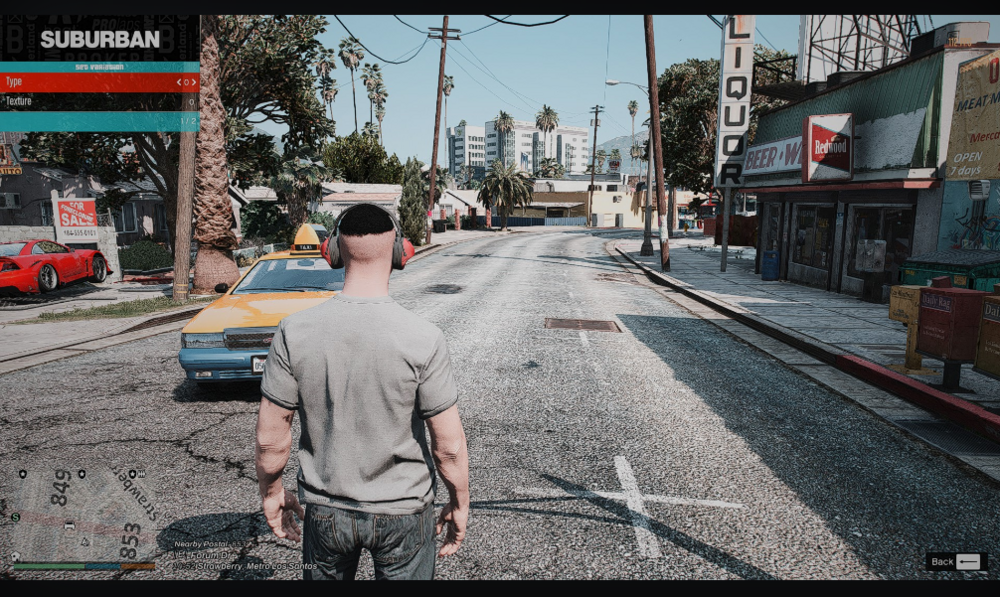
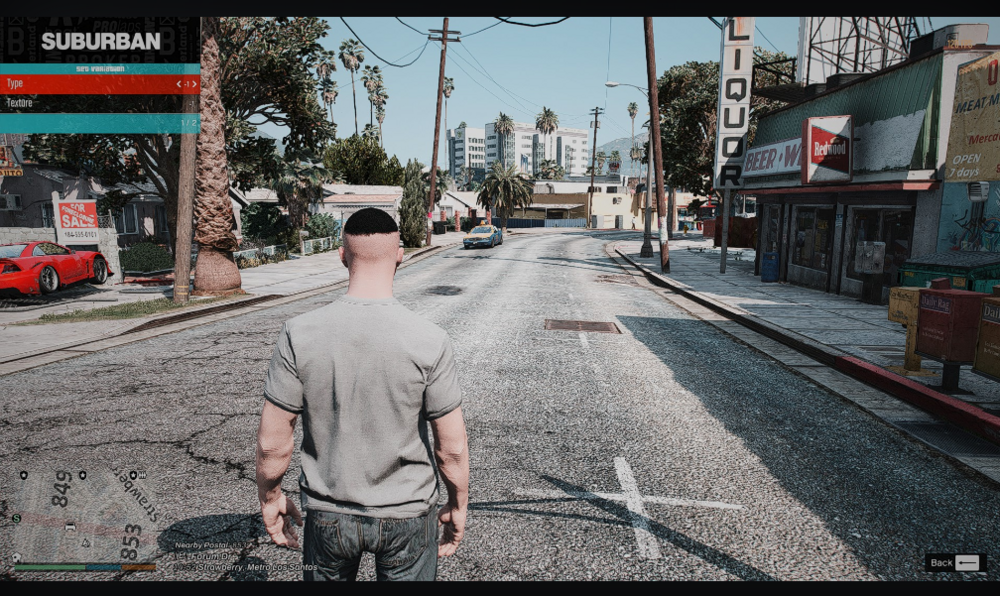
The video was too big so I had to take screenshots but there are only to so I hope it's fine
-
Well now I did it slower than the last few times there still is one problem and I don't know where it comes from, so the problem is that I can't scroll through my head feature so helmets, caps, etc. do you maybe know what it is? It's not like it crashes or anything but it is weird and a bit annoying
-
I will try that again but the weird thing is that I had those exact mods installed and everything worked just fine, it was after the update to 3407 I guess when it started with those kind of glitches.
-
Then it works
-
Yes
-
I have looked a bit into it and I have noticed that my dlclist has no dlcpacks in it that I added well now I have done that and I am back with this crashlog. RagePluginHook.log
-
No problem, I updated everything and I still got the same issue and again a crash log.
-
Is there anything you can do?
-
I forgot to add the crash log RagePluginHook.log
-
So I got it to work with my mods folder but now my game crashes because of I don't know. It has something to do with scripthookv and LSPDFR I guess because I have the same problem as in the beginning with menyoo.asi and trainer.asi, I have removed those and then my game crashes when loading LSPDFR
-
Well I got it to not crashing when I use menyoo to change my clothes but now my game crashes on startup so I after a few seconds directly after the first loading screen sometimes even before that my game crashes. I have tried to first run GTA and the rph but still the same, after that I tried to rename my mods folder to _mods and then it suddenly works. So something with my mods folder but here is my latest crash report. RagePluginHook.log
-
it might be because of the update and all of the new clothing
-
Still the same
-
It still crashes without any mods
-
Sorry for the wait but as you probably know GTA got an update and then I had to wait that LSPDFR and ScriptHookV were updated. So I tried making a new mods folder and I also installed mpclothes and when I go change my clothes with menyoo my game crashes when I go the top 553. I have tried it without mpclothes but still the same. Here is my latest crash report. RagePluginHook.log
-
Well I can load in now but it is still very buggy RagePluginHook.log
-
RagePluginHook.log


