Yes.
Members
-
Joined
-
Last visited
Everything posted by Yes.
-
-
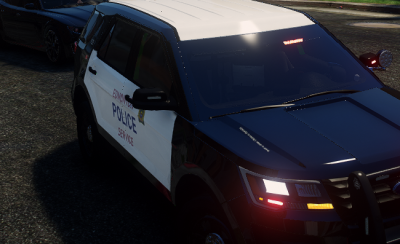 It barley fits in the fpiu. And you should make the words "Edmonton" and "Service" more red. And please fix it so it fits on the fpiu. Also add the "Call 911" sign and the white lines on the back of the car. Use my photos as a reference.
 -
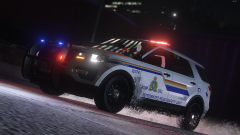 Wheres the Explorer from? Is it paid or do you have the download link?
 -
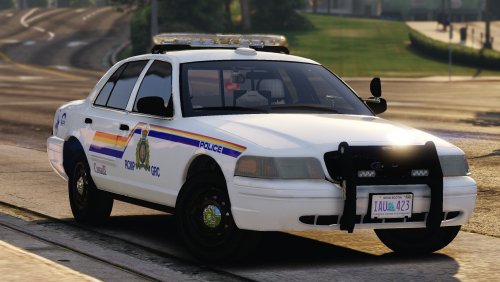 Its amazing, just alot of the vehicles lightbars have been black out.
 -
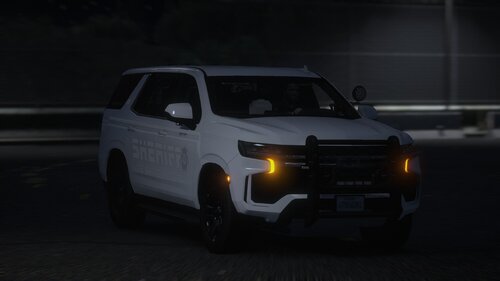 Do you think you can add a 2020 fpiu like this one? Only if you want. I would LOVE to see it inside this pack haha. Great pack!
 -
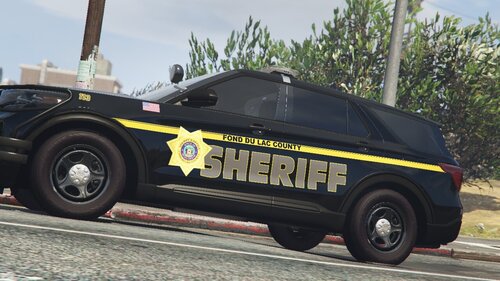 How do I install this? Its a ytd file not a dds or png file
 -
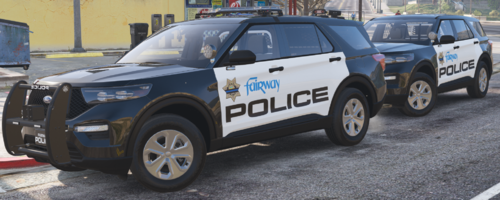 alr I just installed radiance v, still pink. I am using the latest version of radiance v
- 28 comments
- 2 reviews
-
Oh yea btw I have the latest version of siren setting limit adjuster installed and some of my lights are still pink. Did I do something wrong?
- 28 comments
- 2 reviews
-
Oh my bad, I just like to switch livery's every now and then haha. I don't delete the reflective livery, I just swap it with a normal one. Thank you!
- 28 comments
- 2 reviews
-
-
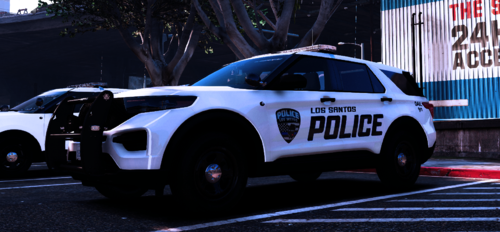 Just type the link? Stop telling people that "It will fit Kane104's 2020 fpiu", thats not what they asked for. They asked for the link, not what models it will fit.
 -
-
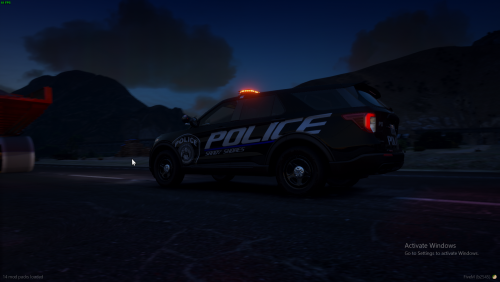 Can we get a vehicle link? Ive been trying to find a perfect Ford Explorer model that's not over the top. Thank you!
 -
-
-