Skip to content
View in the app

A better way to browse. Learn more.

LCPDFR.com

A full-screen app on your home screen with push notifications, badges and more.

To install this app on iOS and iPadOS
  1. Tap the Share icon in Safari
  2. Scroll the menu and tap Add to Home Screen.
  3. Tap Add in the top-right corner.
To install this app on Android
  1. Tap the 3-dot menu (⋮) in the top-right corner of the browser.
  2. Tap Add to Home screen or Install app.
  3. Confirm by tapping Install.

cop99

Members
  • Joined

  • Last visited

  1.    cop99 reacted to a file: D&R Electronics RDS 17
  2.    cop99 reacted to a post in a topic: FIB Siren pitch
  3.    cop99 reacted to a post in a topic: EUP only load vanilla uniforms
  4. Thanks, I know that one. But it doesn't affect NPC cops
  5. I want the player and npc cops to wear bulletproof vests
  6. I decided to uninstall EUP so it atleast loads vpd and rcmp. Is there a different way to make cops wear vests?
  7.    cop99 reacted to a post in a topic: EUP only load vanilla uniforms
  8. Thank you I get it now. But I have no idea how to edit outfits.xml to the EUP outfits.
  9.    cop99 reacted to a post in a topic: EUP only load vanilla uniforms
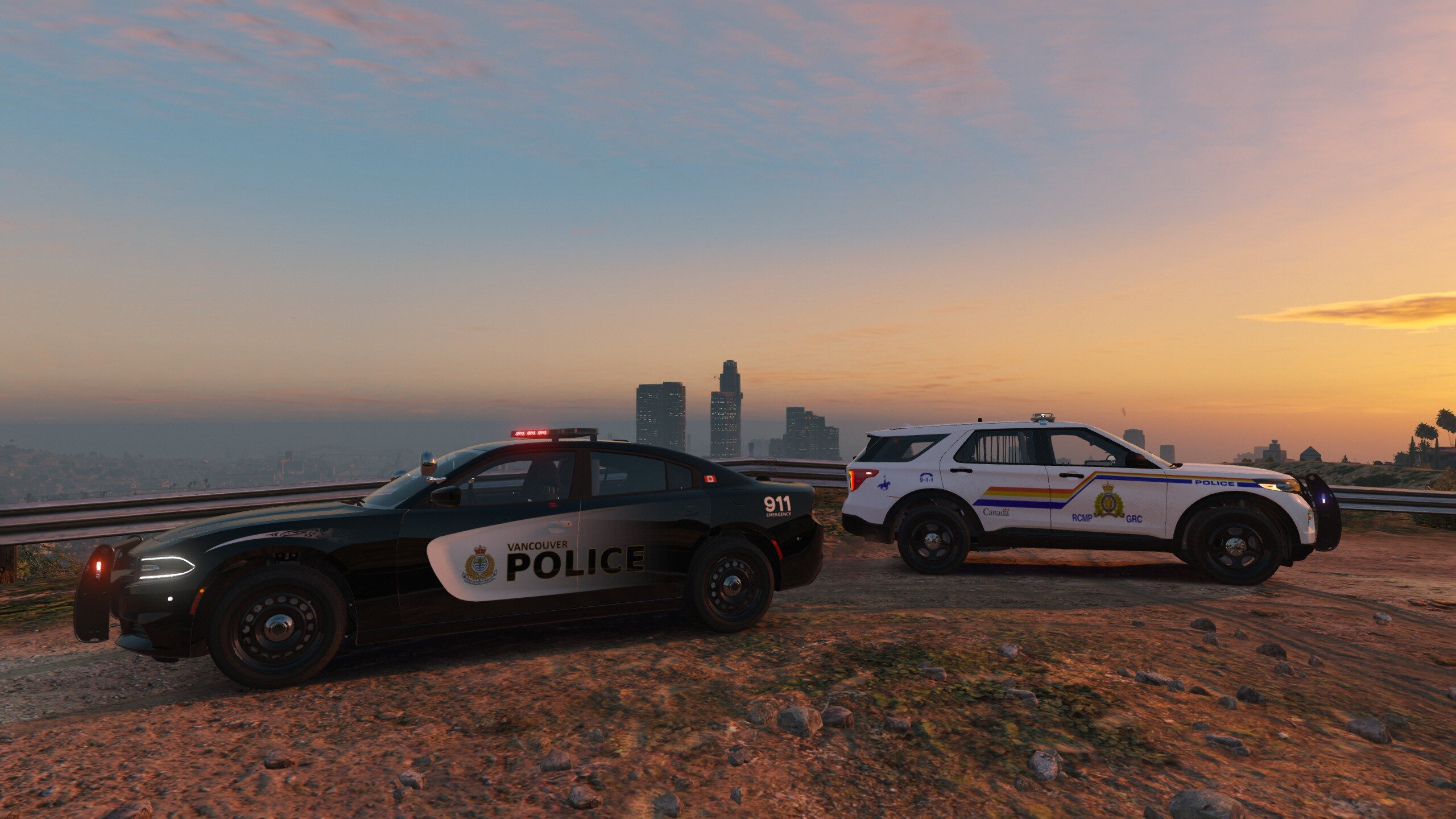
  10.    cop99 reacted to a post in a topic: EUP only load vanilla uniforms
  11. cop99 changed their profile photo
  12. Nate Higgerson     Reported a PC480 in Richman Glen, North Rockford Dr
  13. Nate Higgerson     Finished responding to a Pursuit in Richman Glen, North Rockford Dr
  14. Nate Higgerson     Responded to a Pursuit in Great Chaparral, Zancudo Grande Valley
  15. Nate Higgerson     Reported a PC503 in Great Chaparral, Zancudo Grande Valley
  16. Nate Higgerson     Performed a traffic stop on a Graphite Black Habanero with registration 81IBR233 in Great Chaparral, Zancudo Grande Valley
  17. Nate Higgerson     Finished responding to a Structure Fire in Great Chaparral, Zancudo Grande Valley
  18. Nate Higgerson     Responded to a Structure Fire in Gd. Senora Desert, Joshua Rd
  19. Nate Higgerson     Went on-duty at Tennessee Highway Patrol District #2 in Mission Row, Atlee St
  20. Nate Higgerson     Responded to a [DYNC] ATM Robbery in La Mesa, Olympic Fwy
  21. Nate Higgerson     Went on-duty at Tennessee Highway Patrol Highway Safety Division in Mission Row, Atlee St
  22. Nate Higgerson     Went on-duty at Vancouver Police HQ in Mission Row, Atlee St
  23.    FDNYSol reacted to a comment on a gallery image: SAHP Sergeant Nate Higgerson In his prime, Circa 2001.
  24.    cop99 reacted to a comment on a gallery image: SAHP Sergeant Nate Higgerson In his prime, Circa 2001.
  25.    FDNYSol reacted to a comment on a gallery image: SAHP Sergeant Nate Higgerson In his prime, Circa 2001.
  26. Ever since I installed EUP Backup Configurations, lspdfr and policing redefined only loads vanilla uniforms. I installed EUP Backup Configurations only because i wanted cops to wear vests. I installed Royal Canadian Mounted Police, RCMP Uniform Pack, Vancouver PD Male Uniform. I installed them in the correct locations, but lspdfr and policing redefined still loads vanilla uniforms. How do i completely replace vanilla uniforms? I suck at modding and don't know how to fix this. Help would be appreciated my lspdfr xmls: data.zip policing redefined
  27.    cop99 reacted to a post in a topic: How to replace the vanilla LSPD uniforms?
  28.    cop99 reacted to a comment on a file: EUP 8.3 | Royal Canadian Mounted Police | Canada
    • 56 downloads
    • Version 1.0.1
    Police and fire stations renamed to real world stations in Vancouver, Canada.This mod only changes text, not physical architectures. It replaces the stations.xml file.Install: drag and drop folder "lspdfr" in your main game directory, replace if prompted.
  29. cop99 started following Vancouver Stations

Account

Navigation

Search

Search

Configure browser push notifications

Chrome (Android)
  1. Tap the lock icon next to the address bar.
  2. Tap Permissions → Notifications.
  3. Adjust your preference.
Chrome (Desktop)
  1. Click the padlock icon in the address bar.
  2. Select Site settings.
  3. Find Notifications and adjust your preference.