Gatorator
Members
-
Joined
-
Last visited
Everything posted by Gatorator
-
 Is the disabled vehicle callout causing anyone crashes? not a big deal since i can just remove that callout but just curious if thats a new bug or just something on my end. RAGE console says object reference not set to an instance of an object. don't understand scripts well enough to fix it
- 197 comments
- 37 reviews
-
 Use OpenIV to go into the vehicles.meta file and change the vehicle class. for example, the line "<vehicleClass>VC_VAN</vehicleClass" for the 2023 RAM would be edited from VAN to EMERGENCY. all you gotta do is input "vehicleclass" into the search bar and it will bring you to the line for every vehicle.
- 168 comments
- 19 reviews
-
Whoa! finally, as an Ottawa County resident I have been looking for these for my game, thanks!
- 168 comments
- 19 reviews
-
-

- 1
-
-
What worked for me: As Franklin, once on duty, go to any police/sheriffs station Go off duty (for me, this triggered a warning that it will go to a story mode character if you continue) Then return into the building and go on duty. (this should ask you to make or select an LSPDFR character.) Once you do that, it should be good.
-
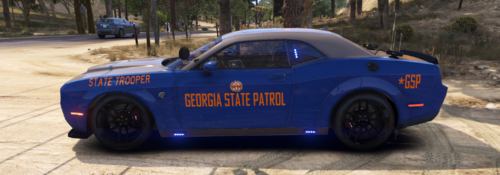
 I think GSP could use this to compete with FHP's new C8!
 -
this mf
-
Here's a side by side with different takedown setups for the best comparison. this is with the latest update you released.
-
-
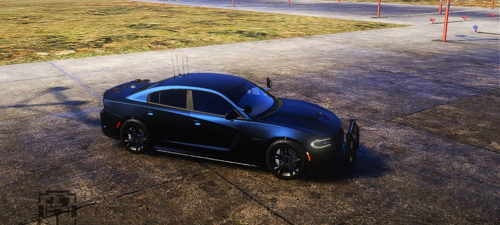
Looks like it still needs some work with its aesthetics. Both windshield and takedowns appear abnormal as seen in the image. Pretty sure I installed the windshield correctly too.
-
Easily one of my favorite lspdfr cars of all time. My ONLY annoyances are no takedowns and the front windshield not showing up on the bottom half? IF you add and fix those then I have nothing else, it'd be perfect.
-
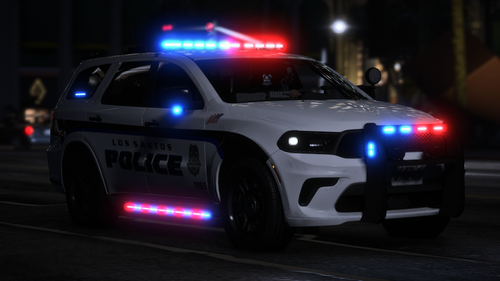 Use simple trainer and go to vehicle options > vehicle mod menu > vehicle components > hit either right or left arrow until you get to 10.
 -
 It does the same for me too. It immediately crashes upon startup. If you look into the Rage console log, it says that the file "Tornado.xml" file is missing. And that is not included in the available download. Also the author saying to not lauch the game with RPH when the mod literally is marked as requiring Rage, is, to put it bluntly, ridiculous. The author is an idiot.
 -
Fellow bejojio patron user here. In order to check the vin, you must exit your car and walk up to the vehicle. Now, I don't quite remember but you may or may not need to get the ped out of their vehicle as well to check it. Hope this helps!
-
Those files and folders, for them to properly work, must be placed in the "LSPDFR" folder for them to be detected. So they will be loaded when you go on duty. the current place they are in now, is only for standalone plugins, like seatbelt, dashcam, and sticky wheels. So they will not load in their current spot. Once you move them, it should all work fine.
-
-
-
-
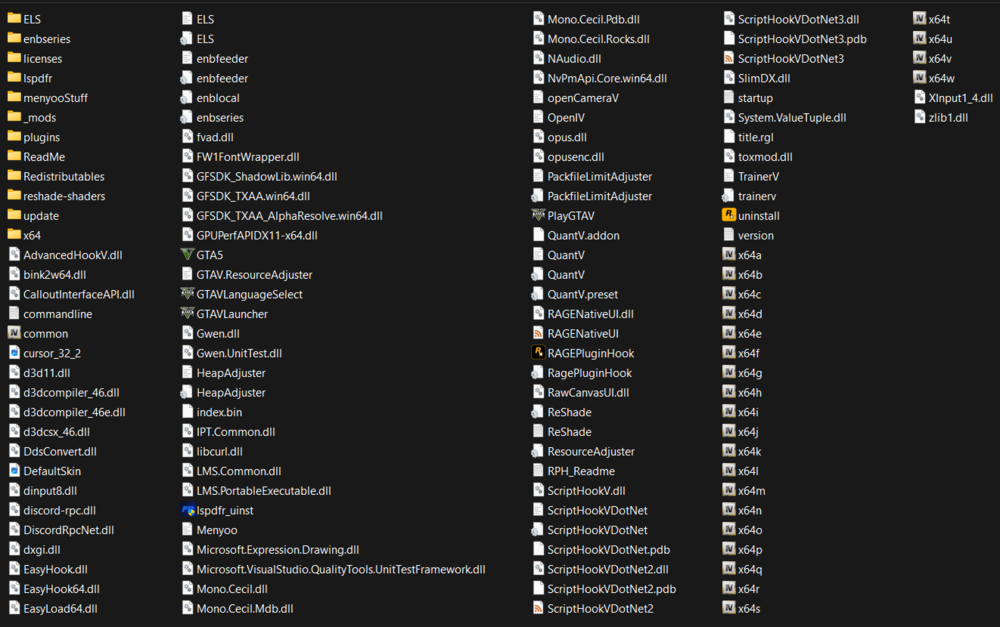
UPDATE: so after removing files and adding them back, I discovered that the file QuantV.addon seemed to be what was preventing Rage from starting.
-
Those files have never(i don't think) caused any problems before, but I will try it and update this reply appropriately. I actually remember now that QuantV has caused problems for me in the past, so I will definitely try this. Hail to you! I removed all files related to menyoo and QuantV, including disabling the mods folder, and all of this combined, RPH finally started up! I am almost certain that QuantV was the culprit. Thank you for your help! I am not sure why QV would conflict so much with Rage, but ever since the 2024 updates for it, it seems they have not been kind to RPH. I will certainly report this to them.
-
alright so i tried both of those things to no avail. but heres a ss of the directory
-
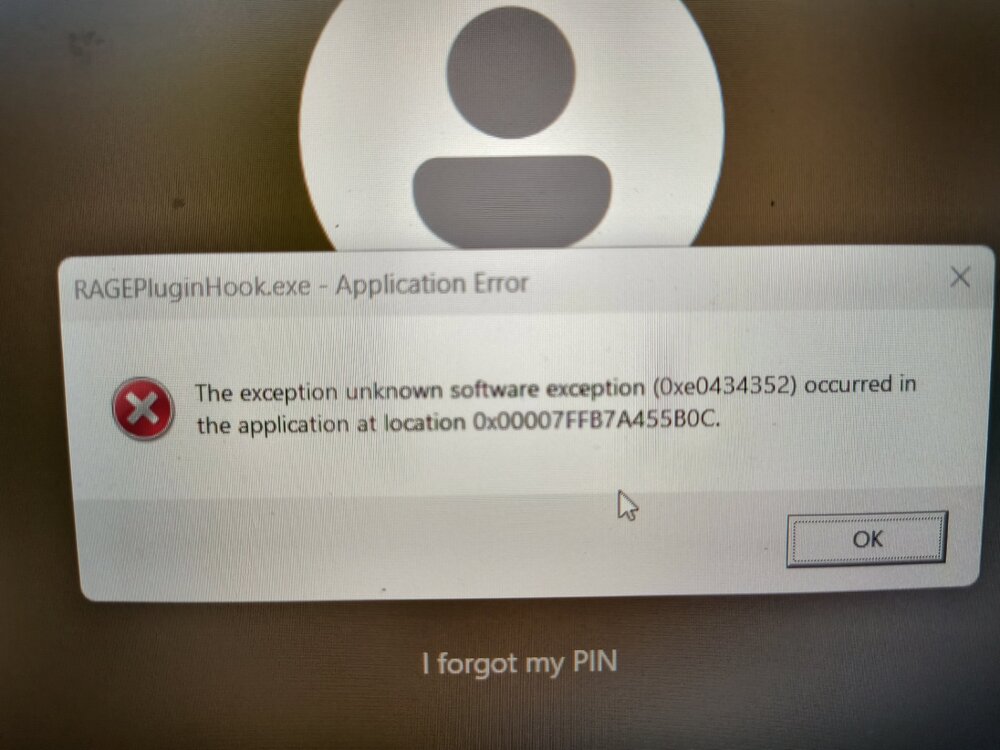
So do i just start a fresh mods folder? I doubt that would have anything to do with Rage Edit: I just tried starting rph again with a bit of a.... different approach. This time I got a brand new error message: Yes, It ended up crashing my computer. Then i got this popup like 20 times. I had to hit OK more times than i can count.
-
RPH didn't give any sign of life, as usual. I thought about going into the launcher settings for GTAV and clicking on "verify game integrity" to possibly fix or eliminate any files that could be causing part of the problem. Would this be a possible fix? it seems like a stretch.
-
So I've been having lots of trouble trying to figure out why RPH isn't giving any sign of life. I've updated everthing from drivers to disabling WD, even going thru and making rage and the gta v folder exceptions to wd. But nothing i have tried works. I have also the latest version of all files related to rph including ragenative, rawcanvasui, all scripthookv and scripthookvdotnet files. Everything with lspdfr was working just fine until one night randomly and rph just sits there limp. I did notice however that the last thing i installed was a vehicle pack (OpenIV package). So I deleted the mods folder and replaced it with the backup i had made right before i had installed the pack, to no avail. At one point i did get rph to start up, but it just opened the launcher in offline mode?? So I manually opened up the rockstar games launcher(without trying to start rph) and noticed that it wasn't offline. The only thing that worked this time was signing out of the launcher and signing back in, then starting up rph, which successfully started up the game, and everything from there worked perfectly. and this has been the case for a few days. BUT now i tried the other day to do the same thing and now no matter WHAT i do rph does absolutely nothing. I can't even do that thing with holding down the shift button to open up the rph configurator. The only thing i can do with gta v at this point is just launching it without rph ever being involved. I've looked up and down the internet looking for any possible solutions, even looking thru the rph log but im not exactly fluent with that. Any help at this point given to me would be a blessing. This is my very last option, making my own thread. I tried to avoid this, but I havent seen anyone else with my exact problem. P.S. I tried to attach my rph log but i discovered that there is no such thing in the gtav directory anymore. So not sure what that's about. EDIT: I was somehow able to find and restore the rph log: RagePluginHook.log
-