


Lilith Chamber
Members
-
Joined
-
Last visited
Everything posted by Lilith Chamber
-
-
 Lagging is Gone hsc i mean Hige Speed chase, in my Callout menu it says you have also a Hige Speed Chase callout If there is no Hige Speed Chase in the Callout pack the forget about this xD
- 356 comments
- 25 reviews
-
Over all it is not bad but still no 5/5 Stars only 3/5 Stars. Here my Problems: 1.) After Reinstaling the Callouts keep Lagging 2.) There are 4-5 Callouts everytime on the Same Position (911 Caller hang up) 3.) The HSC is meeh But i Still will show up and hope for Changes Best Regrats Lilith
- 356 comments
- 25 reviews
-
-

- 1
-
-
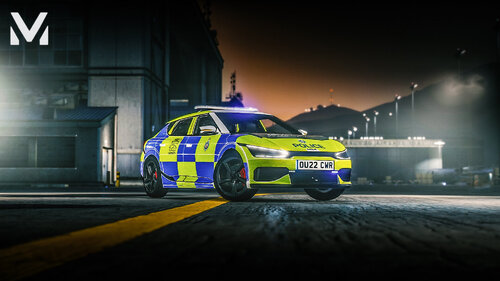 Good Car Just a 8/10 it could be better
 -
 Los Santos RED is a nice Mod I like it a lot. 10/10 if you like to be the Bad B*tch or the Bad Guy i would say this is the Mod to go.
- 690 comments
- 28 reviews
-
-

- 1
-
-
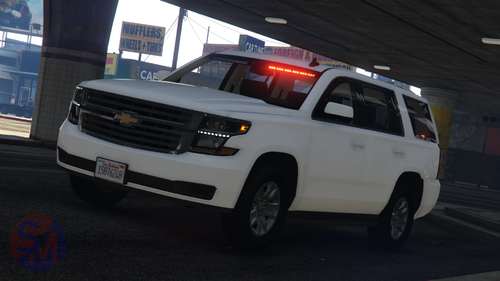 Nice car, i love the Tahoe my self a lot Works good with ELS Works Good not fast not Slow a good car between
 -
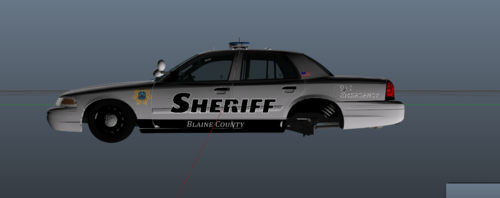 A good Designe i like it a lot ngl 😃



