


.jpg.de22b43b0b6692578ff313553738099e.jpg)

iPayforyourEBT
Members
-
Joined
-
Last visited
Everything posted by iPayforyourEBT
-
Not sure, I just went to the Setina site and found one that looked like it.
-
This look similar to me http://setina.com/products/push-pursuit-bumpers/push-bumpers/pb-300/
-
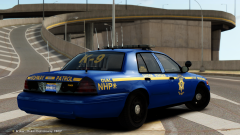
From the album: My GTA IV
Model by BxBugs123 -
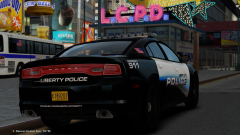
From the album: My GTA IV
Skin by BERad1502 Model By Cj24 -
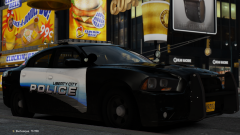
From the album: My GTA IV
Skin by BERad1502 Model By Cj24 -
From the album: My GTA IV
-
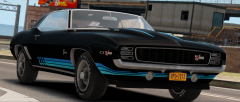
From the album: My GTA IV
-
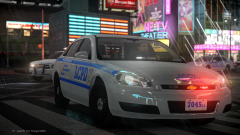 Cry ENB v2.
 -
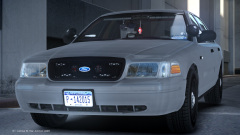
From the album: My GTA IV
Model by BxBugs123 -
 I didn't like it at first, but it has really grown on me after seeing the civilian model in person.
 -
From the album: My GTA IV
Model by VooDoo -
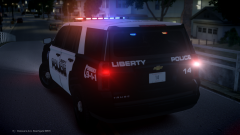
From the album: My GTA IV
Model by VooDoo -
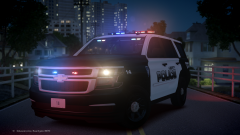
From the album: My GTA IV
Model by VooDoo -
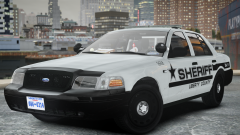
From the album: My GTA IV
Model by BxBugs123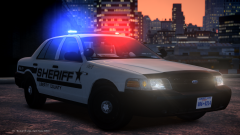
From the album: My GTA IV
Model by BxBugs123Why not get a 760?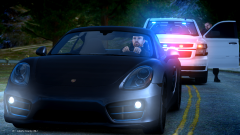
From the album: My GTA IV
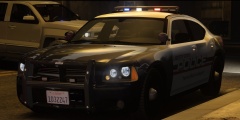 I see a little something behind your car.How much do you want to spend on a GPU? They are both great cards.
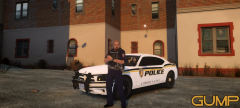 I see you took my advice about adding the dominator on the rambar.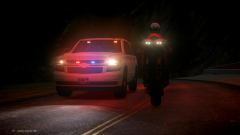
From the album: My GTA IV
5400rpm HDD and 1333 mhz RAM?




