




Chippy
Members
-
Joined
-
Last visited
Everything posted by Chippy
-
-
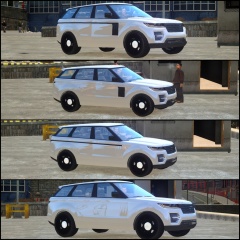 I like either the blacked out one or the painted one. I like where you're going with these
 -
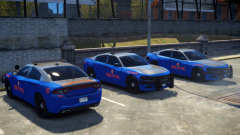
From the album: Chippy's WIPs
-
From the album: Chippy's WIPs
-
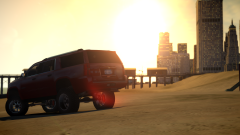
From the album: Chippy's WIPs
-
From the album: Chippy's WIPs
I haven't made too many undercover cars so here we go. -
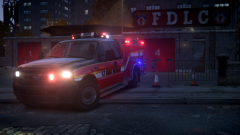
From the album: Chippy's random pictures
Beautifully made by KevinDV Full Res image: -
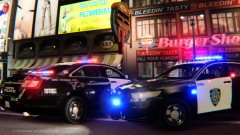 Gotta love California influenced stuff.
 -
You could replace the dirt texture with a clear texture. I used to do it all of the time.
-
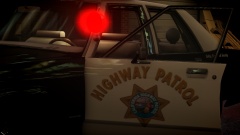 It should be "Safety and Service" on the side.
 -
Make sure this is set to the correct file name.
-
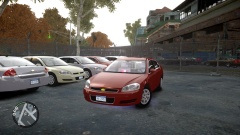 Lol that Edge looks adorable
 -

From the album: Chippy's WIPs
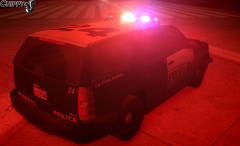
From the album: Chippy's WIPs
Makin some hometown cars.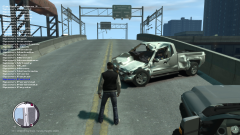 That Ford tho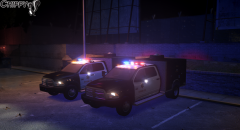
From the album: Chippy's WIPs
Warn bumper and North Star utility box made by me.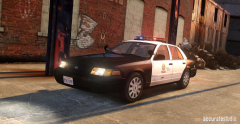 I agree it looks great!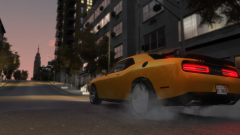
From the album: Chippy's WIPs
2015 Dodge Challenger R/T Plus Shaker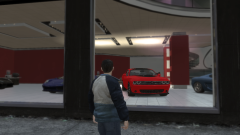 It's a R/T Shaker. The Hellcat hasn't been delivered yet ;)
From the album: Chippy's WIPs
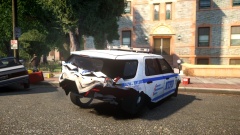 he ded.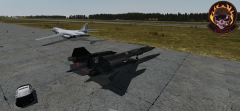
From the album: Chippy's Sorties
A Lockheed SR-71A Blackbird waiting for a Rockwell B-1 Lancer to taxi into a hangar. ArmA 2


