RadiantFlyer
Members
-
Joined
-
Last visited
Everything posted by RadiantFlyer
-
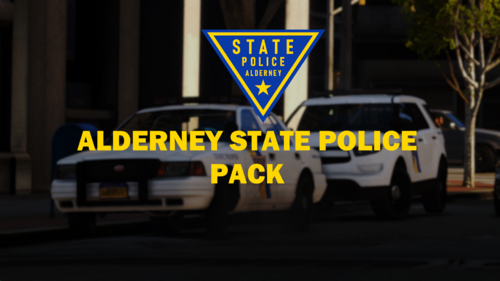 Before installing this mod, you MUST read the terms and conditions. This wont take long. TERMS & CONDITIONS - You must credit the authors [ RadiantFlyer ] when using this modification in a FiveM server. - Using this mod inside of paywalled content is prohibited. VEHICLE LINKS Buffalo https://www.gta5-mods.com/vehicles/san-andreas-highway-patrol-pack-add-on-dls-lods Stanier https://www.gta5-mods.com/vehicles/bcso-vapid-stanier Scout 2013 https://www.gta5-mods.com/vehicles/vapid-scout-add-on Rogue+ Buffalo https://ko-fi.com/s/d715fffd03 Scout 2020 https://ko-fi.com/s/19135880a3 INSTALLATION EUP (for male outfits) https://www.lcpdfr.com/downloads/gta5mods/character/8151-emergency-uniforms-pack-law-order/ 1. Open OpenIV and open your GTA V game folder inside of it. 2. Turn on edit mode. 3. Navigate to mods/update/x64/dlcpacks 4. Drag all downloaded requirements containing the dlc.rpf into the dlcpacks folder 5. Replace the ''xxxx_sign_1'' texture inside the YTD file with the corresponding texture and vehicle 6. Add all entries to the dlclist.xml file 7. Launch game and enjoy!
 -
 The new version has more skins and lightbar red textures
 -
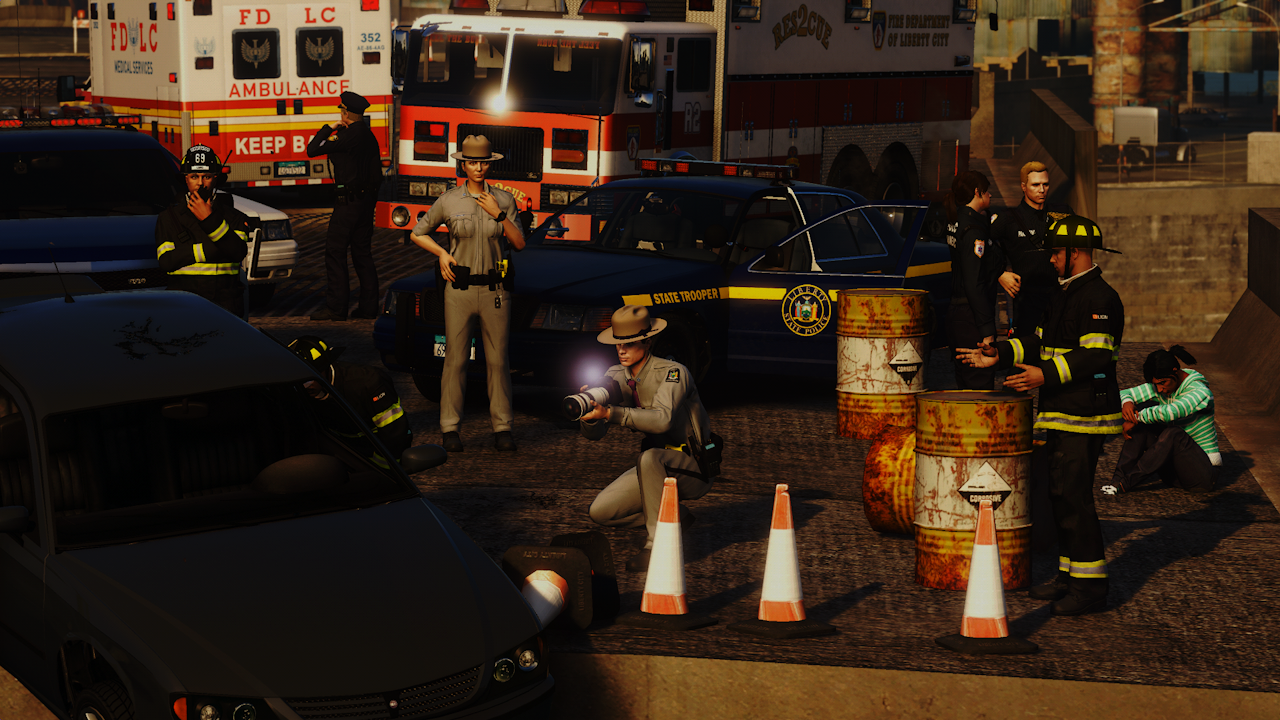
LSP Pack ShowcaseBefore installing this mod, you MUST read the terms and conditions. This wont take long. TERMS & CONDITIONS - You must credit the authors [ redblueofficer and RadiantFlyer ] when using this modification in a FiveM server. - Using this mod inside of paywalled content is prohibited. VEHICLE LINKS Buffalo https://www.gta5-mods.com/vehicles/san-andreas-highway-patrol-pack-add-on-dls-lods Stanier https://www.gta5-mods.com/vehicles/bcso-vapid-stanier Scout https://www.gta5-mods.com/vehicles/scout-2020-medical-response-mrsa-eagl-add-on-sounds Alamo https://www.gta5-mods.com/vehicles/emergency-declasse-alamo-2600ls-add-on-sgt_jhonny Rogue+ Buffalo https://ko-fi.com/s/d715fffd03 Sandstorm LEO https://www.gta5-mods.com/vehicles/sandstorm-marked-add-on-fivem-lods-template Impaler pack https://www.gta5-mods.com/vehicles/declasse-impaler-police-pack-addon Merit https://ko-fi.com/s/c222ee7c1b 21 Alamo https://ko-fi.com/s/fb3203b0c6 Vapid Warrant https://ko-fi.com/s/500a900548 INSTALLATION 1. Open OpenIV and open your GTA V game folder inside of it. 2. Turn on edit mode. 3. Navigate to mods/update/x64/dlcpacks 4. Drag all downloaded requirements containing the dlc.rpf into the dlcpacks folder 5. Replace the ''xxxx_sign_1'' texture inside the YTD file with the corresponding texture and vehicle 6. Add all entries to the dlclist.xml file 7. Launch game and enjoy!
-
-
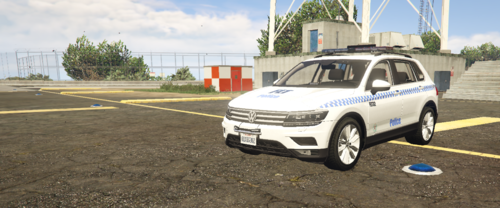 Guess what? NSW police now use Tiguans so this is no longer fictional!