
swatteam911
Members
-
Joined
-
Last visited
Everything posted by swatteam911
-
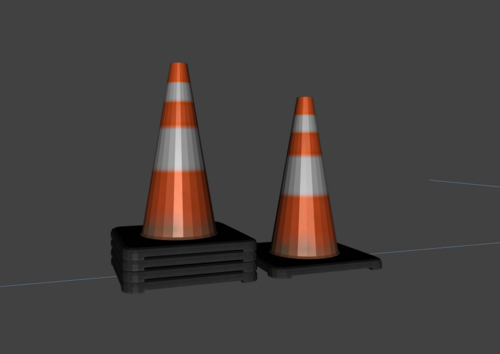 These are nice so what model you using them in next lol
 -
 I love this pack this has been a huge go to for me. Thanks for such a great pack.
 -
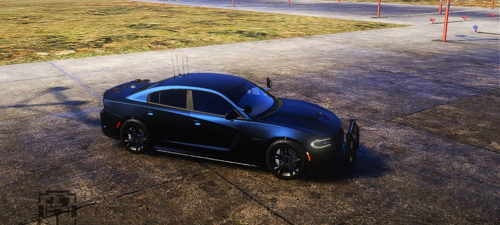
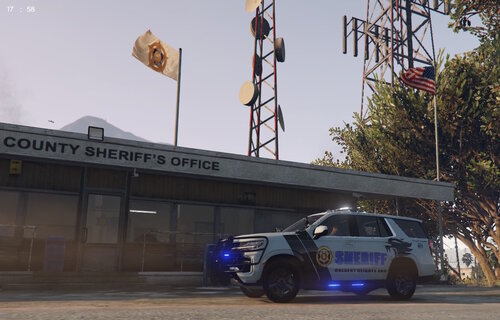 A skin I did for Colbert County, AL for the Colbert Heights SRO. I will work on a Los Santos County version also. I plan on doing some other realistic ones and GTA version ones. Link to the vehicle pack:
 -
 If they are not yielding and you can't do traffic stops then it will be in the car variation file. You will just need to copy one of the police ones and change police to your car name then that should get it.
 -
 Thanks, I have a few others I have done for a Tahoe and Chargers. I have some others I want to try to get to in time.
 -
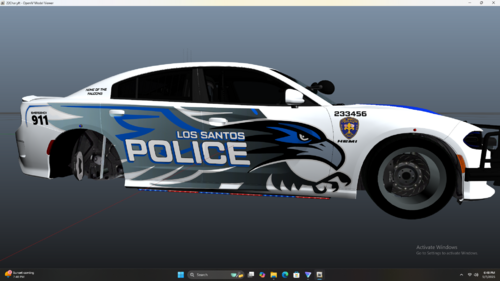
A livery that I did based off of my area School Resource Officer car that I really liked. I did a real city and a Los Santos design for both occasions. The car I used this template for is linked below. Feel free to use this design and share your screens I would love to see what others do for their setups.
-
Did you add on by renaming the car or replace? Depending on that it would help to narrow where the issue could be.
-
I tried it and it worked fine for me also. May have to delete that folder and redownload and try it again. I normally don't do dlc I just rename the cars to something new and add in to my other folder with all the other vehicles.
-
Loving the car and rocking the school resource livery.
-
 *Edit I figured out what happened and it is working now. I forgot that I did try making the livery a larger size from 4K and once I realized that and once I made it to 8K and tested it worked fine. Great pack and loving the cars and hard work. Keep it up. I have took this one (Sheriff3 - 2018 Dodge Charger) and renamed it and it worked fine a few games then suddenly started crashing the game and nothing has been added or changed since the previous game plays with this vehicle. I have no idea what has happened but all other vehicles that I use and even a few more from your pack works fine it is just this one model for some odd reason. Any ideas?
- 356 comments
- 26 reviews
-
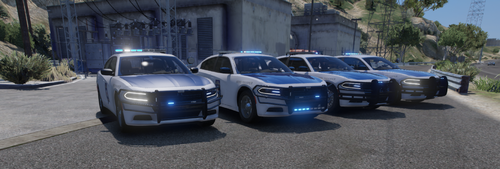 I am sorry to hear that hope things get better. I have been busy myself with work and haven't been on much myself. I know they have various colors in my area from the solid grey to solid silver and solid cream colors. I even seen the Challenger and that is sweet. I will keep an eye out and will keep you in prayer that things get better for you. I can only imagine the strain.
- 33 comments
- 5 reviews
-
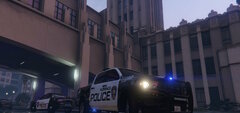
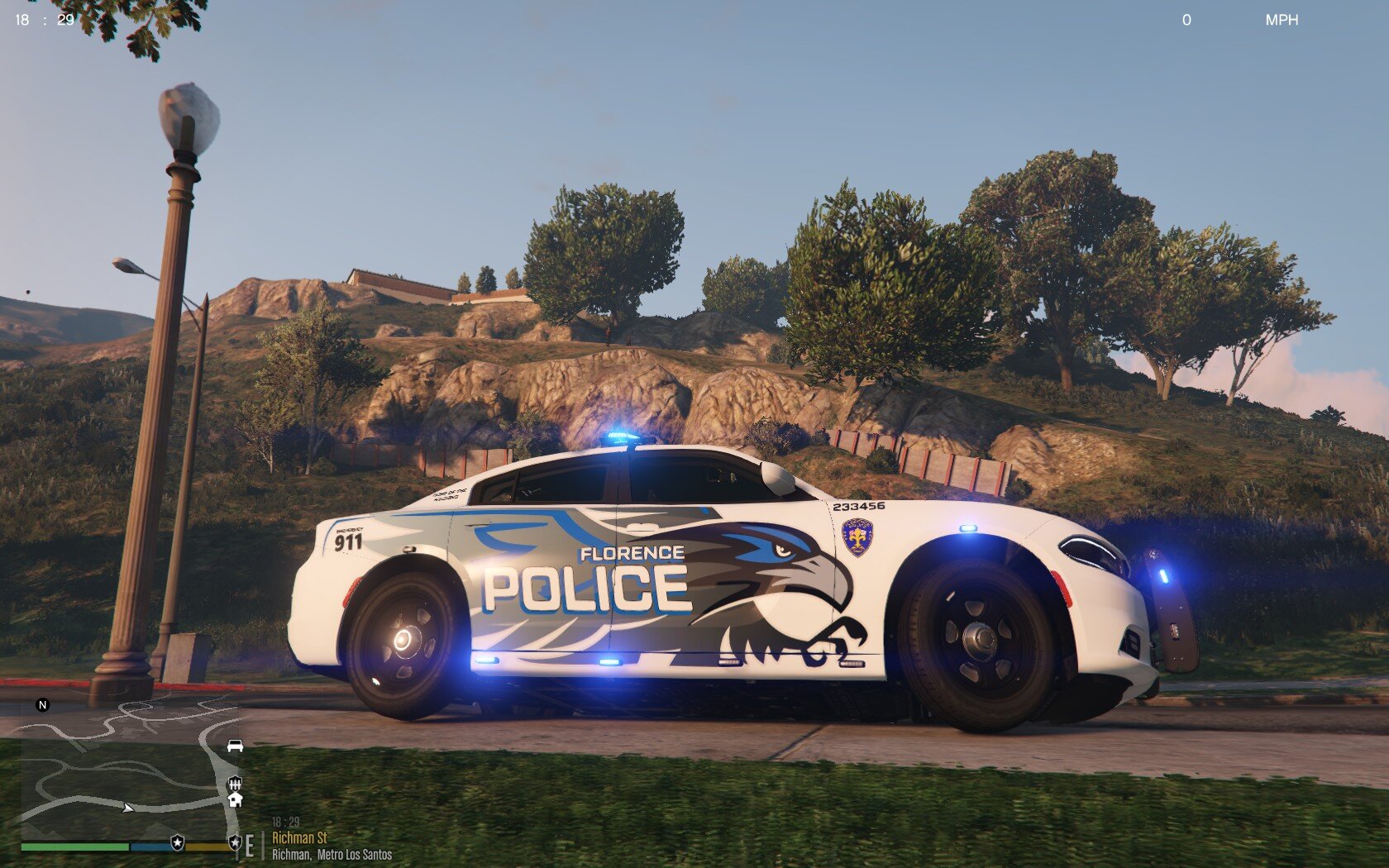
From the album: Florence Police
-
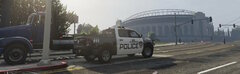
From the album: Florence Police
-
-
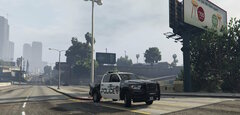
From the album: Florence Police
-
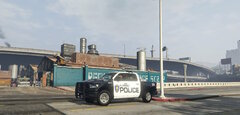
From the album: Florence Police
-
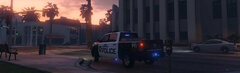
From the album: Florence Police
-
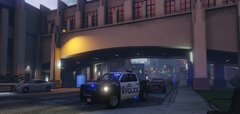
From the album: Florence Police
-
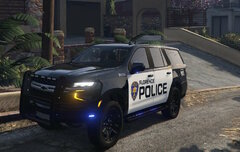
From the album: Florence Police
-
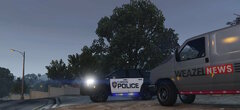
From the album: Florence Police
-
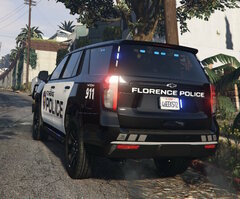
From the album: Florence Police
-
Not sure if you are still working on this pack but they have changed the design to a solid dark grey. They also have some that are solid silver and solid white around my area patrolling. Not sure if you want to add variety.
- 33 comments
- 5 reviews
-
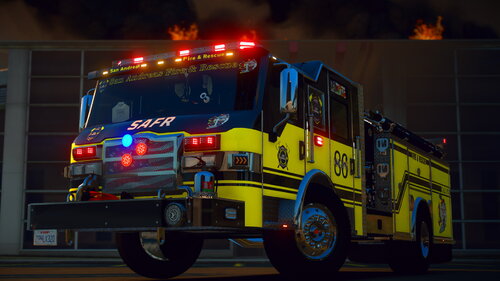 I just wanted to see if you also had the template for the mudflaps and the flags just out of curiosity
- 62 comments
- 1 review
-
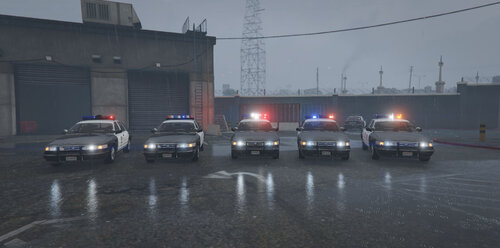 I was wandering where I could find a template for this one? All the ones that I have are for the newer styles of cvpi and I have not been able to find one for this model so far.
- 42 comments
- 6 reviews
-
Can you make a handling line for this 2014 Charger? I have tried the other ones you have posted and they work alright but it spins when you give it a little gas and turning like in a chase and causes it to just spin out. If you could fine tune one for it I would appreciate it. I had left a comment on the file page asking if they had one and haven't heard back from them. Here is the link http://www.gta-mod-center.com/forum/index.php?/files/file/180-2014-slicktop-dodge-charger-elsv8/ Thanks for any help