
StrongWilled
Members
-
Joined
-
Last visited
Everything posted by StrongWilled
-
Okay, added by GTA. Got it! Can they be replaced with ELS vehicles? If so, do we even know the names?
-
I notice a few of my vehicles were replaced with new vehicles. Did LSPDFR add new police cruisers with different spawn names? I now have a vehicle that looks like a Mustang and I have a Stanier. Can these be replaced?
-
Any help would be appreciated.
-
Unfortunately, I did try but the best I could do was the trophy.
-
Fixed! I appreciate your help.
-
No matter what I try, I can’t get Compulite to work either. I think it has something to do with the RageNativeUI. It looks updated but I think it’s missing something. Same thing with StopThePed, install causes immediate game crash.
-
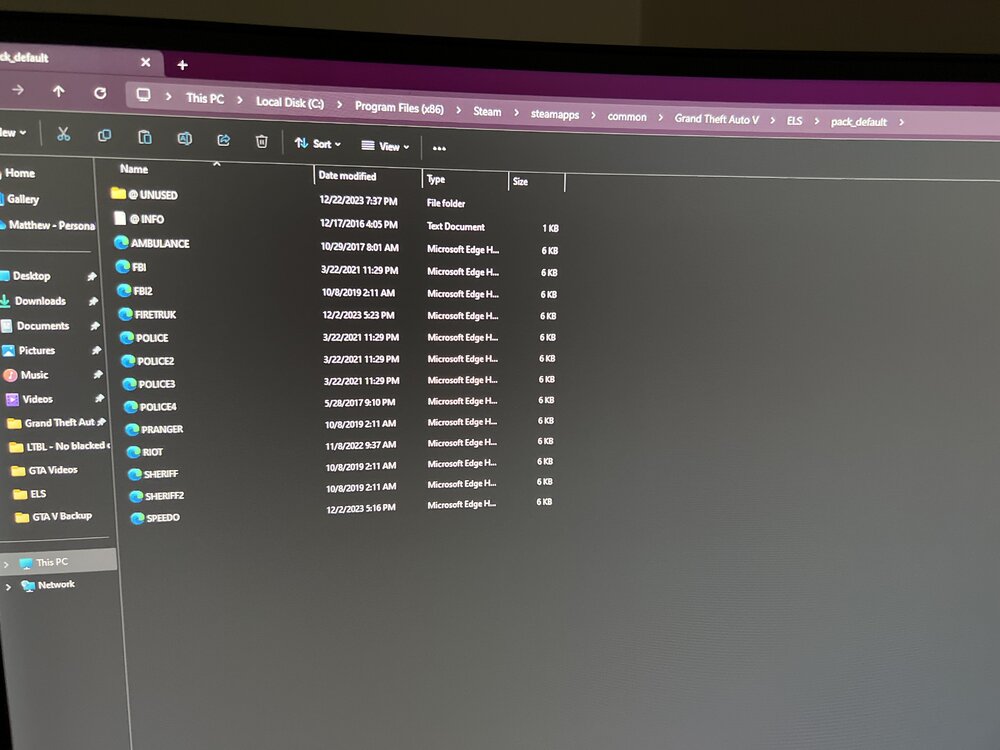
It seems just as I add the ELS files it crashes. All vehicles are from Trooper Charles packs. Mass State Police and Boston Police.
-
-
All of the vehicles and ELS files worked before the update. I’ll add that the original Police slot works with the ELS, but Police1, 2, 3 etc. When I try and activate lighting on the others the J doesn’t even beep, but if I press E the taillights flash and sirens start. No other lights go on.
-
Got it to open, added ELS files and crash. Crashes upon Completing interoperability. Still no crash log.
-
I removed it to see what might be causing the issue. After installing ScriptHookV it crashes. When I loaded a clean download with just vehicles installed it loaded but my ELS didn't work.
-
Unfortunately, the game just closes. It doesn't provide a log or even generate a crash log. It's odd.
-
Anyone else noticing this? I downloaded the latest version to utilize Compulite and StopThePed and upon loading it just closes the game. Does not provide a crash log either.
-
 No matter what I do, this plugin now crashes LSPDFR entirely. I even tried installing it bare bones with just ELS and vehicles that I know are perfect. EUP installed but that doesn't cause any issues. I'm sure I installed it correctly as I've done it 25 times already. Worked perfect up until 3.9.2.
- 1,034 comments
- 65 reviews
-
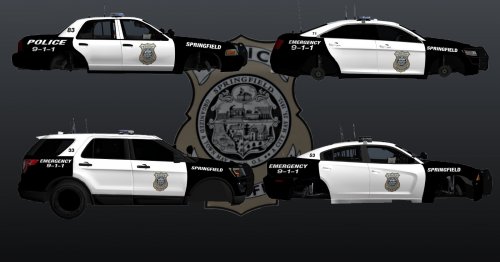 I've seen one for Holyoke also. It's just hard to find a vehicle with the same lighting. I plan to start creating some local skins for vehicles, anything you'd like to see?
- 8 comments
- 1 review
-
 Got it! It finally works. Thanks! Make sure to use the latest RagePlugInUI. Just search google RageNativeUI 2023 update.
- 637 comments
- 75 reviews
-
-

- 1
-
-
Beautiful texture! Fits the Ford Taurus perfectly. This image reminded me of Main Street with the closed storefronts.
- 8 comments
- 1 review
-
How did you get it to work? Is your game fully updated? Newest RagePluginHook, or did you use the older files in the EUP pack?
- 637 comments
- 75 reviews
-
Since the update there has been a problem with it. The menu doesn’t appear. I assume the developer will update EUP soon.
- 637 comments
- 75 reviews
-
I’ve been looking for a vehicle with a realistic lightbar to MSP. These vehicles are out there as people have made content with them. I found the CVPI pack and it’s great but I want the Explorer. Anyone have the link?
-
I'm sorry for your loss. I understand. I don't know too much about HP, but storage might improve it a bit. I'd bring it to a local computer shop. Ask them for a simple quote to upgrade. It's usually a pretty quick task.
-
-
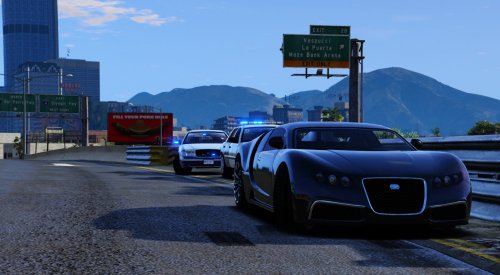 Great job with the pack! I think these are the most accurate vehicles to the MSP that still seem to work well. Lighting is beautiful and historically accurate. Any chance of an unmarked cruiser coming out for Massachusetts?
- 33 comments
- 7 reviews
-
The creator is being historically accurate to Massachusetts State Police. It doesn't need anything else.
- 33 comments
- 7 reviews
-
No problem at all! Maybe some FPS drop but it would probably be random and not really noticeable. Ryzen makes a great product.