SickleMan
Members
-
Joined
-
Last visited
Everything posted by SickleMan
-
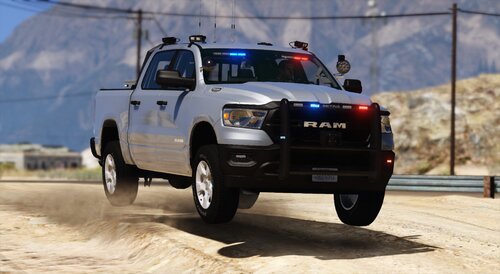 Great truck! Light patterns are so sick. Loving the all blues!
 -
Awesome! Thank you. Can't wait to see it in all blues!
-
Love it. looks and drives great. Only issue is, the all blue xml works fine but other files added to the ytd are still showing red even when i replace them. Thank you for any help.
-
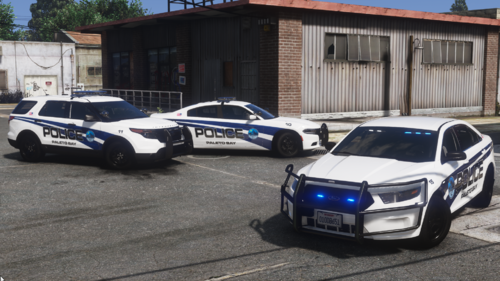 Great looking pack. Great work!
 -
ah gotcha. thank you!
-
Is there a way to have ultimate backup spawn with these new liveries? The original way of adding liveries like this for example <Vehicle chance="20" pax="1" pax_chance="30" livery="24">police5</Vehicle> does not work since the liveries are not in the YTD files. Thank you in advance for any insight.
-
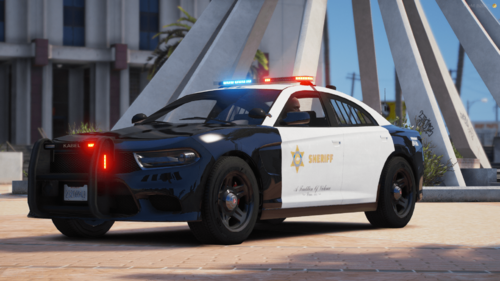 Really nice!
 -
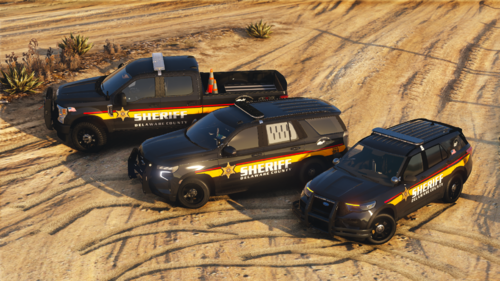 Super clean! Awesome job!
 -
Looks Killer! Can't wait to check it out!
-
-
 Just did my first vehicle BOLO and it was great, no issues and ran smooth! can't wait to experience more. Great work!
- 194 comments
- 21 reviews
-
-

-

- 3
-
-
 Great mod! I really enjoy the bleeding effects. Awesome job!
 -
-