STYXX
Members
-
Joined
-
Last visited
Everything posted by STYXX
-
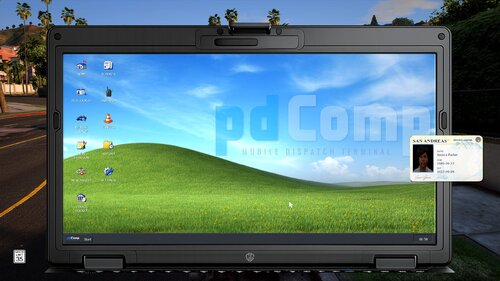 First - Awesome mod! Second - I just put this mod back in my game and for some reason it will not use the INI changes I made to bring up the computer in car. I changed it to Rmenu which is what i have used before but every time it loads it shows as ' for both tablet and in car computer. Did something change that you can't change the key binds anymore?
- 427 comments
- 48 reviews
-
Yep, you were dead on! I had to work through bunch, but I did find it! So back to the original statement... This is a great mod!!!! Thanks for the help!
- 427 comments
- 48 reviews
-
-

- 1
-
-
That's the odd part. It only happens when I press the menu button to pull up the pdComp computer. When I press it again to exit the computer it shows an odd camera angle and the car is MIA. It wasn't an issue until I update pdComp on the recent update.
- 427 comments
- 48 reviews
-
This is a great mod - However after the update when you come out of the computer my car is missing and then you need to press it again to get it back, but it will move my car as well. Something seems off after the update.
- 427 comments
- 48 reviews
-
 lol when did you tell me how to fix... dang ive been dealing with it for a month - What needs to be done to fix?
- 565 comments
- 28 reviews
-
Have we had any update to fix this yet? I still have this issue - Seems things are overlapped @Venoxity
- 565 comments
- 28 reviews
-
Looks like after the last update it has messed with the layouts - See pics - Any fixes for this? Or any others having this issue?
- 565 comments
- 28 reviews
-
 What if I want it to only play when I am in the car? Thats how it use to work?
- 650 comments
- 52 reviews
-
Yep! you were correct! it now works - Still have issues with hearing it though when I am out of a vehicle and far away from any vehicles. Here are the settings I have.
- 650 comments
- 52 reviews
-
Hey @khorio - Just did your update - However now nothing will load, and it says fatal error has occurred. Did not have any issues until I did the update - This doesn't crash my game - Just no Xscanner in game now. 😞
- 650 comments
- 52 reviews
-
-
@khorio I do not. All settings are normal beside for clicking on no other police vehicles.
- 650 comments
- 52 reviews
-
@khorio I did just try it again and as soon as I loaded in and started hearing the scanner right away while in the locker room of the PD - So for some reason it plays either way for me - Will the next update have a feature to turn it off when you are out of the vehicle?
- 650 comments
- 52 reviews
-
-
I will try this too - when I heard it though I was not near any vehicles at the time. So not sure why that was happening.
- 650 comments
- 52 reviews
-
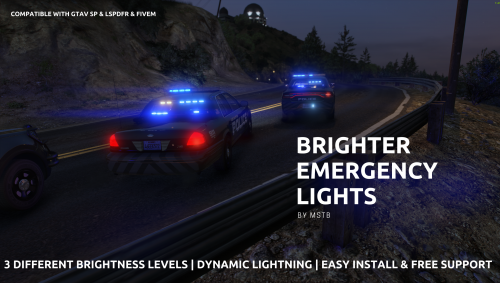 Never loved the brightness of my lights until now! Great stuff with this and you won't be disappointed. Super easy install too! Great work!
- 64 comments
- 11 reviews
-
-
-

- 2
-
-
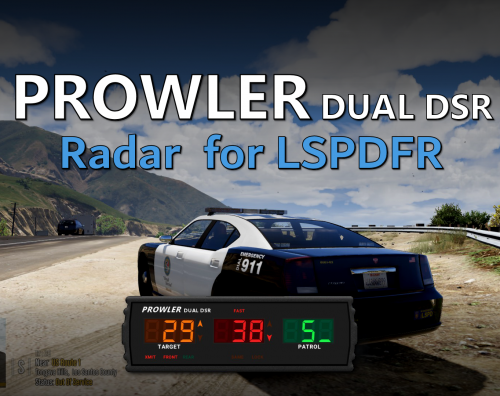 Hands down must have mod! Best radar I have used and most realistic! Keep up the great work!
- 235 comments
- 37 reviews
-
-
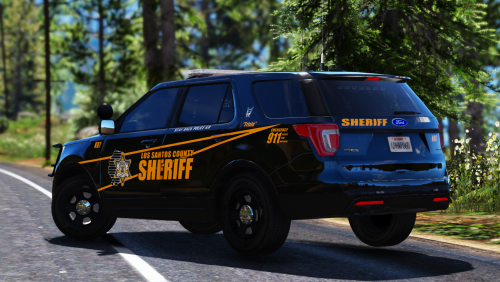 Love these textures! From Michigan so looks just like our Sheriffs office! Will definitely be my go too and in my sheriff video content! Awesome job!
- 64 comments
- 32 reviews
-
-
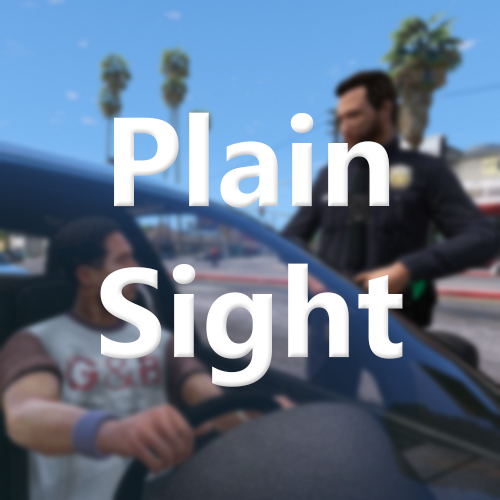 Must have Mod! Brings an awesome thing to all traffic stops! Keep up the great work!
-
-
-
Is there a way to stop the chatter from working when you are not in a vehicle? I've tried a few settings and still hear it as I walk around too. overall great update my dude!
- 650 comments
- 52 reviews
-
 This is an awesome callout pack! I really only run this one and it keeps the patrol busy! Keep up the great work againstallodds!!! I recently did a review on your new update! Take a peek!
- 197 comments
- 38 reviews