


Bidulo
Members
-
Joined
-
Last visited
Everything posted by Bidulo
-
 I'm f*cking stupid I didn't install CalloutInterface Thank you for your help (and your patience !) :')
- 1,032 comments
- 65 reviews
-
-

- 1
-
-
Actually, I have two "CalloutInterfaceAPI.dll" One located in the main directory : "C:\Programmes\Epic Games\GTAV\" And one in the LSPDFR directory : "C:\Programmes\Epic Games\GTAV\plugins\LSPDFR" with the file "CalloutInterface.dll"
- 1,032 comments
- 65 reviews
-
-
For some callouts, when I arrive on scene, it ends the callout. I already played with it on an other pc and I had no problem. 😔
- 1,032 comments
- 65 reviews
-
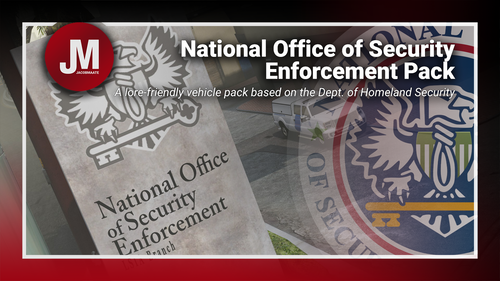 Where can the "What's included.txt" file be found ? The cars are amazing, but I cannot make them spawn because of that ! EDIT : I found it. With OpenIV : GTAV\mods\update\x64\dlcpacks\JMnoose\dlc.rpf\x64\data\lang\<choose_one(all_same)>\global.gxt2 EDIT2 : It seems that the game crashes everytime 💀
 -
.thumb.png.a82baefc3938aa67f909ec687d421119.png) I don't know what happened, I tried again and it worked. Thanks for getting back to me so quickly, anyway.
I don't know what happened, I tried again and it worked. Thanks for getting back to me so quickly, anyway. -
Where can I find the car ? I installed the files in the right folders but now when I try the command : "Spawn unmarked20" it doesn't work.

.thumb.png.a82baefc3938aa67f909ec687d421119.png)