


CrimsonFox2467
Members
-
Joined
-
Last visited
Everything posted by CrimsonFox2467
-
insufficient permissions or slow system now pops up when trying to load rage hook.
-
So i tried this and it says slow system or insufficient permissions.
-
Hey! Is OpenIV down right now? I went to there website and it doesn't load anything. openiv.com
-
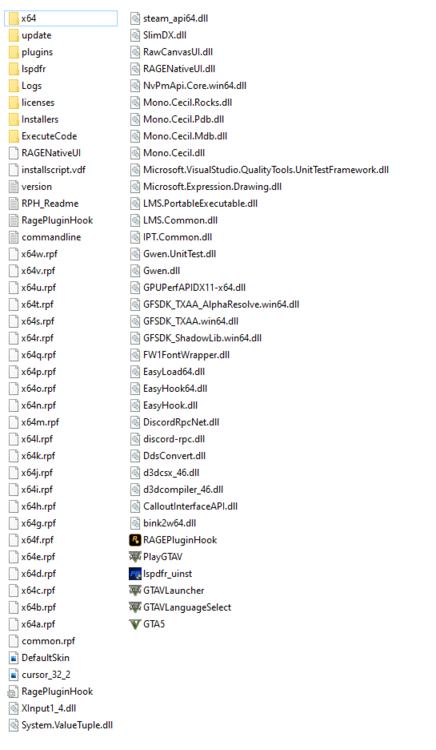
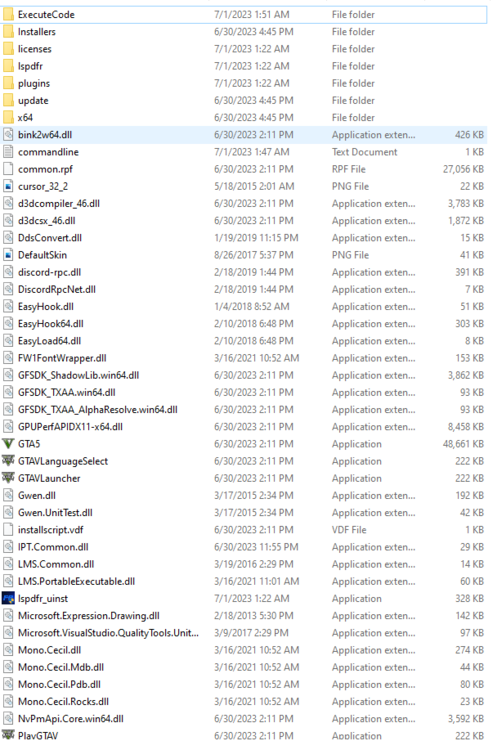
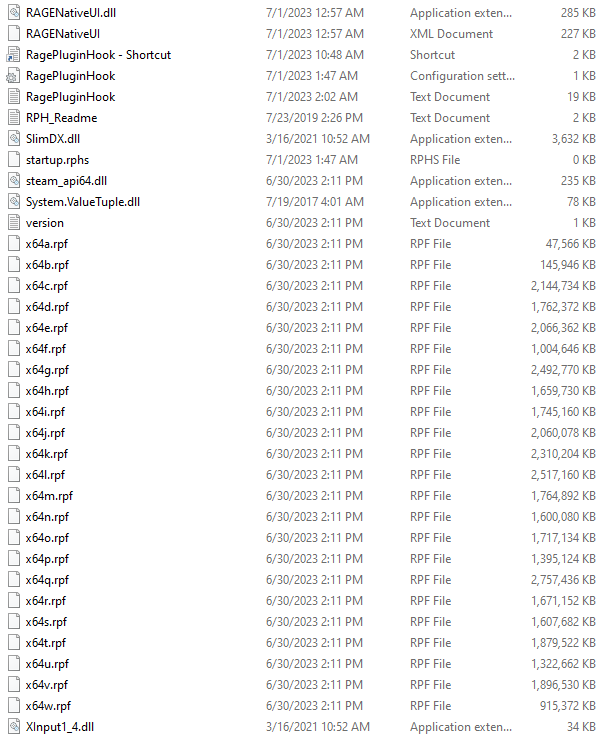
hello! I have been playing using ragehook to start my game via steam but now when i select the rage file it opens via steam but open regular gtaV instead of gtaV through ragehook. here is my main directory.
-
Do you happen to know why my grammar police when i load in says it can not start due to there not being libraries?
-
hey that worked! Thanks!
-
i used the other download and not the manual
-
How do i get the exe file then?
-
-
RagePluginHook.log
-
-
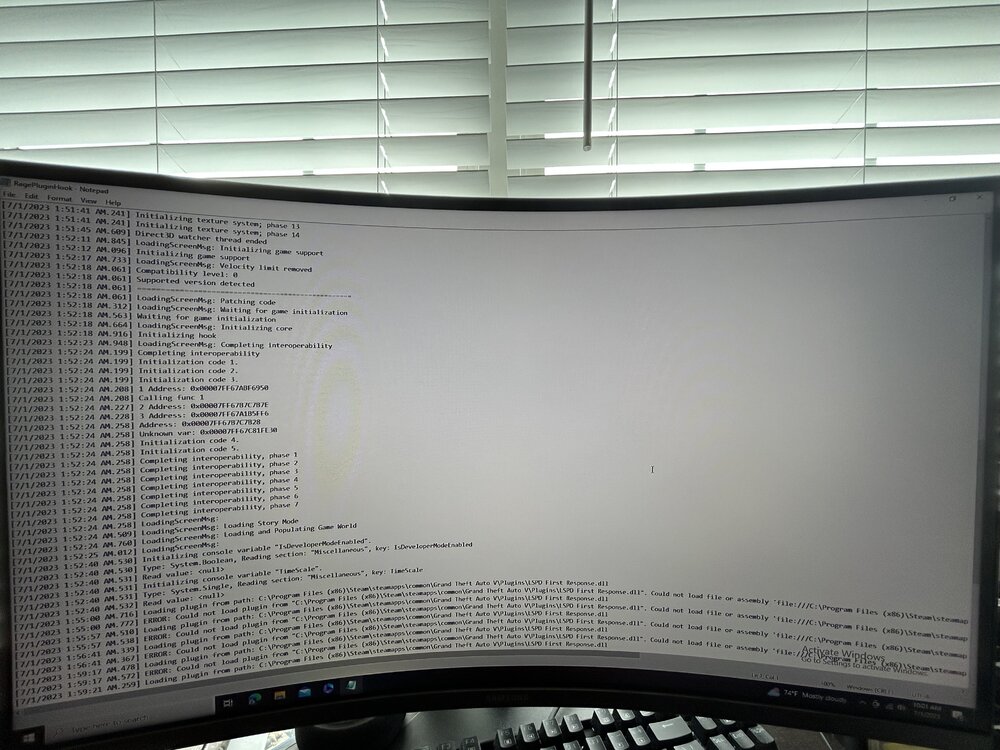
I have everything installed but when I get into the game and hit f4 to type in plugin LSPDFR First Response and hit enter it says could not load….etc. Any idea why?




