


Logan West
Members
-
Joined
-
Last visited
Everything posted by Logan West
-
 Okay, I know this is a stretch. Is there anyway to reduce the brightness of the Light Bar on this pack specifically. My other vehicles are good but for some reason this one is ungodly bright and blinding and blurs together.
- 73 comments
- 22 reviews
-
-
 Should I be able to just delete the custom regions and still work perfectly fine? The custom uniforms just don't seem to work with the custom regions since they will spawn with a RHPD shirt and custom pants for example.
- 953 comments
- 24 reviews
-
-
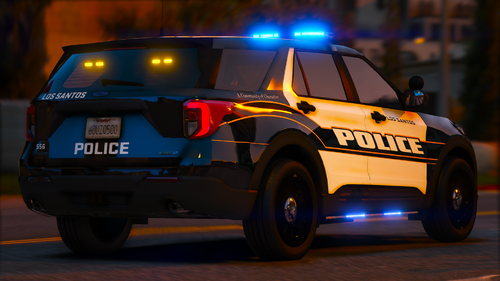 Just wanted to give a quick update. I love the pack and I am using it, however on the LCSO liveries, the chargers are a little messed up.
- 38 comments
- 2 reviews
-
Hey, just wanted to see if maybe I could get some help. I've been looking for a while and can't find a solution. Whenever I request Back Up in a Pursuit, the AI units will get out of their vehicle and leave their sirens on. I have Automatic Siren Cutout but doesn't work. Any and all suggestions will be highly appreciated Thank You all and stay safe out there
