


.jpg.e70c1449ef2515d7edcfc1546d3a0676.jpg)
jas1kk
Members
-
Joined
-
Last visited
Everything posted by jas1kk
-
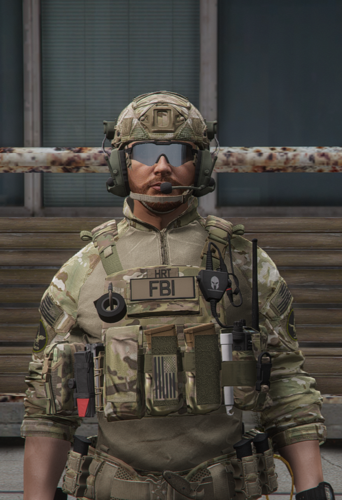 in ytd file
 -
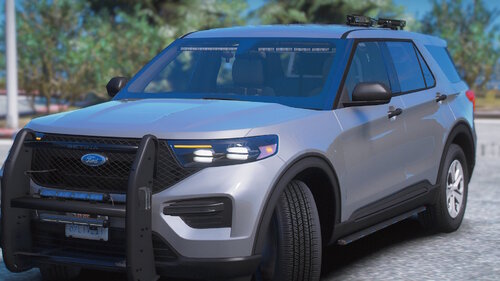 can you make r/b version?
 -
i use this sound and maybe this sounds real from seatbelt by Faya, but at the moment I'm using this mod: https://www.gta5-mods.com/scripts/seatbeltmod
-
Thanks, if I have some free time I'll give it a try
-
Thank you, but I don't think I can do it
-
I'll think about it
-
-

From the album: LAPD + Urus photos
-
-

From the album: LAPD + Urus photos
-

From the album: LAPD + Urus photos
-
-
After 1 month, i founded the solution. 1. Delete EGS, Rockstar Games 2. Delete EGS and Rockstar files in AppData 3. Delete saving settings Rockstar Games 4. The next it's install everything back 5. Change the GTAV installation folder (worked for me)
-
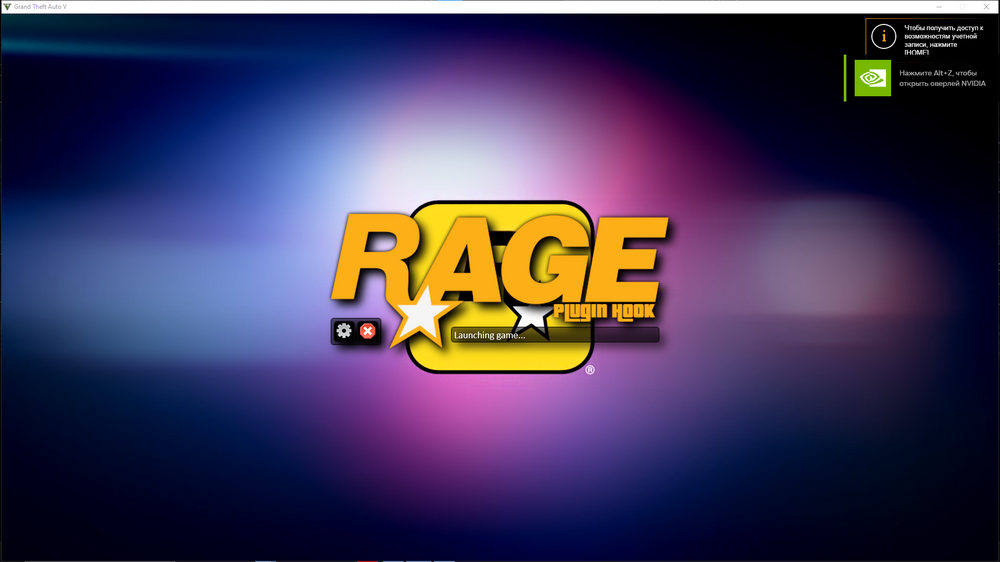
I have this problem
-
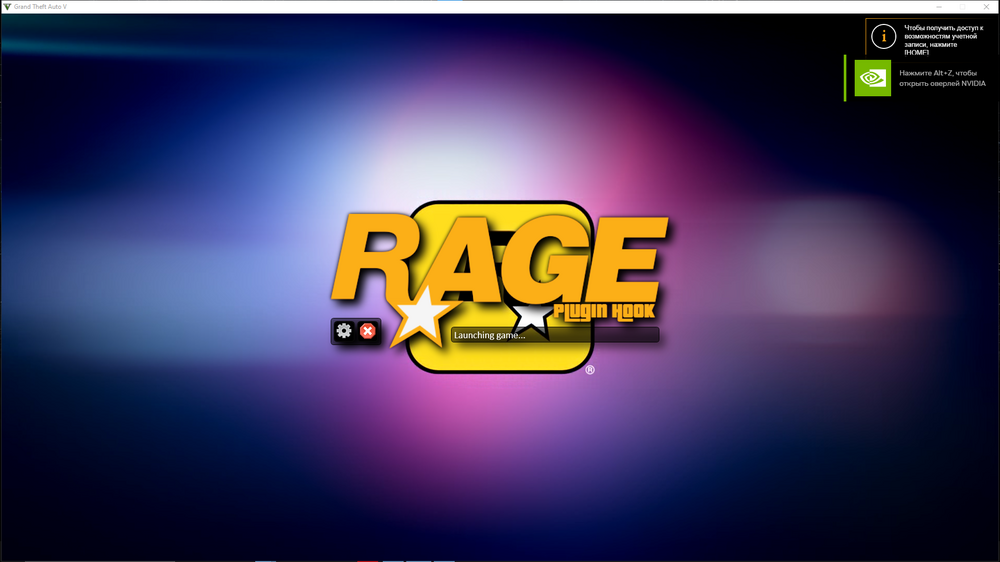
I launch it, it then launches Epic Games, then Rockstar launcher, but when the game loads, this inscription still remains, and GTA simply loads the story mode. I reinstalled the game and LSPDFR, same thing (I don't know why RPH stopped seeing GTAV, I didn't have this before). I changed the RPH compatibility to administrator, same thing.
-
-
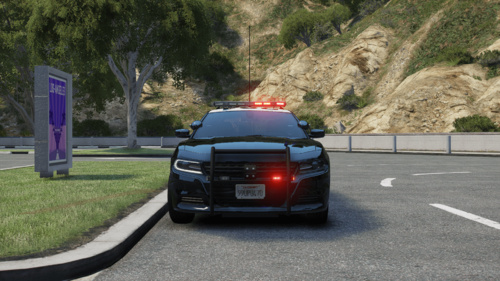 NVE.asi - adds snow to the surface in snowy weather, but it is not stable with ELS, without it NVE works stably
 -
-
Added
-
This texture pack is for: ThinLineSanctuary Crye AVS Plate Carrier: SWAT https://www.thinlinesanctuary.com/collections/3d-models/products/avs-swat-add-on CRYE G3 Set https://www.thinlinesanctuary.com/collections/3d-models/products/crye-g3-set Ops-Core FAST Helmet https://www.thinlinesanctuary.com/collections/3d-models/products/ops-core-fast-helmet-accessories-pack What's in this Texture pack: 1. Changed the names on the vest to Sheriff and Police. 2. Added SEB, SERT textures for Sheriff. 3. Added green Sheriff patches textures for Ops-Core FAST. 4. LA County Sheriff and LA SWAT Police badges added.
-
no
-
Save dlclist, and delete update.rpf (or use unins nve) everything with enbseries, d3dcompiler_46e.dll, d3d11.dll, quantv.asi and after these steps, reinstall NVE and drop that visualsettings.dat according to the instructions.
-
Did you do backup update.rpf? If not, you will have to remove it or somehow reinstall it
-
I think you installed QuantV on top of NVE
-
Did you install something other than NVE?
.thumb.jpg.8b79f0bcb14c7aa526fbd07e9f6cbfb5.jpg)





