Ferionic
Members
-
Joined
-
Last visited
Everything posted by Ferionic
-
 Got back after few years and installed ELS by a experience then later tryed 4 videos tutorials as if would help with this newest AdvancedHook, which fixs only error in my case and all actions leads to same results as if didin't put any files in and it's not recognised as mod there in gta directory, nice.. out of ideas with this one [EDIT:After huge hesitation i decided to reinstall and start with this mod and worked.. Good luck to me for installing other mods once again 😂]
- 2,695 comments
- 238 reviews
-
 Simple, easy, working when just starting play and after longer time it just does not respond to my click to work 🙃 have no idea how game impacting it. Reload plugins ain't working
 -
 Just installed this mod and by exploring hotkeys notice crash, it triggers when hit SPACE to go backwards and went to pressing W which obviously should not react in any way since S only move him back. Any ways to fix this? No other scripts is installed. (Turning gearbox to false in Driving.ini fixed problem for now)
- 330 comments
- 24 reviews
-
-

- 1
-
-
I found out by accident that it requires newest version of script hook v by trying plugins ^^ Thanks for support 🙂
-
Yes they are Asi loader OpenIV.ASI
-
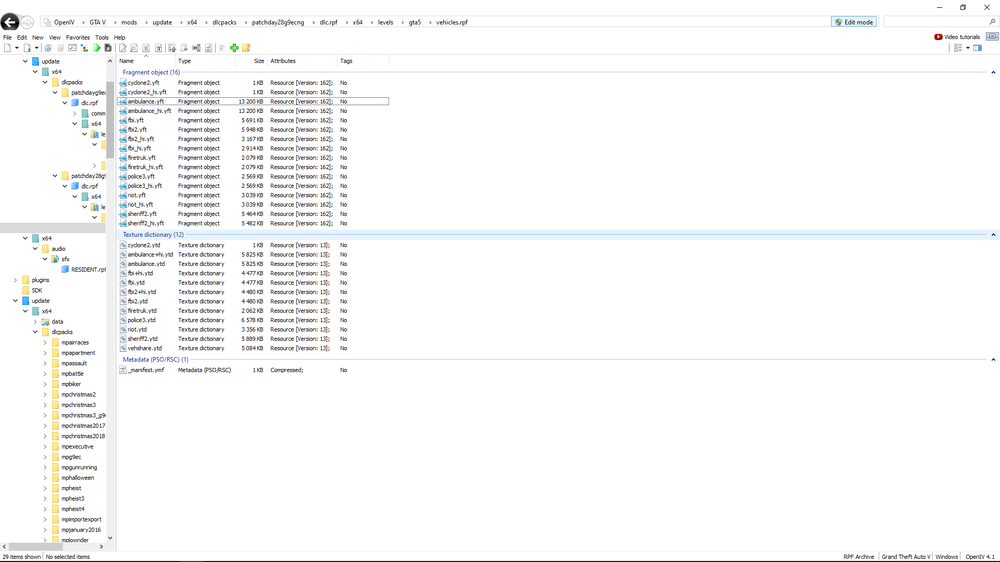
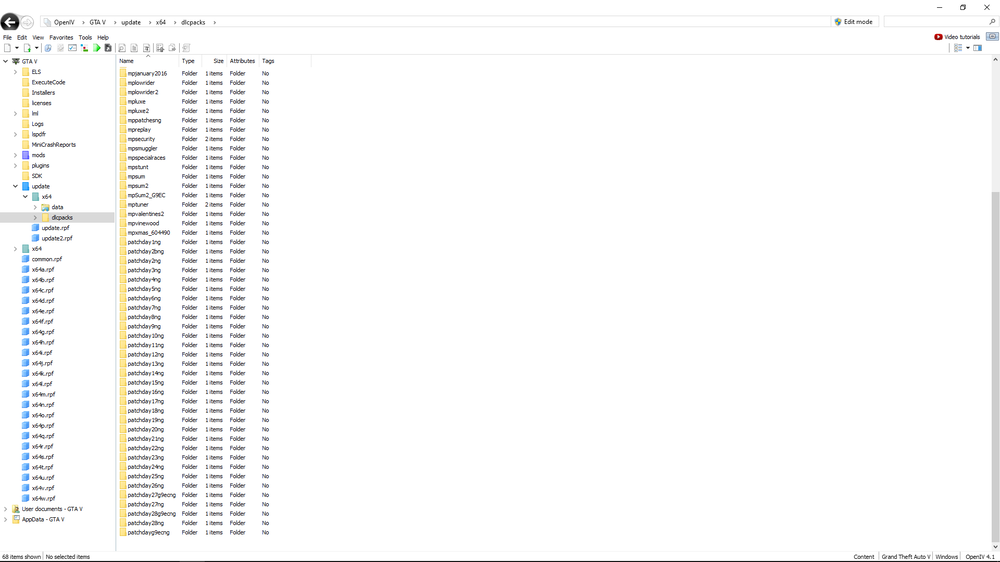
Thank you for response. same as before, still won't come out All folders for packs
-
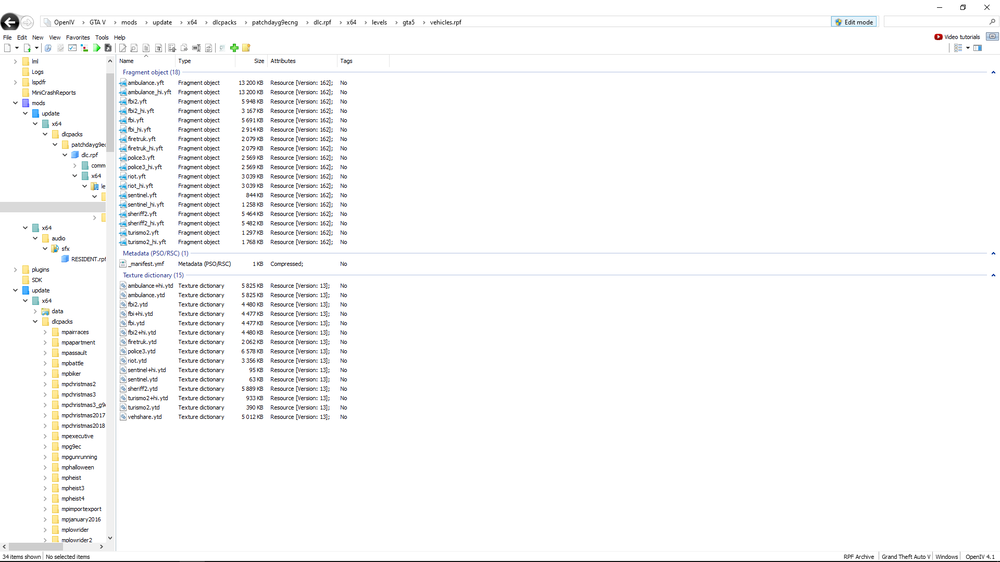
Greetings, have this problem, i use mods for vehicles and it suppose to be working as i watched videos but isn't ingame, what could be wrong? My path of mods: C:\Games\Steam\steamapps\common\Grand Theft Auto V\mods\update\x64\dlcpacks\patchdayg9ecng\dlc.rpf\x64\levels\gta5\vehicles.rpf\ Detail: Last patch folder - patchdayg9ecng If need more information let me know Attached photo of folder insight Thanks :)