
itsjzee85
Members
-
Joined
-
Last visited
Everything posted by itsjzee85
-
 Awesome! Let me know if u need anything else!
 -
The train files go in your vehicle folder. Wherever that is. One of mine is in patchday24ng. So wherever you put your vehicle files, is where the train files will go
-
-
I'll help you sort this out, let's move this to DM's. There is something off here...
-
You still need to place the new trains.xml in the vehicle meta folder. Make sure you pick one from the slightly longer or X2 folder. It will be either 15 or 30 cars long. Also you may have accidently changed something that you shouldn't have. Looking at it now I can tell the meta is not in there because your cars are floating.
-
-
I actually am in the works of getting Amtrack setup and additional liveries for the train cars and locomotives. That way there is a pack out there with a train style for everyone-ish. So YES! It's being worked on.
-
I was actually thinking about adding those in as well. I will work on those tonight! Should have it uploaded as well.
-
Yep. I am just trying to figure out a workaround for dlc vehicle spawning but I have resorted to just using the vanilla cars. Trying to install and add carcols and meta and all that seems easy but it was kicking my butt no matter what I tried so I gave up.
-
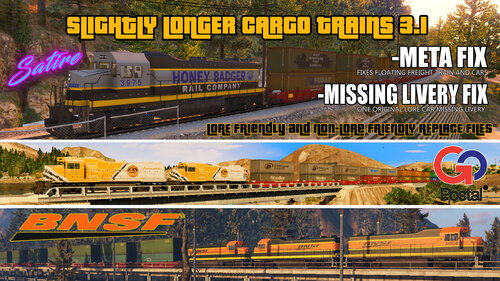
Slightly Longer Cargo Trains (REPLACE FILES) 3.1 ** What's New and Changes in 3.1** - META FIX! - There is a floating train car (high) and the train is floating above the tracks (slightly). This was not noticed after converting file. All metas have been fixed. Please replace your meta with these files. - The original Lore Friendly train was missing a livery for the last car. The file was replaced and the Original Lore Friendly cars have been placed in their own respective folder to drag and drop. - SLCT V3.0 Brings new satire cargo container companies. - Re-textured the containers at 2k and added more detail for rust and worn items. Smoothed out the doors on the cargo containers so the logo will now be more visible. - The orange color on the BNSF locomotive has been changed to look more realistic to the actual real life loco and the livery has also been re-done so all the lines around the train line up as close as possible. - New Lore Friendly Locomotive - Honey Badger Rail Lines - "Honey Badger Doesn't Give A S#!t! - SLCT V2.1 I've listened to your feedback and now I have added separate folders for Lore and Non-Lore so you can just drag and drop files over the other to change back and forth quickly rather than change each ytd. You can still change liveries on all lore and non-lore friendly sets. - SLCT V2.0 finally is bringing lore friendly train cars! All new Logo's. - New textures on all lore friendly containers and D-Rail logos for the cars themselves. - Lowered train offset to sit better on the tracks now and not barely touching them. - Lore friendly and non-lore friendly YTD's are all in the same place so you don't have to switch all cars out every time you want to change. You can also mix and match lore with non-lore friendly container cars. (If you want the original lore containers you will have to change them yourselves). - Train car order has been randomized by AI to assure a proper variety of containers in sets of 1, 2 or 3. The max on any train now is 16 unless you add more yourself. (Max used for the longer train is 30). - New Super Long Train.xml with 99 cars is now available in case you want to have a train that stretches across half the state. - SLCT 1.2 - Fixed an error causing 1 train to not spawn. - Added JPEG on how to edit the train.xml - Included a jpeg screenshots folder for visual reference - SLCT 1.1- Added a second replace meta for a double length train if you wanted one (30 +/- cars) and included the original train meta to return back to vanilla. - SLCT 1.0 - Release ** MOD DESCRIPTION ** I always thought the trains were lacking realism. I spend a lot of time in Blaine County and I enjoy seeing them in the game as I'm out and about or whatnot. I wanted to make them longer and have different train cars so i created this simple replace pack. (no DLC). Trains vary in length from 14-16 cars. Some trains have 2 locomotives, some inversed. Freight trains and cars are all BNSF. Lore friendly will be an option. There are 15 different replace files to put into your vehicles.rpf for just the train cars, 1 locomotive folder (BSNF) and 3 different train meta files to choose from.. You can edit the meta if you want to add/remove/edit freight train or freight car files. The limitations on making longer trains is at 100 cars including each locomotive. Keeping the train cars around 15 and under will keep you sane. If for some reason you want longer there is a X2 train length meta and a 99 car length train. Use OpenIV to select different liveries. The creator of the real world containers Foxunitone has made multiple variations of real life liveries for variety and has more on his page (link included) Each real world car can have a different livery than it has now. Also he was kind enough to leave a template in the files so you can create your own if you so please. *NOTE - This does not contain a fix for the crossing arms not going back up or not coming down at high FPS. This is not an issues with this mod or your game and there is no known fix. ** TO INSTALL ** 1. Place all the files from the "Train Car Files" folder in to your vehicles.rpf folder. (Do the same thing with the BNSF/HB train car files if you want to use that train over GoPostal). Use OpenIV and navigate to your vehicle mod folder and drop all files into the folder. - gtav: \mods\dlc.rpf(patchday 24ng or 28ng)\x64\levels\gta5\vehicles.rpf\ 2. Copy the trains.xml file in the "Train Meta" folder and place it into your vehicle meta folder. - In OpenIV navigate to your vehicle meta and drop the trains.meta file there. - \mods\update\update.rpf\common\data\levels\gta5 ---****IMPORTANT INFORMATION****---- 1. This is the MOST IMPORTANT part!! Unless you are an EXPIERIENCED MODDER (meaning you CAN mix and match individual DLC files, xml's, etc. and not have issues within your game and if you do, you know how to fix them) then this applies to you! This is only meant to work with the vanilla version of the train YOU MUST REMOVE ANY AND ALL FILES (YFT, YTD, DLC, Meta anything not related to the vanilla version of the trains (except train prop mods) UNLESS YOU KNOW WHAT YOU ARE DOING!! PLEASE DO NOT MESSAGE ME SAYING YOUR GAME IS BROKEN IF YOU HAVE NOT DONE THIS (please, again), because not removing those files will most likely break your game. If you have done all the other things feel free to ask me for help. 2. If you want to remove the BNSF/Honey Badger Freight Locomotives then there are 4 files that need to be removed. If you do not remove all of them the train will be flipping and floppin goin all willy nilly crazy then I get comments asking why I broke the train. Remove ALL old files! The files are FREIGHT.YFT, FREIGHT.YTD, FREIGHT_HI.YFT and FREIGHT+HI.YTD. Assure everything is correct how you want it and your all done. You are free to edit, upload and all that good stuff. Just try to always credit the authors. If there are any questions or suggestions feel free to leave a comment -------- This mod is thanks to Foxunitone! Creator of all the cars and has other great ones too. https://www.gta5-mods.com/users/Foxunitone Locomotive Created in Trains, Trucks, Emergency & Service Vehicle Templates 2.5 by Thero. https://www.gta5-mods.com/vehicles/air-port-service-and-service-vehicles-template-pack
-
Hey everyone, you can always check the website for the update. That is the quickest and sure fire way to know it's been updated. If it's not updated there then it is not updated. Script Hook V - AB Software Development https://www.dev-c.com/gtav/scripthookv/ It has never, that I can ever remember, taken 2 weeks to update
-
Most everything else he adds in there is just for immersion. You do not have to use that level of detail. You just need to know the terms to say to get what you are asking for. There is more than one way to tell grammar police you are on a traffic stop or need assistance so long as the key word(s) are in then sentence then the rest is ignored. If you just want a tow, then you can simply say you need a tow.
-
Not sure if this matters anymore but the livery is crooked on the door. It is not in line with the crease so it kinda stands out.
-
-
 You called it. I had it but it was was outdated. Works awesome! Tring not to get shot is so hard! Nice side game to play.
- 19 comments
- 2 reviews
-
Can't seem to get this one working. I've made sure it's installed correctly and nothing. Love the fire and explosion effects plugins!
- 19 comments
- 2 reviews
-
Everything is starting to go crazy when it loads the forestry callouts. Try removing that and then go on duty see what happens.
-
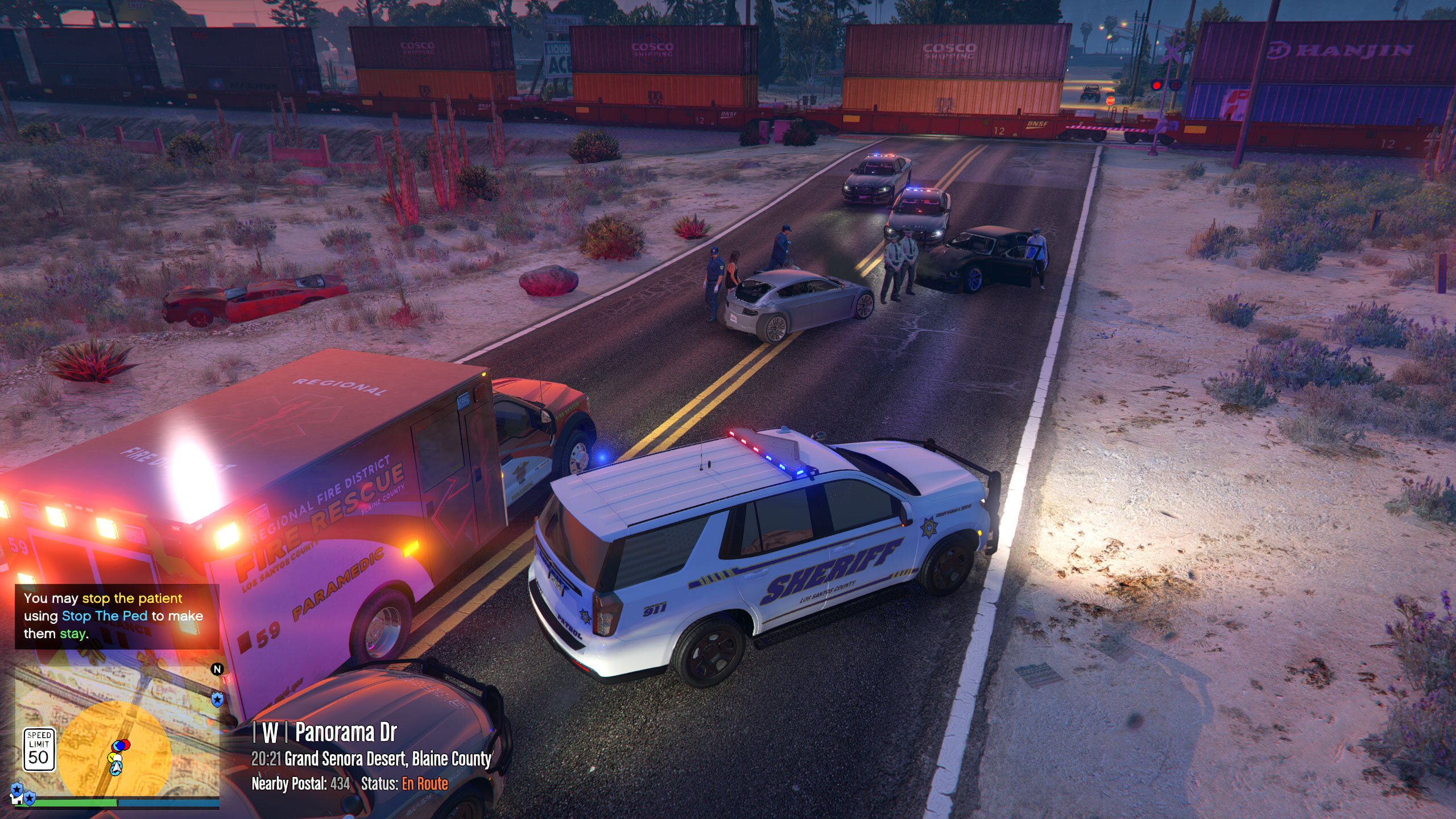
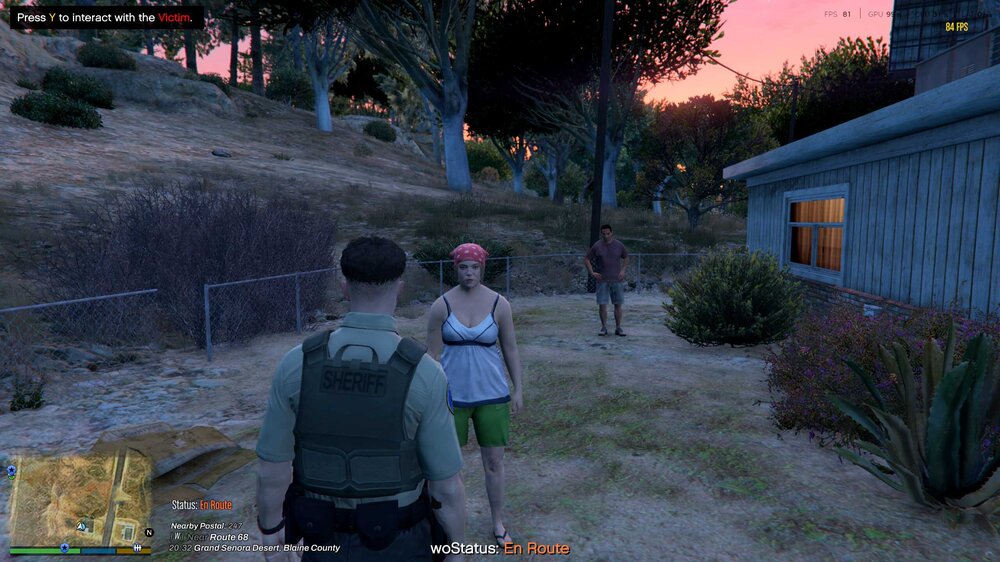
Subtitles Work in the beginning but then start to say "woStatus: En Route" or whatever your current status is. Kinda kills the fun of the callouts. Do anyone know where I should start with this? I only have a few callout packs installed It's happens on every callout. Thanks In Advance!
-
Sure but be more specific. You mean to replace cars and uniforms? and do u use EUP?
-
Absolutely check that. Just remove anything new you added.
-
The best thing for you to do is to replace all police/sherriff/fbi to the police vehicles you want, then set all the uniforms to the uniform you want. Google the process. I can't remember it off the top of my head. If you want to change dlc vehicles that respond you can change those settings as well. Easiest way is to just do replace files. Wherever you are a lspd unit will respond when you ask for a local unit or a state unit and you will all be dressed the same.
-
Did you download and install it? Google it and it should take you to the file.
-
Sounds like you installed an incompatible script/plugin/callout. Clear out your callout folder of all callouts and any extras. Keep STP, Compulite, UB, etc. Try to load and see what happens. EDIT: Post your RPH log.
-
Can you post screenshots of both gtav/plugins and the LSPDFR plugin folder? I want to see where everything is so we can narrow it down.
-
You need to reinstall LSPDFR. Download the latest version and copy your current ini's if you have customized key binds or custom settings to your desktop to replace the default one that is installed after you've run the setup again. This should fix the problem. Make sure you install RPH again. Be sure you set your plugin timeout threshold to 60000. Let me know if it does not and we will figure it out.