



itsjzee85
Members
-
Joined
-
Last visited
Everything posted by itsjzee85
-
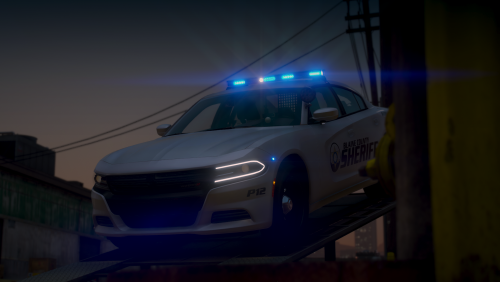 These vehicles are incredible. There is a lot of detail and everything just looks good. Been rockin the 18' Charger. I'm normally a 100% berries and cherries kinda guy but I'm lovin the all blue. Although I would love to see a R/B version someday. Thanks for your hard work in these.
- 119 comments
- 11 reviews
-
-

- 1
-
-
It would be cool if when the flatbed tow truck and the corners van arrive on scene they have their lights on. Is there a way to do this? Like in the XML file or something? Thanks so much in advance!
-
These are some of the best looking cars I've seen hands down. Idk how you did it but they look amazing. I would gladly pay for a red/blue version.
- 119 comments
- 11 reviews

