



SHERIFF/EMS/FIRE
Members
-
Joined
-
Last visited
Everything posted by SHERIFF/EMS/FIRE
-
 I agree with this. Also is there a way to turn off police responses and just have fire and EMS?
- 93 comments
- 18 reviews
-
 i'll take that slicktop
 -
 I like the idea of having a radio earpiece. I'm sorry if this has already been covered but will there ever be duty belts with a taser on them? Or maybe a separate leg holster for the taser?
- 2,349 comments
- 238 reviews
-
I like computer plus but I have never used SARDAS. Computer plus there is no need to minimize your game window or switch between windows. I wouldn't like the idea of using another computer to access a database for a game i'm playing on another computer.
-
yes install it into your mods folder. D:\Grand Theft Auto V\mods\update\update.rpf\common\data. Sorry I should have said that before
-
Are you installing it into your mods folder in OpenIV and not the game folder?
-
 dat booty doe
 -
Make sure to reinstall any visual mods you had installed before the new Script Hook V. OpenIV will update your update.rpf directory and delete them. I like to use this visualsettings.dat because it's the brightest of them all
-
Open OpenIV and go into edit mode. OpenIV will let you know that there was an update and that the update.rpf needs to be updated in the mods folder. Allow it to update the update.rpf There is no problem with the new Script Hook V. Confirmed working afterwards.
-
Thanks buddy
-
 I love that lightbar
 -
I would help but I can't even get my game to run after the new scripthookv update. Did you make sure to put the visualsettings.dat in D:\Grand Theft Auto V\update\update.rpf\common\data?
-
I've downloaded the new version of scripthookv and installed it. My game then updated and I made it all the way to the final loading screen. Once at the final loading screen my games continues to load forever and doesn't make it past said loading screen. Is anyone else having this problem?
-
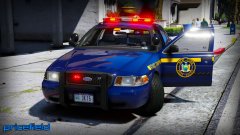 Haven't seen a NYSP CVPI in a while. Looks good!
 -
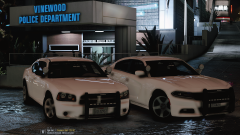 full interior lightbar
 -
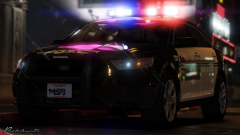 your face reminds me of best-of-CryENBv3 from GTAIV
 -
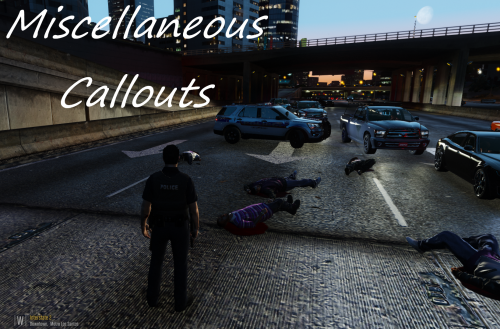 The hit and run callout is spawning a body in the middle of the road even when I don't accept the callout.
- 68 comments
- 21 reviews
-
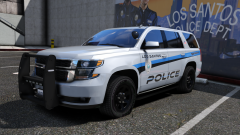 Awesome news
 -
What are the chances this will be released?
-
 Causing a 6+ FPS drop when enabled in my game. I deleted every plugin one by one and pinpointed this plugin as the cause. This mod is worth the FPS drop for me though. Hopefully this will be fixed in an upcoming version.
- 1,915 comments
- 242 reviews
-
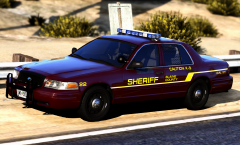 This reminds me of the Greenville County Sheriff's Office from Live PD for some reason. I think a FPIS would be a great addition.
 -
What police vehicle are you trying to use ELS for? Make sure in your Grand Theft Auto V\ELS\pack_default there is a .xml file named for the vehicle you're trying to use. For example if you're trying to use ELS for sheriff2 make sure there is a sheriff2 xml in Grand Theft Auto V\ELS\pack_default. If there isn't one copy and paste the police xml from that folder to your desktop and rename it to sheriff2. Then place that sheriff2 xml that you just created into the above directory.
-
Here are two mods that I recommend you install. https://www.gta5-mods.com/misc/a-i-police-pursuits-disabler
-
Do you have a smaller picture of it?
-
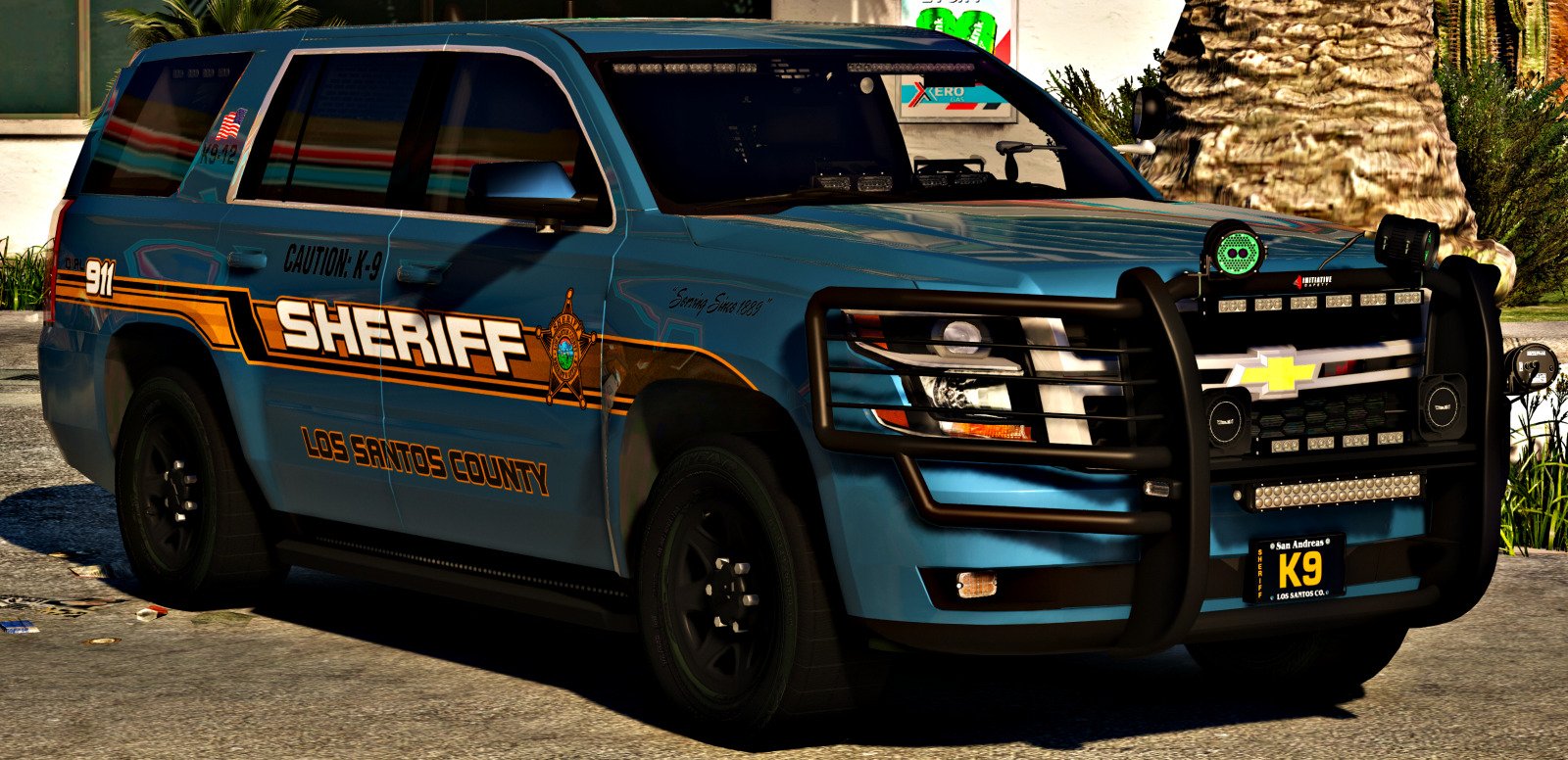
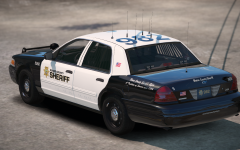 Maybe a K-9 unit? All white would work perfect for that as well.


