


-wei.png.c0a9706d0e93fdea419b4cbbec4cf351.png)
TechHack
Members
-
Joined
-
Last visited
Everything posted by TechHack
-
-
 Unfortunately, version 1.0 currently only supports heavy traffic all the time. I'm currently still working on doing exactly as it says in your question. But this will probably only come with version 2.0
- 74 comments
- 2 reviews
-
-
-
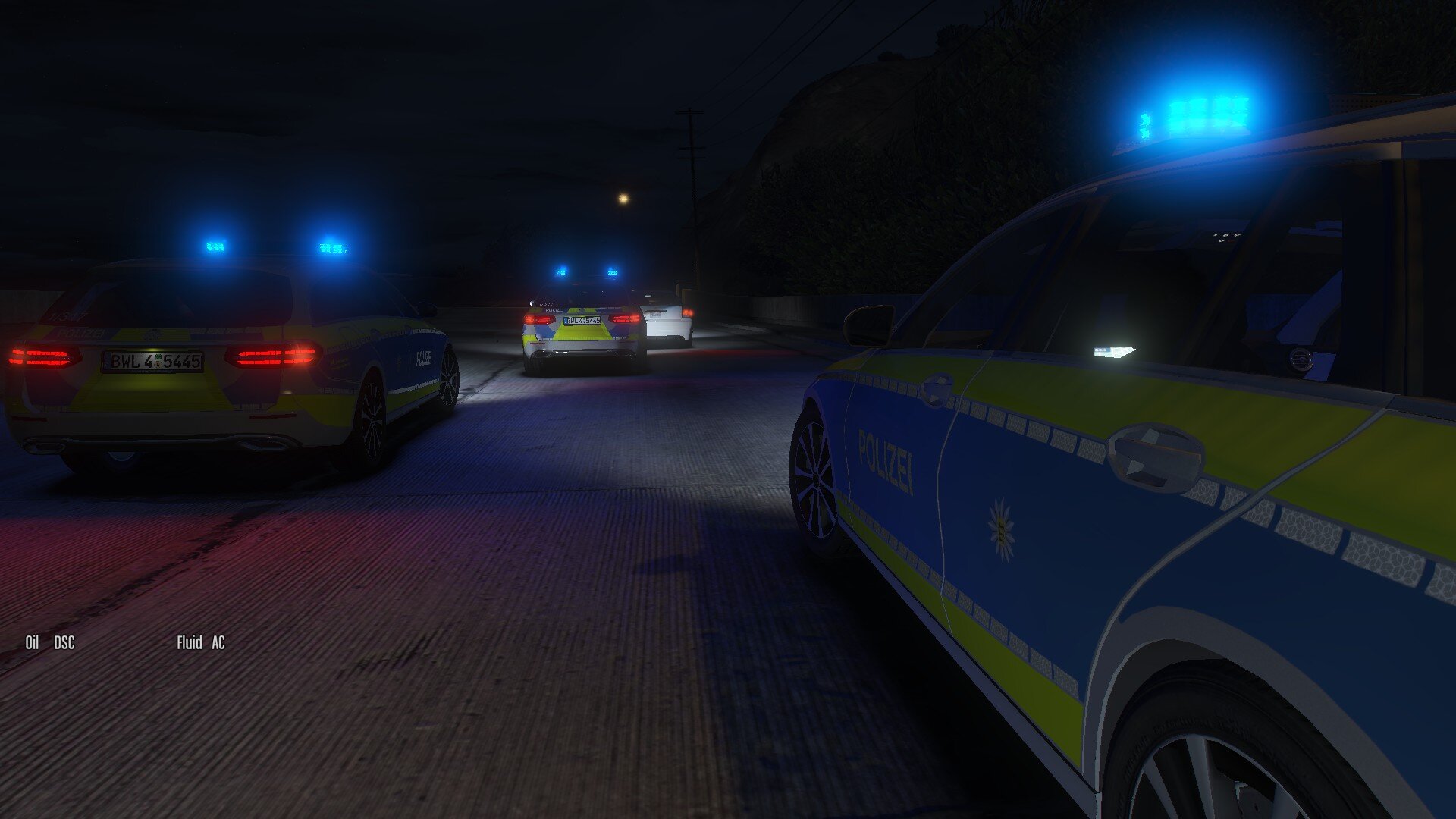
Realistic Traffic – Dynamic Edition Please read the description carefully before installing this mod. Project has been paused so I can focus on more important private projects Experience traffic like never before. Built from the ground up to simulate natural density, realistic congestion, night calmness, and rush hour chaos. This isn't just a tweak. This is a traffic system that responds to time, location, and intensity. 🧠 What This Mod Does Realistic Traffic dynamically adjusts traffic density based on: 🕒 In-game time (rush hour, night, regular day) 🌍 Location (city, rural, highways) 📆 Day of the week (weekend evening boost) Unlike the previous version (Realistic Traffic till 4.0), with this plugin you get lively traffic that changes around you. 🚗 Key Features Dynamic Rush Hour Simulation Morning (6–9 AM) and evening (4–7 PM) peak traffic with congested highways and slower movement. Ultra-Realistic Night Traffic From midnight to 5 AM, most roads are nearly empty. Just 1–3 cars every few blocks. Rural Traffic Zones Sandy Shores, Paleto Bay, Grapeseed and mountain roads always stay calmer whether it's night or day. Weekend Evenings Get Busy Friday and Saturday nights simulate nightlife traffic, with increased flow after 8 PM. Traffic Horn Simulation During rush hour, stopped vehicles occasionally honk for realism. Menu You can turn the horn on and off via the menu. You can also enable or disable Rush Boost. Default key is F3, you can change it in the ini. Better emergency lane when lights on NEW Vehicles will automatically move to the side (right/left) when the siren signal is switched on. Some NPCs will “fail” and not dodge correctly. 🔧 Future features 🌧️ Weather-based density adjustment: Less traffic during heavy rain/thunderstorms More traffic jams in drizzle (accidents, braking) 🏙️ City-related density zones (e.g., Davis, Vinewood): Density is also regulated by district (e.g. Vinewood = denser, Blaine County = less) Do you have a suggestion for me? Write it in the comments below, and I'll try to implement it as soon as possible. 🔧 Requirements GTA V (latest version) ScriptHookV ScriptHookVDotNet 3 (Nightly built) ⚠ Known Limitations Due to engine limitations, density is still bound by gameconfig & streaming range. For best results, use with an enhanced gameconfig.xml (included). ⚠ Known issues Nothing here yet... ✏️ Notice If you've just started the game and the traffic isn't right, you may need to manually set a time for the traffic to update. From then on, the traffic will run completely dynamically This doesn't have to happen, but it can occasionally occur. The heavy game config is recommended. If your game can't handle all that traffic, you'll need to switch to the middle game config. Unfortunately, the middle gameconfig is limited in its functionality. It primarily reduces traffic overall. If you still want to play with the heavy version, you'll need to lower your graphics settings or remove certain graphics mods. This doesn't have to happen, but it can occasionally occur. IMPORTANT: If Rockstar Games releases an update and the game starts crashing or won't start at all, it's most likely due to the gameconfig included with that mod. This must be replaced with a current custom gameconfig until this mod receives an update. Video This video shows the installation and a short gameplay. Discord Support https://www.discord.gg/p299cPjKr2 I would be very grateful if you would give me criticism or suggestions for improvement regarding this mod. Thank you! Version 2.2 (Build R17)
- 74 comments
- 2 reviews
-
-

-

-

- 11
-
-
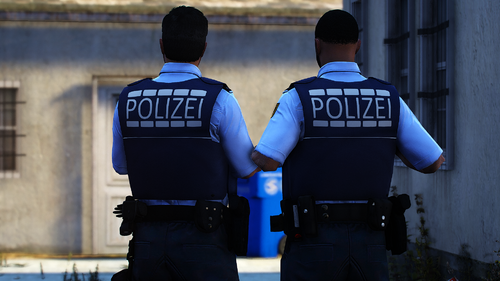 Hab schon viele gesehen, die es versucht haben.. Aber diese hier ist bis jetzt die beste BW Weste
- 4 comments
- 1 review
-
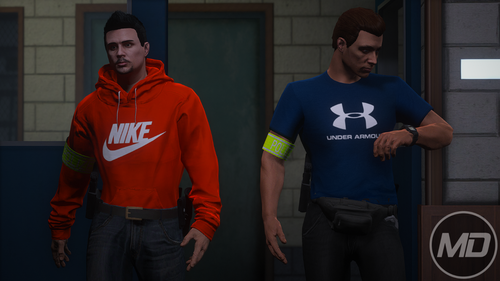 Ich sehe die Kleidung nirgends im EUP.. Kann mir jemand dabei helfen?
-wei.thumb.png.1766318b95bd3f8eaa45f0bbed68b2c8.png)
