


TGMODZ
Members
-
Joined
-
Last visited
Everything posted by TGMODZ
-
-
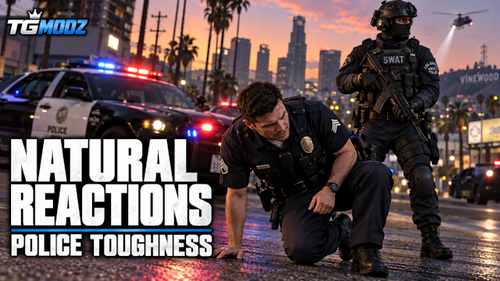 I’ve been working on a GTA V mod to make shooting reactions feel more natural, with less stiff movement and sharp snapping when pedestrians and cops fall. Natural Reactions & Police Toughness adjusts leg-shot reactions and collapse behavior after repeated hits. Regular cops get a small toughness increase, while SWAT, NOOSE units using the SWAT setup, and military personnel get additional armor. The goal is to make shootouts feel more believable without turning everyone into bullet sponges. All three files are included in one OIV installer. Install through OpenIV’s Package Installer and select your mods folder. Built for GTA V Legacy. Back up your files first—other mods editing physicstasks.ymt, pedhealth.meta, or pedpersonality.ymt may conflict. Let me know what you think of the reactions and toughness balance!
 -
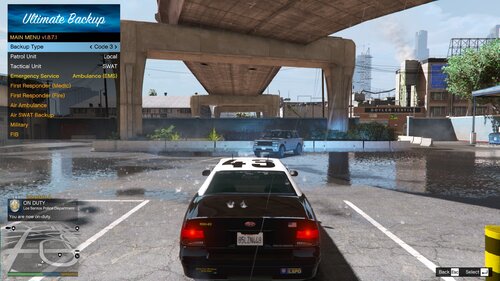 Want some extra backup during pursuits? This edited SpecialUnits.xml adds Military and FIB options to Ultimate Backup, available for pursuits and Code 3 calls across all four regions. Military units use the Crusader, Barracks, Barracks3, Insurgent, and Mesa. FIB units use the FIB sedan, FIB SUV, Unmarked Cruiser, and Police Riot, with FIB agents responding. All existing backup options are kept. This is a configuration edit, so it doesn't include custom vehicle models or skins. Requirements: LSPDFR and Ultimate Backup. Link: https://www.bejoijo.com/post/ultimate-backup Installation: Back up your current SpecialUnits.xml, then replace it with the included file in your Ultimate Backup folder. Make sure the filename is exactly SpecialUnits.xml, then restart your game. Military backup has been working in my testing. If you run into any issues with the additional vehicles or FIB units, let me know!
 -
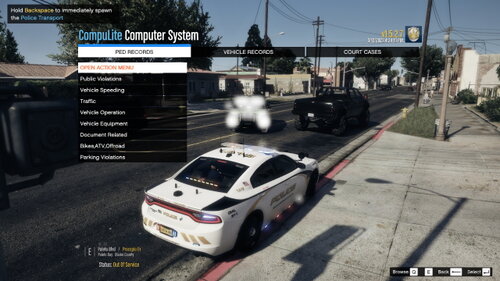 @everyone I have updated the mod. 🙂
 -
 @Owen.butler17 do u need help testing the military backup? I can find time to help test it if you want.
 -
 @OfficerMorrison will you add back the callouts before you released the newest update anytime soon? Some of them sounded interesting.
- 356 comments
- 25 reviews
-
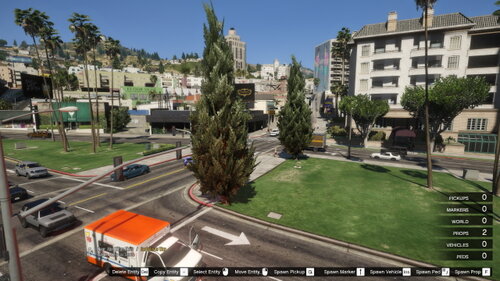 @everyone I updated the mod. 🙂
 -
@Owen.butler17 I don't see the military option, am I missing something? Also, when I request a G6 Response unit to any of the calls or pursuits, they don’t respond/come, I don’t know if it’s a bug or not.
-
I'll try it out tomorrow and I'll let you know how it is. 🙂
-
@everyone I have updated the mod. 🙂
-
.thumb.png.e1006baaf00eb5c21dd122b569241181.png) @everyone I updated the mod. :)
@everyone I updated the mod. :) -
@everyone I updated the mod. 🙂
-
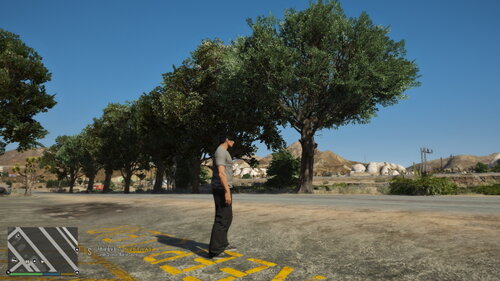 I'll be working on an update soon, stay tuned!
 -
I'll be working on an update soon, stay tuned!
-
You're welcome, my name is trainguy_gaming not Brodie, lol
-
I updated it earlier
-
@Owen.butler17 How is the update coming or have you started working on it yet?
-
Ok thank you, I'll try it out
-
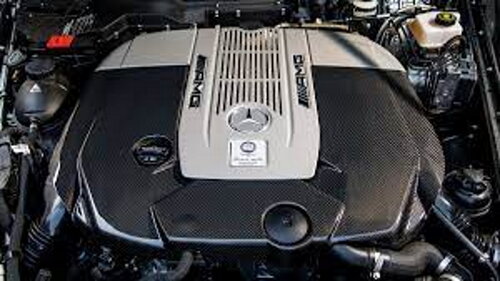 I added my video in the description
 -
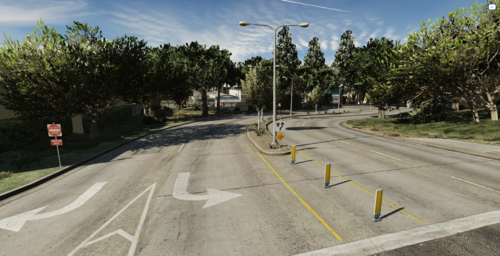 Can you also do a tutorial on how to install the mod?
 -
is this for fivem and SP or just fivem?
-
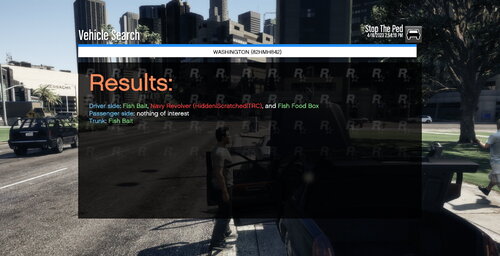 I updated it, so now I have 3 or 4 items. Please leave item suggestions
 -
I'm working on an update give me time, and I will update it. Please be patient.
-
What do you mean by "nail filer to do drug swabs with"
-
Hi and thank you for using my Item mod for Stop The Ped. I wanted to create my own item mod and it is a work in progress, please don't say anything negative about this mod, respect and treat others the same you would be treated! Feel free to leave item suggestions for the mod. Do Not Re-upload anywhere else. Screenshots will be uploaded soon. 🙂 To stay up to date with news/updates join my Discord Server: https://discord.gg/54ey7STtra


.thumb.png.e1006baaf00eb5c21dd122b569241181.png)

