
DavBanjo
Members
-
Joined
-
Last visited
Everything posted by DavBanjo
-
Do you have deadly weapons by any chance? It has a automatic panic button feature when firing your weapon. Link:
-
 Still works great!
 -
-
-
Install Stop the Ped by Bejoljo Plugins. You can tow literally any vehicle you want with it.
-
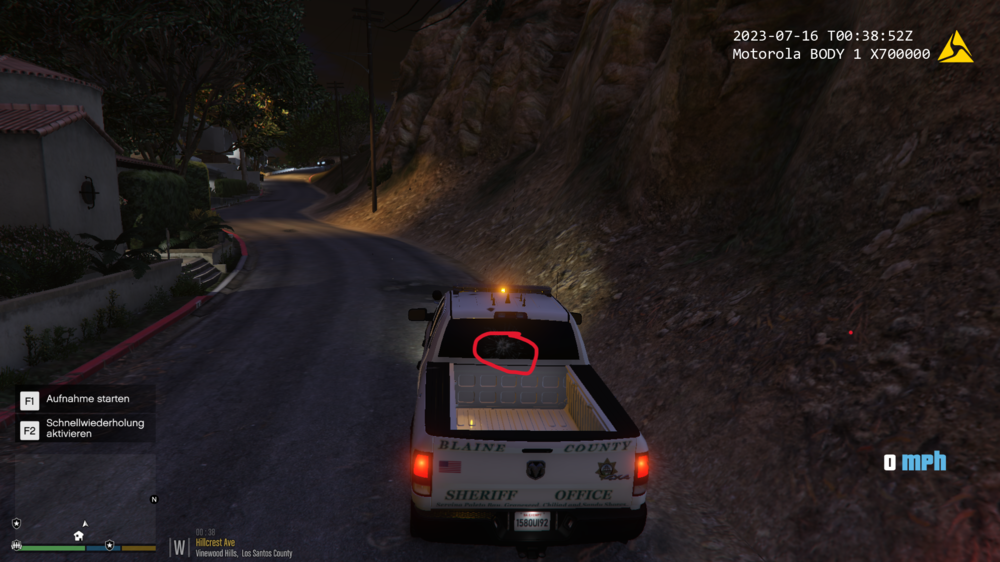
Looks like the lightbar was tinted. The solution is to change the diffuseTint value in vehicle.meta to <diffuseTint value="0x00FFFFFF" /> (was also in the description of the pack). My bad I rushed way to fast to download it without reading the description. Cheers
-
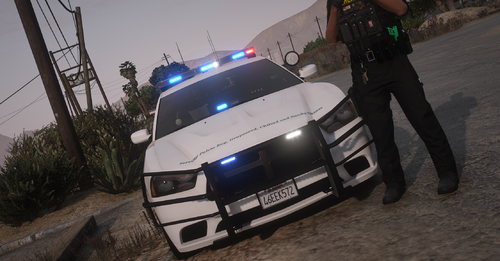
So I ran into a problem with a vehicle pack that I installed. Basically the lightbar on the back window (don't mind the bullet hole) is not there. The pack doesn't have a custom vehicle.meta or anything else. Just the XML and vehicle files. Any idea on how to fix it? Link to the Pack:
-
-
Well I guess I'm just going to park their cars for them 🫠, thanks anyway.
-
Thanks, will surely try it out!
-
So, I was wondering if it's possible to make your backup units (police, ems, etc) stop at a place which you picked. It is really annoying when they just stop in the middle of the road or at weird place. I have seen that BetterEMS has an option for the ambulance to stop at your waypoint, although I didn't test it out yet it would be cool if there is something similar for UltimateBackup. Anybody figured it out?
-
-
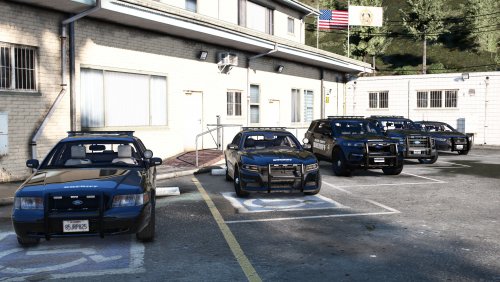 The superfix file does not work and only makes things worse. Every time I use it to change the vehicle.meta it crashes Rage.


-Copy.thumb.png.61782dab4302e59ed828c5f2cdb1945b.png)
.thumb.png.866d457a1ef69a67b9b8771570f11b33.png)