



misterchairman
Members
-
Joined
-
Last visited
Reputation Activity
-
 misterchairman reacted to opus49 for a file, Prowler RadarDiscord: https://discord.gg/AuJCUag
Features:
A realistic radar system based on the real-world Stalker Dual DSR Four different modes including stationary and moving A "fast" tracker to differentiate between strongest and fastest signal An "auto lock" feature that allows you to set a maximum speed
Prowler-Dual-DSR.pdf
-
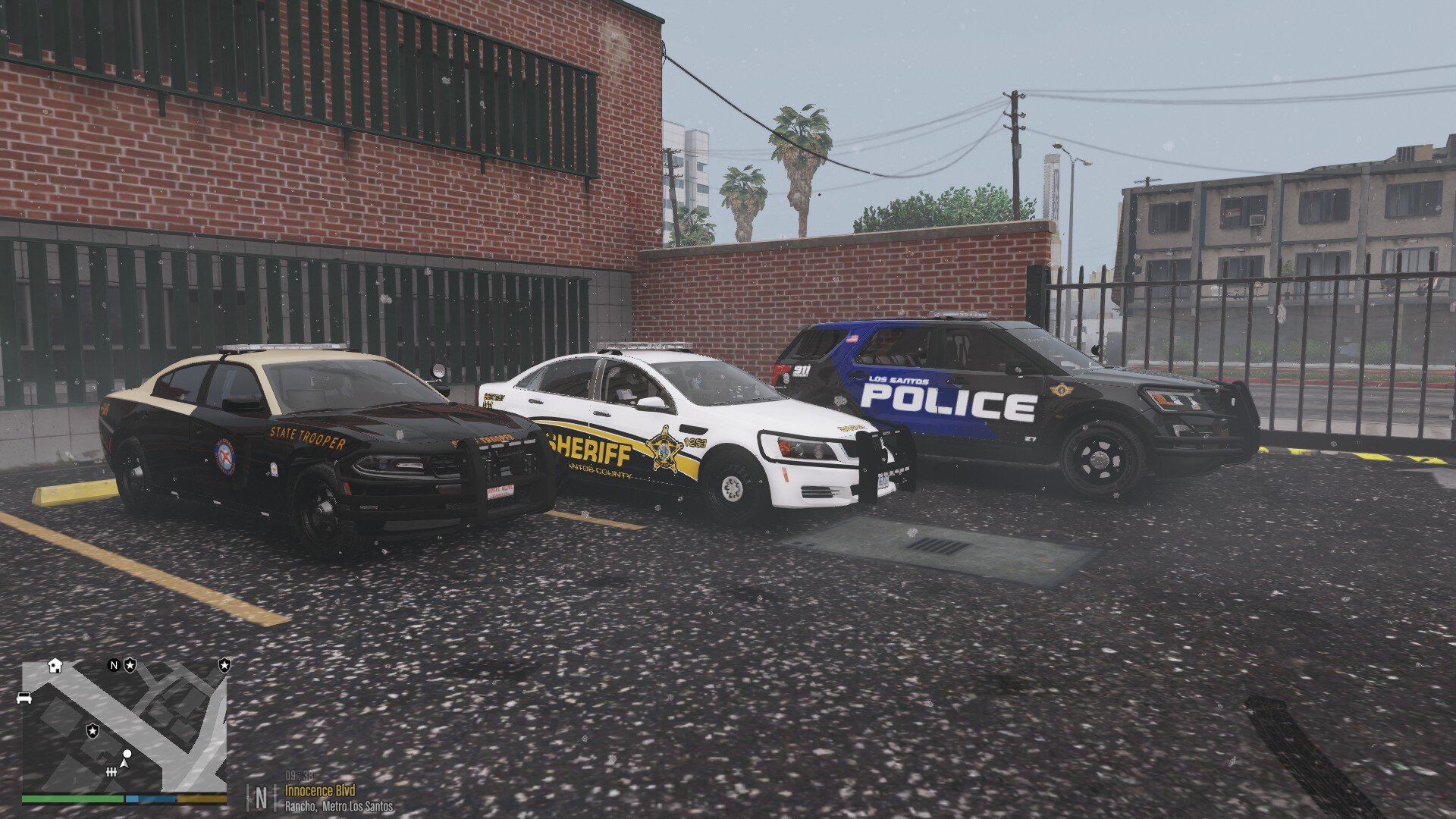
misterchairman reacted to Treyb8m8 for a file, Los Santos Police Department Pack {ELS}Hello!
This is my first vehicle pack so let me know what you think!
I put the vehicles together using development parts from LSPDFR, (credit below)
Vehicle liveries also made by me.
Install in your latest patchday folder
As this is my first attempt at a vehicle pack and just learned zmodeler a few weeks ago, please leave constructive criticism or your opinion on the vehicles.
Thank you and hope you enjoy!
Credits:
CVPI: Thehurk
Charger: Thehurk
Tahoe: Fabe
Setina Pack: Twurtleee
Partitions: Twurtleee
Christmas Development Pack: HP Deskjet
Westin Pit Bar Elite (2016 Explorer): HuskyBaud
Panasonic Toughbook: OfficerUnderwood
Westin Push Bumper Elite XD (15-17 Tahoe): XTheGreatJamesX
Turtle Console: Twurtleee
Kustom Signals Golden Eagle II Radar: Gump
Federal Signal SmartController: OfficerUnderwood
ELS Caprice Console: majorpaine2015
Setina Pushbar: PoliceDev
ALPR: MrPotato
DEV generic Laptop Stand: HDgamerzPC
DEV Default Carbine Rifle: SkillfulCorpse
DEV Decatur Radar Equipment: HDgamerzPC
Whelen Liberty II: Fabe
Fenix Fusion 100: krul
Soundoff 3000 Lumen work light: krul
Generic LED light package: Bueno
Whelen LINZ6 Super-LED Lighthead: OfficerFive0
Whelen Dominator Series Converted: Aaron W. Mods
SoundOff Intersector Mirror LED: RobertTM
Federal Signal/ Soundoff Spotlight: RobertTM
Do not re upload these in anyway
-
misterchairman reacted to Trooper 923 for a file, SAHP EUP 9.3/ 9.6 FLORIDA BASEDLORE FRIENDLY SAHP EUP BASED ON FLORIDA HIGHWAY PATROL.
DRAG AND DROP INSTALL
M/F CLASS A, B, C, VEST , JACKET
REPLACES SAHP FILES. BACKUP ORIGINAL FILES IF YOU WANT THOSE BACK!
PATREON EUP USERS : FULLY TESTED AND COMPATIBLE TO EUP 9.6
WARDROBE AND UB LINES INCLUDED
ALL MY LORE FRIENDLY SAHP EUP WILL USE THE SAME FILES AND CODES.
IF YOU ALREADY HAVE IT INSTALLED, YOU DON'T NEED TO DO ANYTHING.
JUST DROP NEW FILES IN AND SWAP OUT UNIFORMS, YOUR WARDROBE AND
ULTIMATE BACKUP UNITS WILL BE GOOD TO GO!
DISCORD
https://discord.gg/Rf5xrwweUT
-
 misterchairman reacted to SuperPyroManiac for a file, Deadly WeaponsAny Issues, suggestions, or want to chat?
Join my Discord server!
Click Me!
Deadly Weapons is a plugin for LSPDFR to add a more dangerous feel to guns. GTA makes people sponges for gameplay, but LSPDFR aims for a more realistic approach.
With deadly weapons I increase damage taken by weapons for both the player and AI. Damage varies between limbs and whether the ped is wearing armor or not. It also introduces new auto panic button behavior for when the player fires their weapons.
Reduce AI's aimbot with this mod:
DamageTrackingFramework by @Vari
Any Issues, suggestions, or want to chat?
Join my Discord server!
Click Me!
-
misterchairman reacted to Original Xbox Museum for a file, STOP THE PED: Realistic Conversations UpdateSTOP THE PED: Realistic Conversations Update - A complete dialogue overhaul of the Stop the Ped mod by Bejoijo
Included are over 1,200 unique lines of dialogue, with thousands of unique responses. This provides full conversational dialogue for more than 100 legal violations, along with dialogue for every action your character can make while interacting with suspects using Stop The Ped. All dialogue is modeled closely on real-life conversations between police officers and civilians. It’s organized into 29 user-friendly sub-categories, with consistent formatting and virtually no grammar or spelling errors.
To make suspects feel lifelike, NPC responses are grouped by emotion within the code. Normal questions are more likely to get calm answers, while more stressful dialogue is more likely to make them worried or annoyed. This keeps their reactions believable in any situation and gives every character in Los Santos personality, making each interaction immersive, dynamic, and unique.
The categories included are:
________ Main Dialogue _________
General Greetings and Statements
Stop Initiation and Interrogation Dialogue
License and ID Questions
Instructions and Commands
Scene Management
Citation and Warning Dialogue
Wrap-Up Dialogue
_______ Routine Traffic Stops _______
Vehicle Document Violations
Vehicle Equipment Violations
Vehicle Operation Violations
Vehicle Passenger Dialogue
Motor Vehicle Accident
Commercial Motor Vehicle Inspection
________ Smaller Issues ________
Animal Related Incidents
Property Crimes
Public Violations
________ Bigger Issues _________
Outstanding Warrants
Resisting and Obstructing
Traffic Felonies
Violent Crimes
_______ Contraband Issues _____
Alcohol Questions
Narcotics Questions
Weapon Questions
_________ Field Tests __________
Field Sobriety Test
Breathalyzer Test
Drug Swab Test
Narcotics Field Test
_________ Field Work __________
Pat Down Dialogue
Arrest Dialogue
Installation instructions:
1) After you have already installed Stop The Ped, open the Realistic Conversations Update V2.0 folder included in this mod.
2) Next, drag the “Plugins” folder into your Grand Theft Auto V main directory.
3) If you choose, make backups of the XML files you'll be prompted to overwrite, then overwrite them.
Then just go on patrol and use Stop the Ped as normal. After using the "Question the Ped" option you'll see all of your new dialogue. If you already support LSPDFR and BEJOIJO and wish to support my efforts also, any donation to my Patreon will go directly towards updating LSPDFR. Thanks for the download, and please rate or leave a comment if you enjoy it!
Patreon: https://www.Patreon.com/OriginalXboxMuseum
-
misterchairman reacted to w35 for a file, RageShowMyLocation 0.172.20.2048 (Speed Limit, Color Distinction of Road Types, City/County, Street Name, Heading, Player Speed, Time, Coords(X,Y,Z), Zone)This plugin adds in configurable location in game window information about :
current player location (street and city/county), displays interstates in red, routes in yellow, other streets in white color, displays speed limit at current street, it's based on street location and in some cases player coordinates in game world - as of now it has basic functionality, comparing to this what I planned. also displays current time in game (12 or 24 hour clock), current player speed displayed in MPH or KMPH depending on which system player choosen in options, direction / heading. current zone player coordinates (x,y,z) There's ability to configure plugin behaviour via "RageShowMyLocation.ini" file and / or using in-game menu accessible by pressing LShift + F6 (thanks to RageNativeUI - by alexguirre, Stealth22, LtFlash, Guad and others ), which includes :
position of each 6 text elements (heading, street/county/zone, time, speed limit, player speed, coordinates) on screen, font sizeof each 6 text elements (heading, street/county/zone, time, speed limit, player speed, coordinates) on screen, switchable options mentioned below also switches (on/off) in ini file :
metric/imperial units switch, time (in game), heading, player speed, player coordinates (x,y,z), current zone. if display text inside black box (with adjustable opacity) or not, for all those patrols on sunny weather, and ...
font family/name - this can be any system font installed in Windows, in-game menu key binding (for better integration with other tools, trainers etc.) Settings, while using in-game menu, are saved immediatelly to ini file after applying so they are persistent, and are applied instantly.
Default config has set position values for small screen resolution which give basic feel how it works, just to be adjusted by player to his/her needs.
If You have older version of plugin, and plugin's ini file contains customized text positioning (among other options), and want to retain your config, You should backup plugin's ini file, and restore it if desired after plugins update. However from time to time, I'm updating plugin's functionality and new settings become available, so I post in plugin's change log information about these new settings, so plugin users know what to expect.
There's API for plugin makers in test phase as well allowing to obtain speed limit for given street (name, location) - see development forum thread for details - I'll post there some examples.
Issues with text flickering has been resolved, In RPH 0.29 - 0.30 was added method for faster drawing text on game window, so once I figured that solution to this problem is already available, I used it.
Improved zone information displayed to player, thanks to translation table (raw string to more readable form) from AlexGuirre.
Requirements :
- Rage Plugin Hook 0.52 (may work with older versions)
- Rage Native UI 1.6
Installation :
- Unpack archive file (7-zip),
- Copy file named "RageShowMyLocation.dll" and "RageShowMyLocation.ini" to Gta5/Plugins directory,
- Copy file named "RageNativeUI.dll" to main GTA 5 directory
- Enable Plugin in Rage Plugin Hook Settings Window (accesible after holding Shift key when starting RPH 0.52), plugins tab
Please do not re-upload this file to other sites, as You do not have my permission to do so.
This plugin is only available here and at my site (see My profile tab or development forum thread - http://www.lcpdfr.com/forums/topic/54695-wiprel-rageshowmylocation/
