



misterchairman
Members
-
Joined
-
Last visited
Everything posted by misterchairman
-
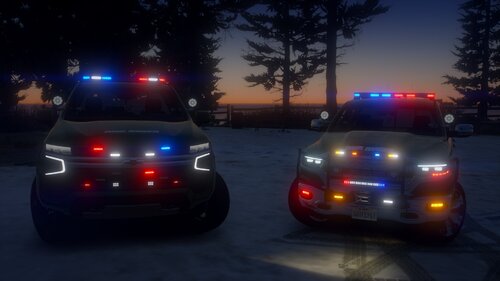 I got tired of seeing the park rangers show up in the default vehicles to traffic stops or incidents in the middle of nowhere. These vehicles definitely look and function better.
- 56 comments
- 9 reviews
-
 This is a must-have for anyone who likes to run traffic in LSPDFR. The controls are simple and the display is easy to read. I love it.
- 235 comments
- 37 reviews
-
All of a sudden, since I played last (five or six days ago), my ELS lights aren't working. The ELS control panel loads when I press CTRL+P and, when I activate stage three lighting, the tail lights flash. My sirens appear to all be functioning properly, too. I have tried the often-recommended fix of uninstalling the ASI Loader and OpenIV.asi, reinstalling, and restarting my PC, but this has not worked. Does anyone have any tips or suggestions for where to go from here? I'm very confused as to how or why it suddenly stopped working.
-
 I like to run traffic and I've been looking for something that will show the speed limit. I replaced PLD with this and couldn't be happier!
- 200 comments
- 22 reviews
-
It worked! Thank you!
-
I haven't played for a while, but I haven't made any changes since the last time I played and everything ran smoothly then. Tried to start up tonight and I can't go on duty through a police station or through forceduty. It freezes no matter which option I choose. I have attached the RPH log because I have no idea how to read or understand what it is telling me. If anyone can help, it would be much appreciated. RPH Log 20230821.txt
-
 These are the only sheriff cars I'll use anymore. After searching for "the perfect car", I've stopped my search with these. The lights are beautiful, paint scheme is gorgeous, and the interior is immaculate. Very nicely done.
- 73 comments
- 22 reviews
-
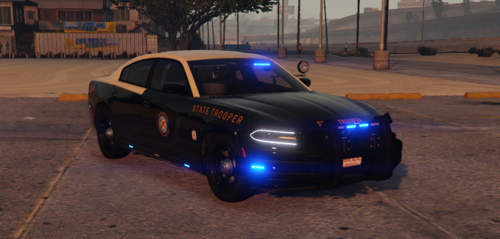 I run this car and the matching car with the Vector on top as fbi and fbi2. The detail is phenomenal. I like the additional files for tint and tire shine that are included. Thanks for putting this out!
- 11 comments
- 1 review
-
Easy to use, easy to move around the screen, easy to configure and keybind. 10/10. Very nicely done.
- 235 comments
- 37 reviews
-
-

- 1
-
-
I have posted several screenshots and I always get asked where I got my sheriff cars from. I happily link to this pack. These cars are fantastic, with lots of lighting options, good handling, and attention to detail. They also provide a nice contrast from my darker-colored LSPD and SAHP vehicles.
- 73 comments
- 22 reviews
-
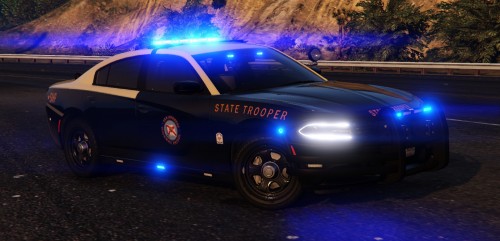 I love this car! It has a plethora of ELS settings, good detail, and is lore-friendly. It's perfect for doing highway work in San Andreas.
- 30 comments
- 21 reviews

