


TmBB101
Members
-
Joined
-
Last visited
Everything posted by TmBB101
-
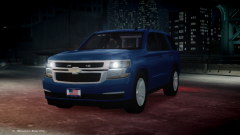
From the album: Law523 On-Duty
May be used in 10-8RP...the world may never know! -

From the album: Law523 On-Duty
-
Keep in mind that they have thousands of programmers, modelers, scripters... . Here at LCPDFR there are not even a handfull of those types of people.
-
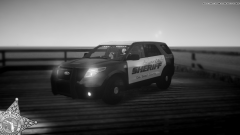
From the album: Law523 On-Duty
Finally got her a skin...Just need to finish adding the ions! -

From the album: Law523 On-Duty
The model is a WIP that can be found in my other gallerys. -
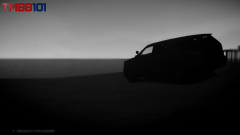
From the album: TmBB101's WIPs
Working on a explorer for my community 10-8RP or the OBCDPS. -
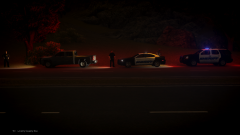
From the album: Law523 On-Duty
Join Today............ -
https://www.youtube.com/watch?v=9ZOKlzrNDvE&feature=youtu.be This is my Xtras Channel and Not my primary one!
-
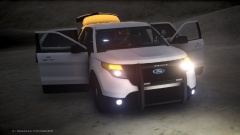 Thats what I meant, thought about it a minute after I posted the image... ....(No need to correct me!)
 -
From the album: TmBB101's WIPs
Still need to remove the lights on the bottom (forgetting there names..No need to correct me!). -
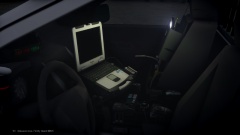
From the album: TmBB101's WIPs
Once again another shot of the interior.. -
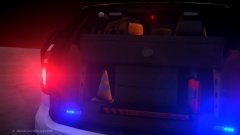
From the album: TmBB101's WIPs
Still needing to downsize the ions and rotate the top right one to match the light setup. -
-
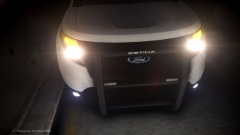
From the album: TmBB101's WIPs
I understand the explorer has lots of fixing to do,,In all honestly it will never be a PI. -
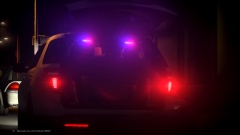
From the album: TmBB101's WIPs
I understand the explorer has lots of fixing to do,,In all honestly it will never be a PI. -
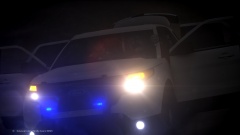 I'll be sure to take them out. Thanks for the info.
 -
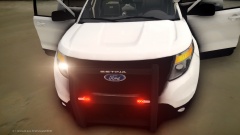 Good Point...But I didn't.
 -
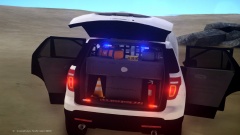 Thanks! I'll look into it.
 -
-
From the album: TmBB101's WIPs
Too many ions? -
From the album: TmBB101's WIPs
Grill & Rambar -
From the album: TmBB101's WIPs
Front View of Explorer -
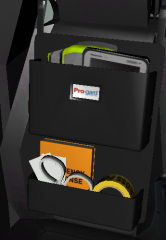
From the album: TmBB101's WIPs
I've been doing some edits just adding some stuff and all. Still need to fix those tickets. -
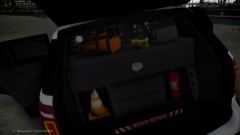 It sure did bring it up but its at 110,000 polys right now according to OpenIV.
 -
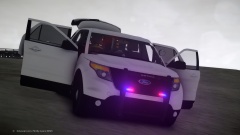 Thanks!

