


WrierKibbles
Members
-
Joined
-
Last visited
Everything posted by WrierKibbles
-
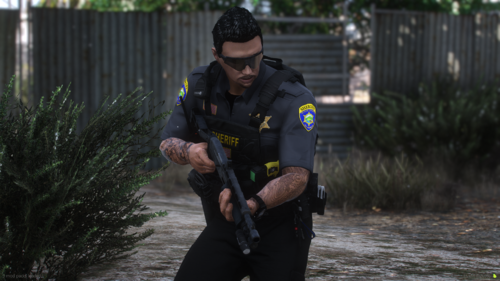 One thing you're going to learn about this community is they assume everyone knows how to do this. Like myself I can do a lot of modding through Open IV but when it comes to uniforms if they don't give me the pathway to install the pack I won't even bother. Kind of bad on the creator because his work won't get used by a lot of people simply because a pathway wasn't provided.
 -
I re installed more radio chatter and fixed the issue. i purposely stay on older builds so my plugins will run.
-
So this problem started after i added two plugins i have sense removed the plugins but the issue has persisted the plugins were opticom, MCCallouts and ransom ambience. I believe i deleted everything that was included with these files but maybe not. I've attached my RPH log please take a look and help me lol
-
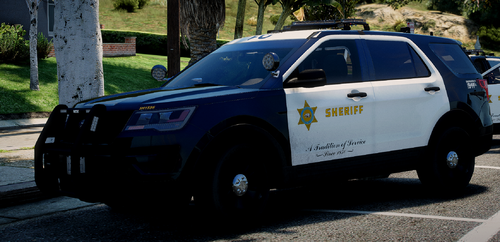 great texture and for those who were complaining about the pack not being linked, you literally just need to find the pack on your own but since you guys are lazy here is th link
- 4 comments
- 4 reviews
-
-

- 2
-
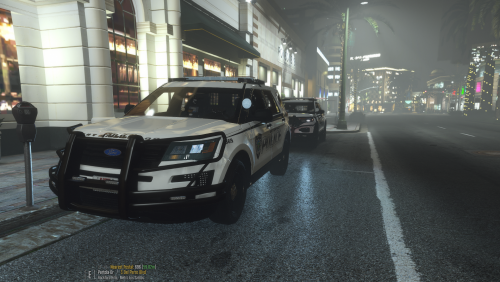 Tried this on like 20 different models and it doesn't fit any of them maybe link whatever pack you used for the 2020.
 Script is great but will cause a lot of plugin crashes. Had to remove. You have been warned but I don't think he is done working on it yet so stay tuned.
- 447 comments
- 17 reviews
-
-

- 1
-
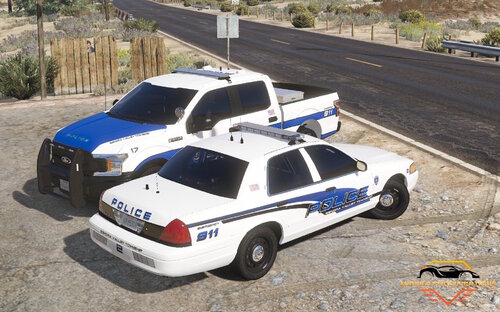
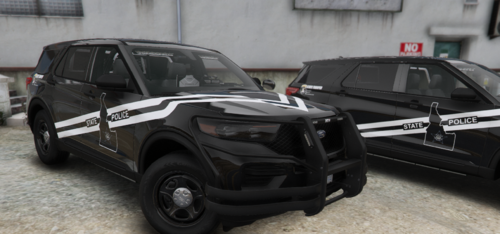 It's Idaho State Police.
 You don't have to use the recommended pack just be aware that you will most likely have a lot of trial-and-error testing it out on vehicles made by other creators. always view the vehicle in open IV before launching the game to save you time.I just reverted got it squared away.where is the update the rage website says it was last updated in 2021??So Ive added a new log and a video of what the game is doing if you have any ideasmade a video so you can see what is occurring.DarkVypr DarkVypr So ive gone as far as to even remove all the callouts and launch rph like that as well and i still get the 3 or 5 beeps then gta crashes and i end up back on my desktop. heres the most recent loggame is still crashing when using grammar police or requesting a call through the menu. basically the game will crash anytime you attempt to use anything. Ive uninstalled gta 5 and lspdfr and reinstalled and continue to have the same problem.Im confused on what you want me to do?Heres my log. the game isnt loading up like it usually does either. I had a few crashes yesterday and it seams to have become an even bigger issue please help.Hello, I followed a tutorial from criminal justice to install a 45 car dlc pack. I added all the files he said I needed to avoid a game crash and when the game still crashed, I back tracked and removed everything I downloaded and added into the game. but I'm still getting crashes won't even get past the main loading screen. here is my crash report below.



