



Ecytrsi
Members
-
Joined
-
Last visited
Everything posted by Ecytrsi
-
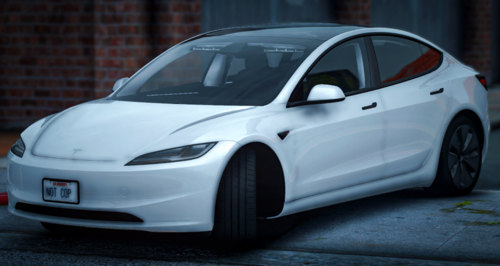 some people just like els more
 -
-
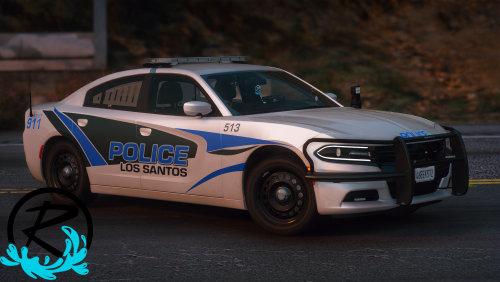
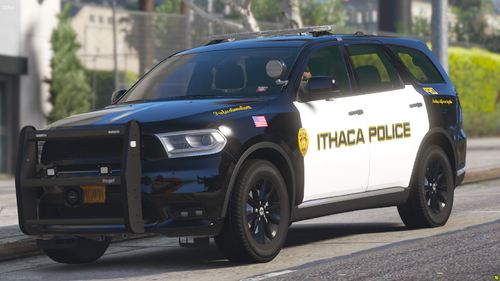 the "ithaca police" text isnt aligned with the car detailing
 -
could you make the text not crooked if its not like that irl, also great work from an upstater here
-
-
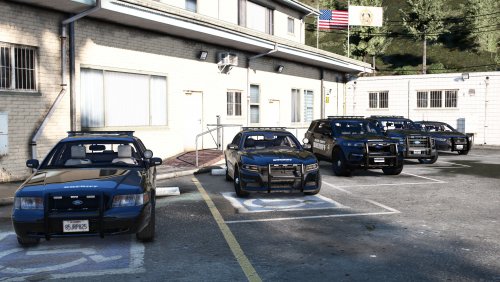 not addon??
 -
-
.thumb.png.985469555362d02c542d202409af4013.png) yoooo this is sick
yoooo this is sick -
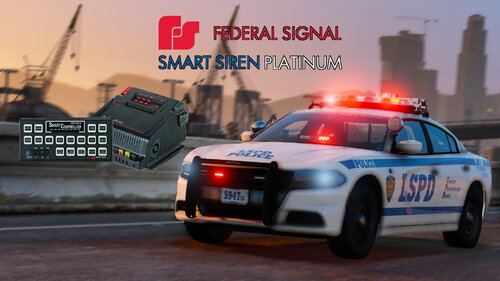 OpenIV tells me: Some files not imported, more information below. vehicles.oac(Line 16): File "vehicles\0x000E3CFA.wav" not found. Any reason for this?
- 36 comments
- 4 reviews
-
 finally
 -
-
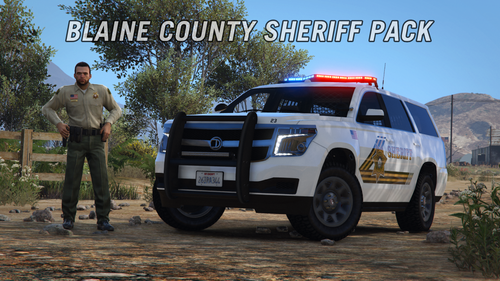 nice to see you finally posting on lspdfr
 -
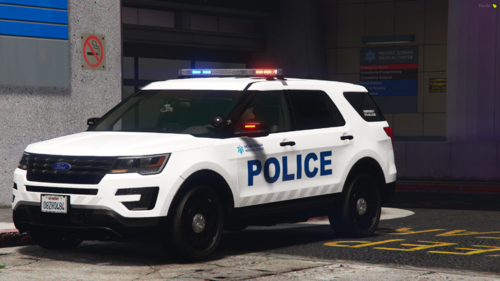 i dont see the spawn option in my trainer, despite everything being in correctly?



.thumb.png.985469555362d02c542d202409af4013.png)

