cytenexu
Members
-
Joined
-
Last visited
Everything posted by cytenexu
-
-Copy.thumb.png.61782dab4302e59ed828c5f2cdb1945b.png) how can I add some of my own items to this? I tried to and the only thing i get is "nothing of interest" or just have a blank transparent prompt appear when I try to pat down or search vehicles. i didn't add much either aside from some of the rifles being bump-stocked, some glocks having full-auto switches and a small list of blank-firing pistols converted to 7.65mm (which I may also add I made rare)
how can I add some of my own items to this? I tried to and the only thing i get is "nothing of interest" or just have a blank transparent prompt appear when I try to pat down or search vehicles. i didn't add much either aside from some of the rifles being bump-stocked, some glocks having full-auto switches and a small list of blank-firing pistols converted to 7.65mm (which I may also add I made rare)- 7 comments
- 2 reviews
-
 weird thing's been happening to my game's textures every time i bring up the stp prompt. whenever i ask an arrested ped a question (for example, I read them their miranda rights or ask them for consent to a search), the textures of the game glitch out - meaning they either become blurry/low quality as hell, or they just disappear altogether. any solutions? Here's an example. this also happens with other buildings and also roads
- 184 comments
- 72 reviews
-
-
 how would one be able to disable the realistic weapon system with this? I prefer the vanilla gun system a bit more
- 692 comments
- 29 reviews
-
-

- 1
-
-
would i be able to use custom gun models (i.e. the ones installed through weapons.rpf, along with some mods ive made in weapons.meta that make the guns semi-automatic) without the models conflicting with the script?
- 692 comments
- 29 reviews
-
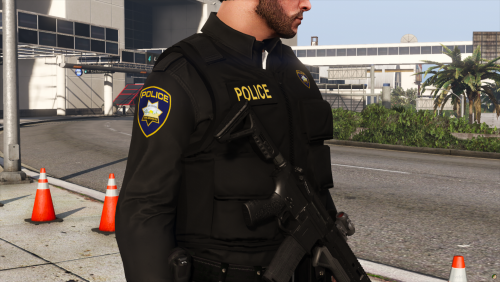 whats the badge you have in the screenshots?
-Copy.thumb.png.61782dab4302e59ed828c5f2cdb1945b.png)