


Steven99999
Members
-
Joined
-
Last visited
Everything posted by Steven99999
-
 yes i brought this up to venoxity to see if a script could be made to have the extras you want on a car to spawn cause i just got a new pack that was non els and used extras for the lightbar,visor lights, grill, and bumber lights along with some other things i totally forgot about till this morning when he dmed me to test some stuff to get the plugin ready for a release and was suprised to see that it work in game after a couple of tries to see what else needed to be added to the code for addon cars to work and after we got it working he put it up in the gta 4 mods section by mistake
 -
dude thats what this whole plugin is for i put this in Venoxity head a month ago
-
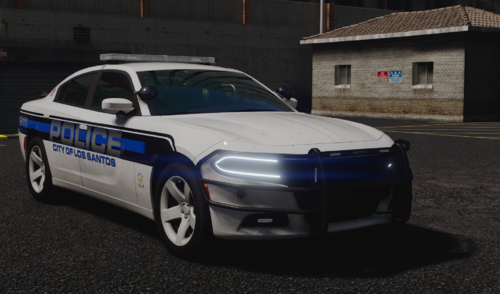 the lights are in somewhere in extras 1-12
 -
-
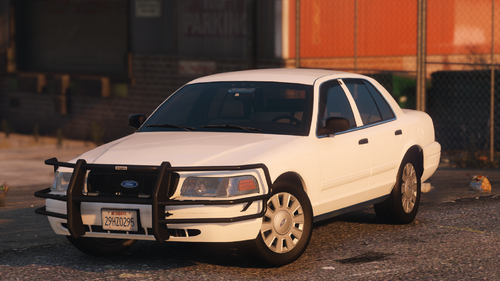 thank god there is not a fpiu back lightbar there
 -

.thumb.png.1e51e7718763b855717b6048369b5d10.png)

