Zesty
Members
-
Joined
-
Last visited
Everything posted by Zesty
-
-
I am a support member in one of the servers, I have helped thousands of people. I can promise you no one is judgemental, its probably the least toxic community you'll find.
-
No one replied due to the fact your post was marked as a solution and you basically stated you was done with wanting help. Secondly discord is the best place to go, it's not hard to search "lspdfr support discord" and I promise you'll find some a server or maybe multiple to help you. I can link you one but I'm not sure that's allowed. With that being said, if you are getting back into lspdfr I'd suggest just making a new forum post detailing your issue. Have a good day.
-
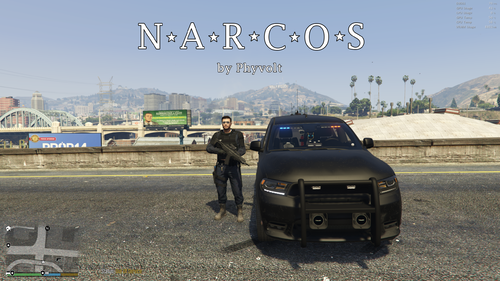 this sounds like it has potential, good job!
 -
Hey mate, that's the wrong log. The right one is found in your gta5 directory named "ragepluginhook.log" The file icon looks like text file :)