kmann1355
Members
-
Joined
-
Last visited
Everything posted by kmann1355
-
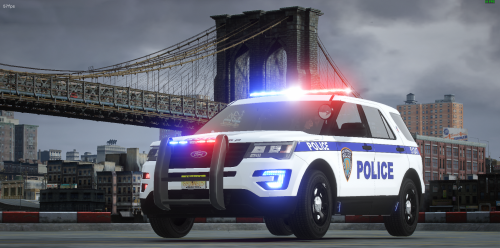 I would definitely use this vehicle if there were other vehicles as well. You should add the taurus, charger, and tahoe skin. 🙂
 -
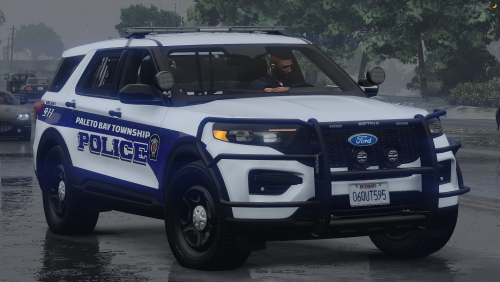 okay, so when i went to add the liveries to the legacy pack, they are backwards. They are not fitting correctly. this is why i was wondering. any thoughts?
 -
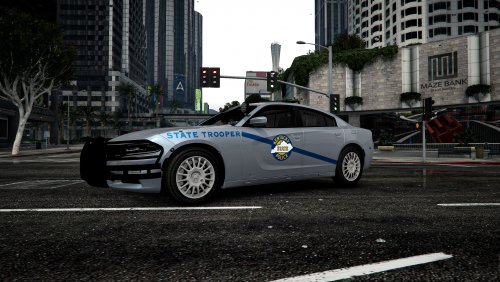 The BEST KSP charger on the market!!! Love this LIVERY! Good job man!!! 🙂
 -
Can you post the vehicle links for the FPIU with the push bar, and the 14 charger? I literally have looked everywhere and cant find it!! Please help!
-
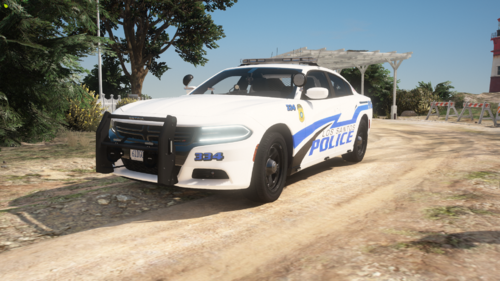 I get that its an older pack, but why not update it?? You should, and make it a mega pack. Also i joined your discord and there is absolutely nothing on it... Shouldnt there be stuff on it before asking people to join it? haha 🙂
 -
Too Bad this isnt a mega pack!! i would use it on my stream!! You should make this into a mega pack with different vehicles!!
-
-
 This was the best Radar by far!! It needs to be updated asap!!!! Please update this!
- 101 comments
- 40 reviews
-
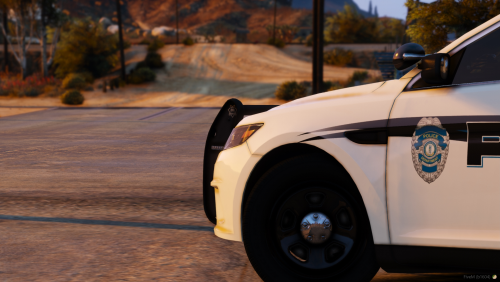 Exactly!!! i wanna know as well! haha
 -
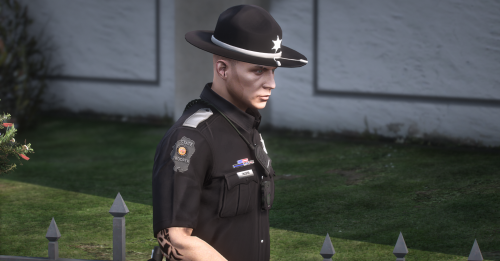 what belt is this?
 -
-
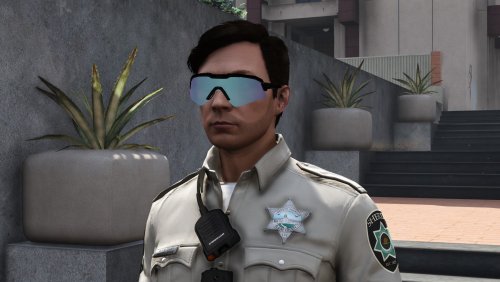 So I followed the path and installed all 3 files, and when I pull up eup, they are no where to be found.. please help!
 -
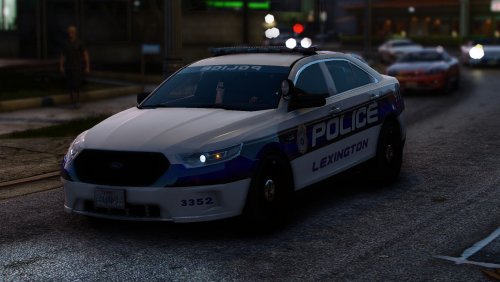 The cars look amazing!! The only problem is the new taurus's have the new light bars that are clear... they also flash white as well as red and blue. You should update these asap. Love the pack so far though!! the new light bars would make this pack irresistable!!