


gti92
Members
-
Joined
-
Last visited
Everything posted by gti92
-
-
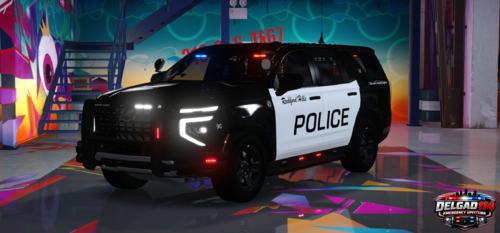 very nice work, can you do an unmarked version ?
 -
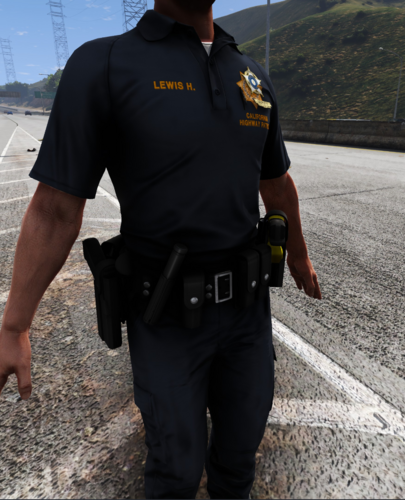 Pretty nice mod, can you do a variant with unholstered taser (basically just a version without the taser but just his holster opened) so it can be compatible with realistic holster mod, and also can you make the taser green like the LAPD ones great work
 -
-
-
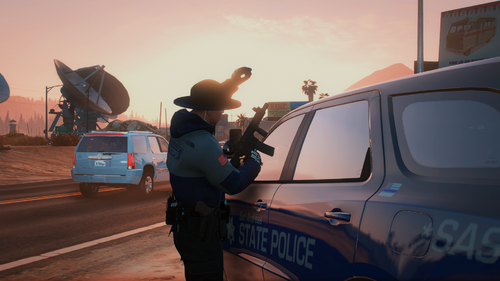 sounds well, it just need to be a bit more punchy and you need to add more reverb
- 11 comments
- 1 review
-
-

- 1
-
-
 since the last update, the nearby shots are very muffled,n you can barely hear when the npc are shooting at you even if they are at 20ft from you
- 143 comments
- 13 reviews
-
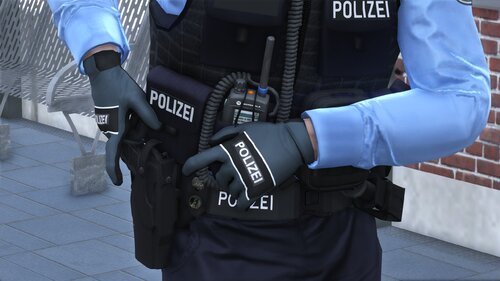 where am i suppose to put the files ?
 -
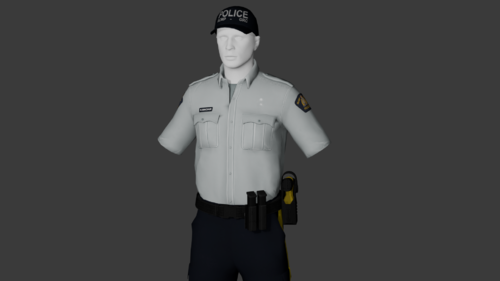 nice mod, can you add a green taser variant and also an empty holster version for realistic holser mod
 -
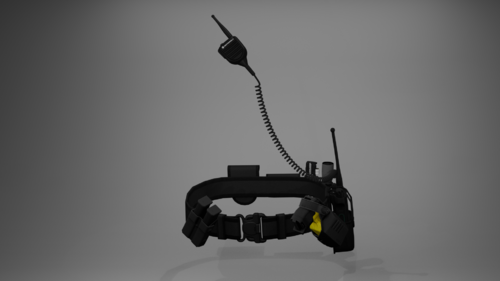 Thanks i've just downloaded it! i don't know if you saw this new mod: basically it's a plugin that switch from holstered taser or pistol version of the belt to the unholstered version as long as you unholster your taser or pistol and vice versa, the author of this mod says that as long as the EUP custom belt has 2 versions (one holstered and one holstered) it should work, i was wondering if you could also put a version of the belt with the unholstered taser Thanks again for your work!
- 7 comments
- 1 review
-
.thumb.png.4ae541125774b3d59e60a0636013f9c1.png) Very nice mod ! it clearly adds more realism, for the pistol it works perfectly fine with this custom EUP holster but for the taser i'm using this custom EUP belt and as soon as the taser is unholstered the belt switches to the vanilla EUP belt I 've read in your description that the custom belts need 2 variants (holstered and unholstered) do you have any suggestions of LAPD belts that would be compatible ?
Very nice mod ! it clearly adds more realism, for the pistol it works perfectly fine with this custom EUP holster but for the taser i'm using this custom EUP belt and as soon as the taser is unholstered the belt switches to the vanilla EUP belt I 've read in your description that the custom belts need 2 variants (holstered and unholstered) do you have any suggestions of LAPD belts that would be compatible ?- 142 comments
- 11 reviews
-
 the mod looks cool on paper but does it conflict with MTFO: Move The F*** Over mod ?
- 74 comments
- 3 reviews
-
pretty nice mod pretty nice mod ! can you do a Green variant for the Taser 7 like the one used in LAPD ?
- 7 comments
- 1 review
-
-
- 1
-
-
Hi everybody i've downloaded some accessories like LAPD belts, badges, holsters, radio, bodycam etc... so i've replaced the files in openIV in the related directories mentionned in readme files that are in this path C:\Program Files (x86)\Steam\steamapps\common\Grand Theft Auto V\mods\update\x64\dlcpacks\eup\dlc.rpf\x64\eup_componentpeds.rpf\ but ingame when i open eup menu its not replacing the vanilla uniform and accesories like the LSPD patrol class A still has vanilla bodycam instead of the modded AXON that i've added. if i want to have all accessories i have to go into the wardrobe section and find the specific accessories among the dozens of categories and hundreds of models... Is there a way to force the replacement of the vanilla accessories without going throught wardrobe customization so it can also affect IA uniforms here's the mod i've downloaded:
-
-
-
-
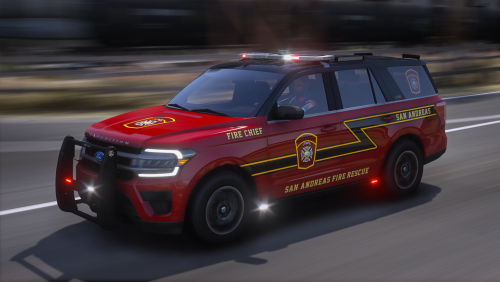 It's not a free mod,you need to pay a patreon sub on RAZ3R patreon page to get this mod It's not a free mod,you need to pay a patreon sub on RAZ3R patreon page to get this mod
 -
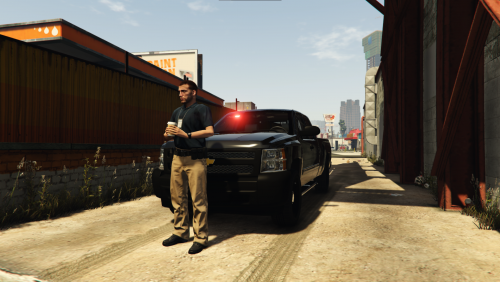 good mod but it would be awesome if the windows were breakable
 -
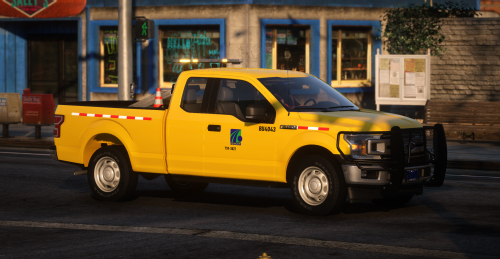 the car has been deleted from here, where can i find it ? the car has been deleted from here, where can i find it ?
 -
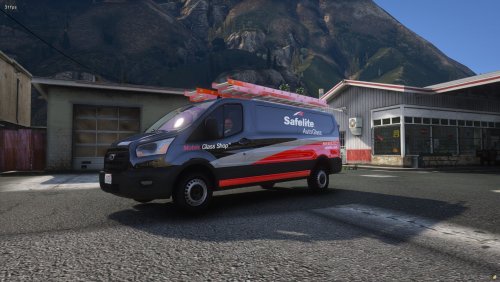 where is the link to the original cars, is the speedometer working ?
 -
 ok, i thought it was a complete model
 -
thanks, i download it but there is no .yft and .hiyft files ?
-
hi, where can i download this car
-
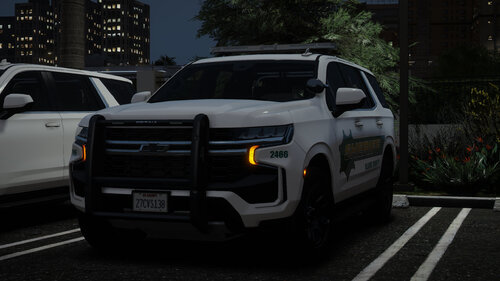
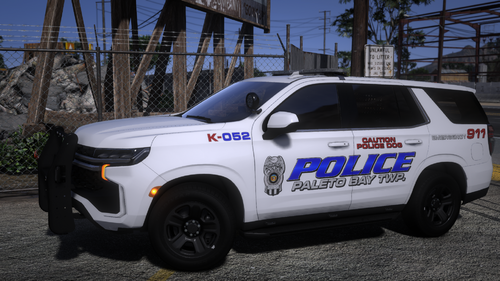
.thumb.png.4ae541125774b3d59e60a0636013f9c1.png)

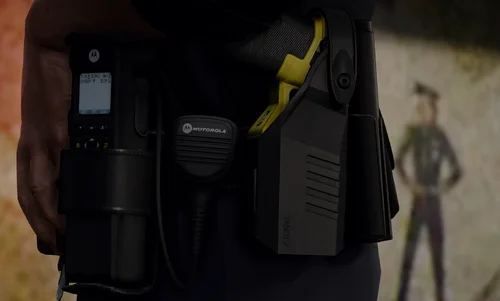


.thumb.png.48773f37517498491da691ea60596d52.png)