
Everything posted by WhosChris
-
.thumb.png.4ae541125774b3d59e60a0636013f9c1.png) Amazing mod, you should add the OG holster animation that cop holster had, the base LSPDFR one seems odd
Amazing mod, you should add the OG holster animation that cop holster had, the base LSPDFR one seems odd- 144 comments
- 14 reviews
-
-

- 1
-
-
 If I find a good base, then I will
 -
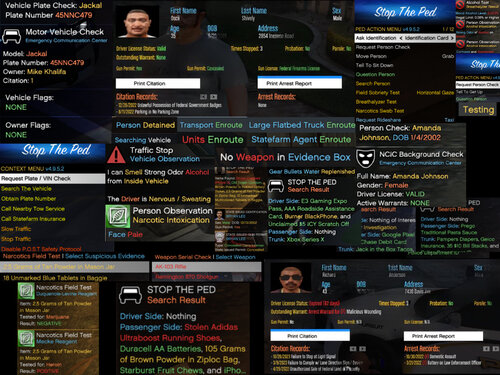
 Plenty of realistic items you can find. Disclaimer: I disclaim all liability for anything that occurs in your game. Do not message or contact me claiming that I messed up your game. Before installing, everyone must read how to install so you can ensure correct installation. Installation Directions: 1. Make sure you download Install Stop the Ped first. 2. Once you have successfully downloaded and installed Stop the Ped, I suggest watching videos by Geoffrey Gamer or BlueLineVibes on how to do so. 3. Then you need to proceed to opening your GTAV Main Directory>Plugins Folder>LSPDFR Folder Inside of Plugins Folder>Stop The Ped then you drag and drop the files into there. 4. I recommend you download WinRAR to open this file with. If you already have it then, open this mod up with WinRAR while also having your Stop the Ped folder open as well. If you need to reach out to me then you can reach me on discord @official_itzchris Appreciation: Thank you all again for downloading this mod. Please use the comment section for any suggestions you will like me to add or if I missed anything. I'm pretty sure I have everything you could ask for in there. I added nearly everything you could think of inside this mod. God bless everyone. Hope you enjoy! Bye, Whos_Chris/official_itzchris
 -
 Amazing work you been putting out, Love the realism your stuff adds. I would love to see a version for ultimate backup.
 -
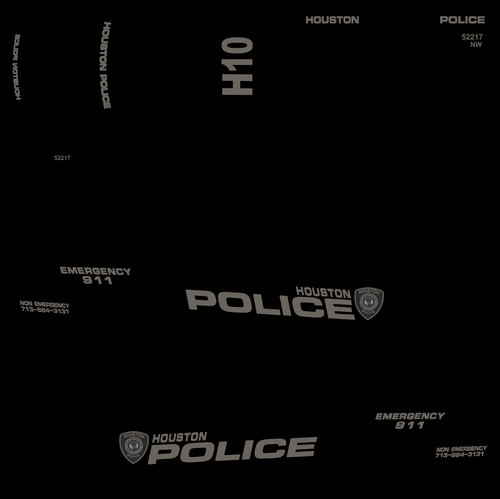 Couldn't even view the liveries properly in your "screenshots of the livery", Bro mainly plugged his channel.
 -
-
 Plenty of questions to choose from. Disclaimer: I disclaim all liability for anything that occurs in your game. Do not message or contact me claiming that I messed up your game. Before installing, everyone must read how to install so you can ensure correct installation. Installation Directions: 1. Make sure you download Install Stop the Ped first. 2. Once you have successfully downloaded and installed Stop the Ped, I suggest watching videos by Geoffrey Gamer or BlueLineVibes on how to do so. 3. Then you need to proceed to opening your GTAV Main Directory>Plugins Folder>LSPDFR Folder Inside of Plugins Folder>Stop The Ped then you drag and drop the files into there. 4. I recommend you download WinRAR to open this file with. If you already have it then, open this mod up with WinRAR while also having your Stop the Ped folder open as well. If you need to reach out to me then you can reach me on discord @official_itzchris Appreciation: Thank you all again for downloading this mod. Please use the comment section for any suggestions you will like me to add or if I missed anything. I'm pretty sure I have everything you could ask for on there. I added nearly everything you could think of inside this mod. God bless everyone. Hope you enjoy! See ya, Whos_Chris/official_itzchris
- 4 comments
- 1 review
-
Most times I'm running radar on Senora freeway at Joshua & Union road since it's a good place to just chill
-
 Actually, what Hoshi is requesting can be solved by editing the handling.meta (basically just editing the deformations)
 -
Nope, My rage plugin hook, game in general and script hook v all up to date
-
I use the plugin perfectly fine with no crashes/no issues, are you sure that plugin is the exact reason for your crashing?
-
@SgtNelsonUSMC You can just go into the game files to a certain extent and change ai speeds.
-
-
-
Fixed in the new update
-
Nothing I can do about the badge being too low since I would have to make the lines leading to the hood smaller
-
Interesting, Which one is off? Considering I used multiple different photos and videos. You're not giving me much details.
-
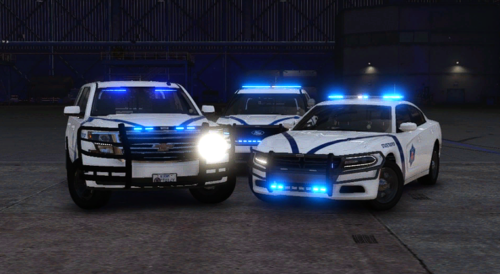
This is some famous Arkansas State Police skins that I decided to make after watching some ASP videos. The vehicle(s) used are from this pack.
-
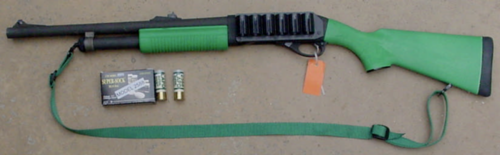 Preview uploaded.
 -
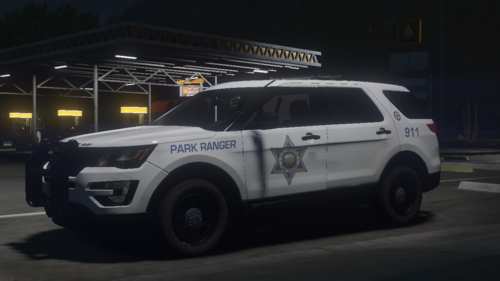 Amazing vehicle!!! 🔥 Keep it up like always also I might want a new vehicle from you soon
 -
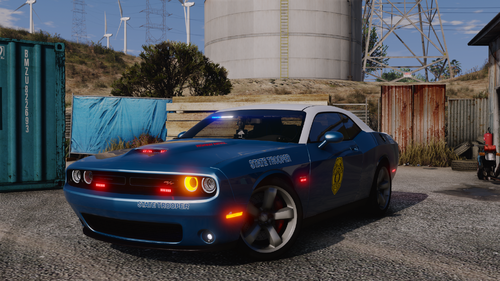 Removing ENB/Reshade then boom issue fixed, if you're asking for a workaround then there's none.
 -
-
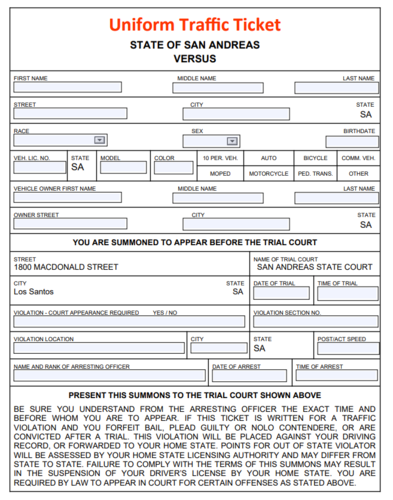 It goes where everything else would your downloads unless you have it set to somewhere else
- 10 comments
- 1 review
-
-
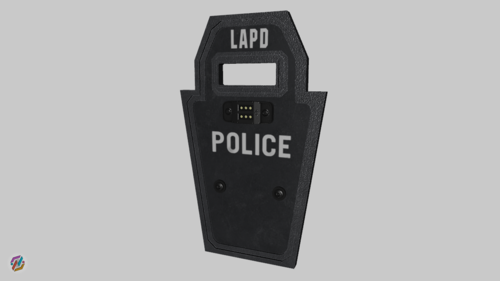 The shield looks amazing man keep up the good work

.thumb.png.4ae541125774b3d59e60a0636013f9c1.png)